
HubSpot CRM Foundation You Need Before Any Certification
Official certifications are incredible, but they assume you already know the fundamentals. This is where you actually learn them.

The Missing Prerequisite
The CRM logic official courses skip.

Verified Authority
Featured in HubSpot’s official newsletter.

12-Step Curriculum
From CRM basics to full RevOps fluency.
Why I Started MONOVOC
“80% of HubSpot’s technical vocabulary was a complete unknown to me. So I documented the missing prerequisite myself.”
In 2024, I needed to move my sales team off Excel sheets and onto HubSpot. I jumped straight into the official certifications — but the courses assumed I already understood the platform’s core mechanics. I spent more time pausing videos to search forums than actually learning.
So I built the missing prerequisite myself: a step-by-step breakdown of how HubSpot actually works under the hood. I used those notes to build our company’s CRM, and sales increased. When I shared the 12-module roadmap on LinkedIn, it was featured in HubSpot’s own Tips & Tricks newsletter and helped hundreds of peers finally understand the system.
MONOVOC is that foundation, built for you. I’m still learning every day, and this hub grows with me.
Wall of Love
What HubSpot Professionals Are Saying
Every comment below is real — click to read the full text.
AS SEEN BY HUBSPOT ACADEMY

Read the full comment
HubSpot Academy · 242,340 followers
“Love the learning, keep it up, Naveed Abbas!!”


investing time into it."


Overview — What's Inside Every Module?
When I started learning HubSpot, I realized there was a huge gap between just “clicking around the software” and actually understanding how it helps a business. So, I broke every single module down into this exact framework.
- Topic Overview:
Plain-English explanation of what the feature is and where it sits in HubSpot. - The Business Problem:
What manual mess or reporting gap this feature actually fixes. - Core Terminology:
Every term defined — no CRM jargon left unexplained. - System Logic:
The under-the-hood rules — like Last Write Wins — that separate beginners from senior admins.
- Step-by-Step Setup:
The exact click-path to configure it correctly from day one. - Real-World Case Studies:
B2B scenarios showing how companies used this to fix broken processes. - Common Mistakes:
The traps 90% of beginners fall into — and how to avoid them. - Admin Best Practices:
Golden rules for data hygiene so your portal doesn’t become a mess in 6 months.
- The Interview Perspective:
The exact technical questions hiring managers ask, and the answers they want to hear. - The RevOps Perspective:
How this feature impacts sales methodology and executive reporting. - The Summary Cheatsheet:
A quick-reference table to refresh your memory in 30 seconds before a meeting.
HubSpot CRM Fundamentals: The 12-Module Notes Roadmap
A structured, step-by-step technical blueprint to mastering HubSpot’s core components from absolute scratch.
HubSpot Objects
Layer 1 — FoundationThe First Thing Every HubSpot Admin Must Understand
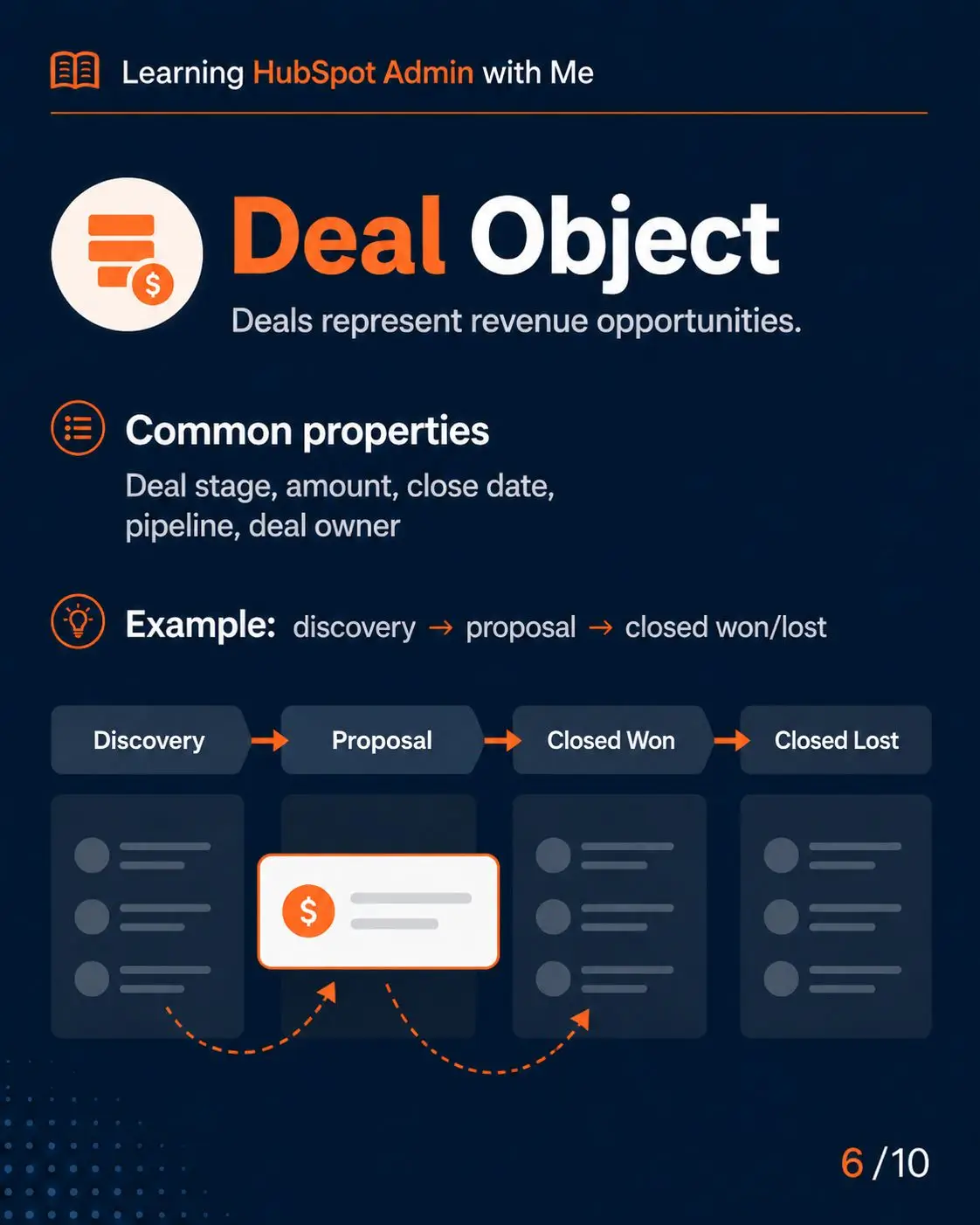
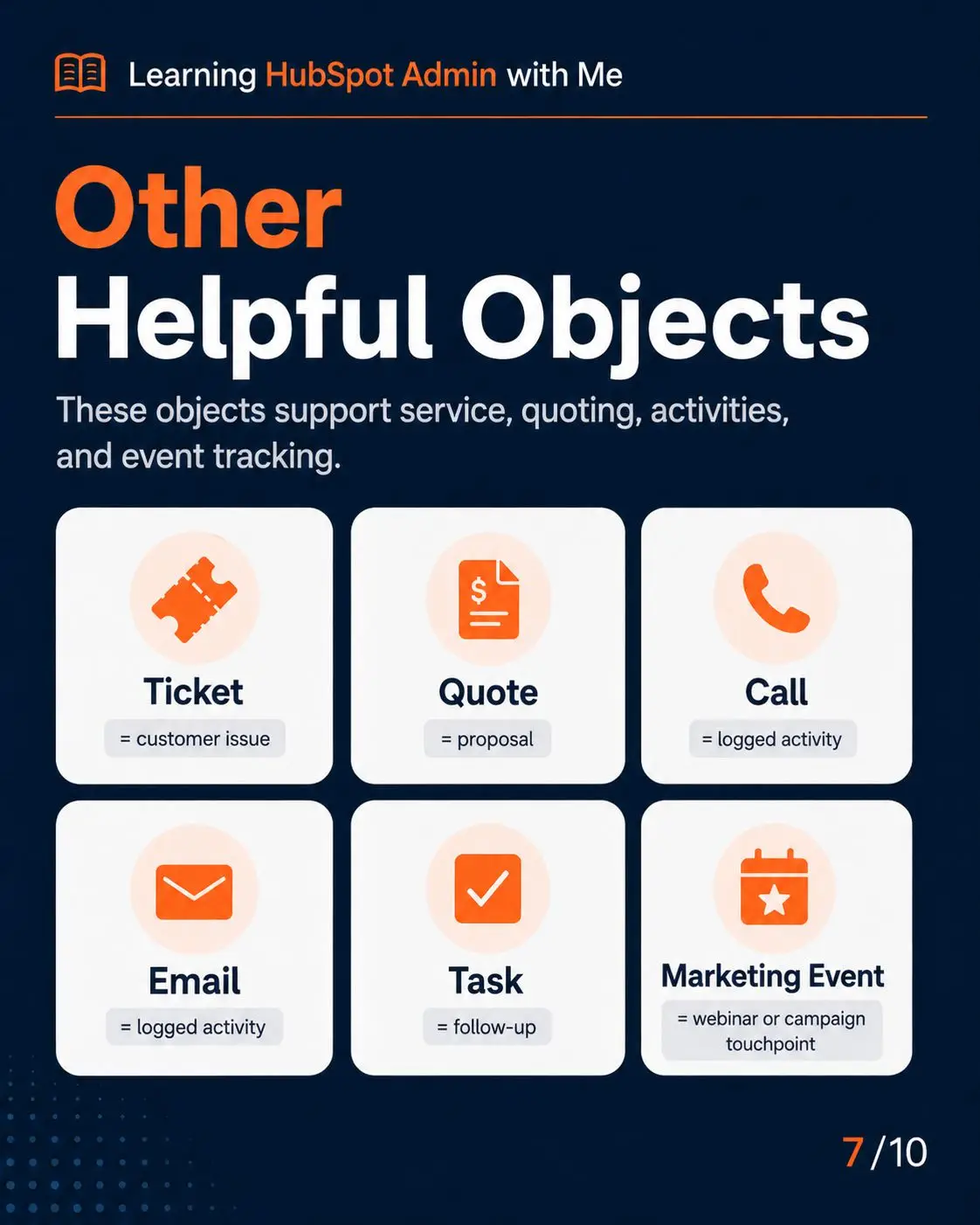
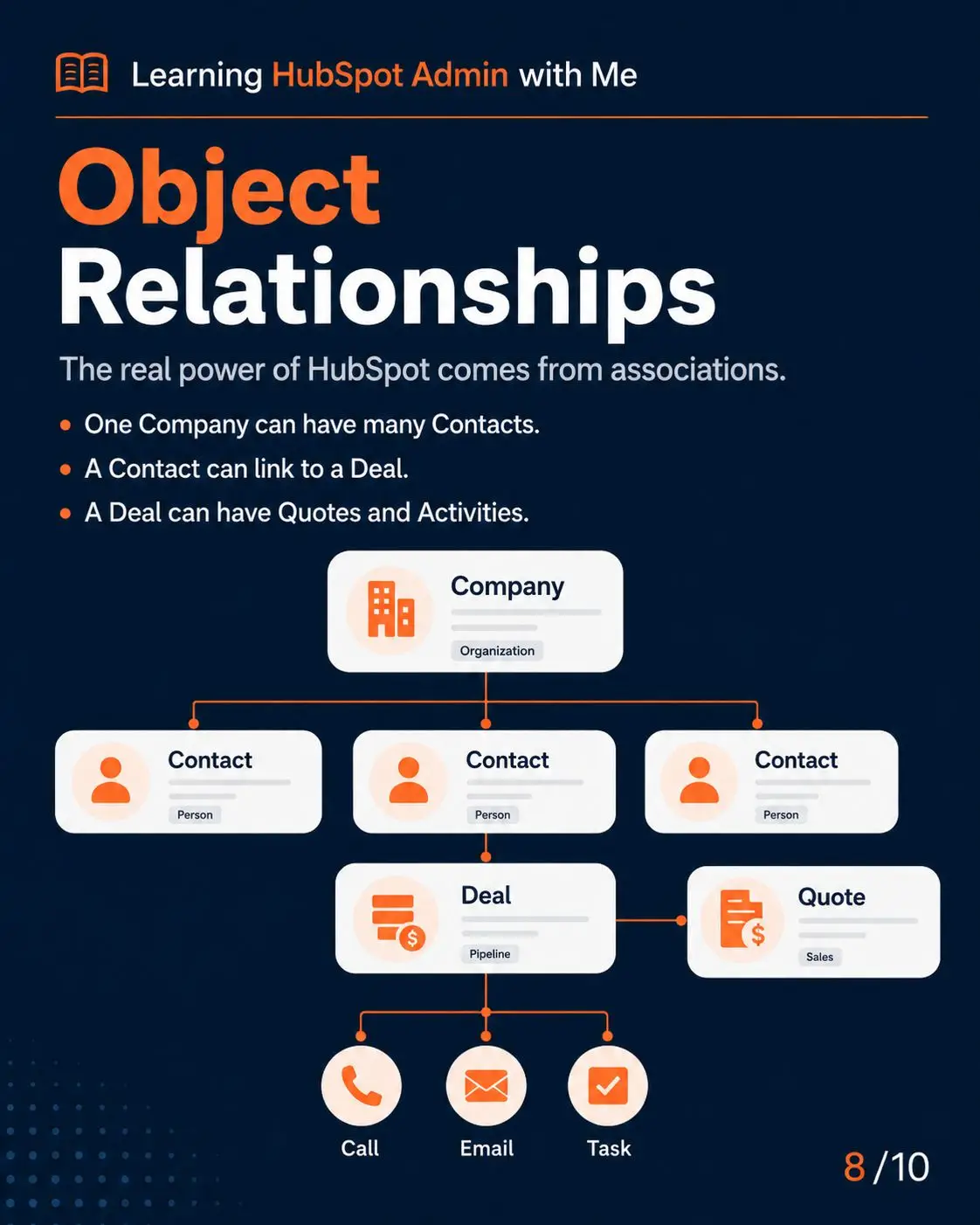
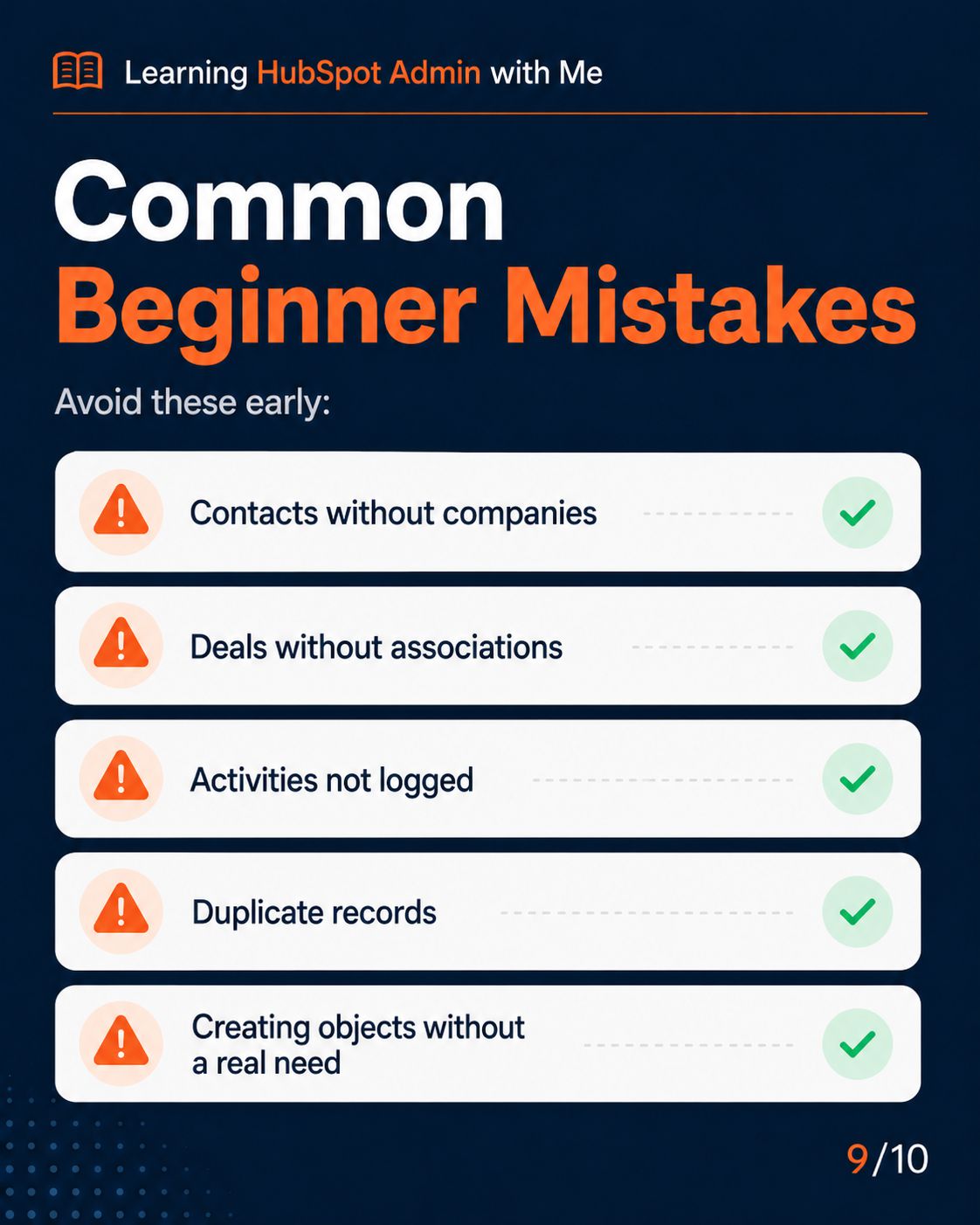
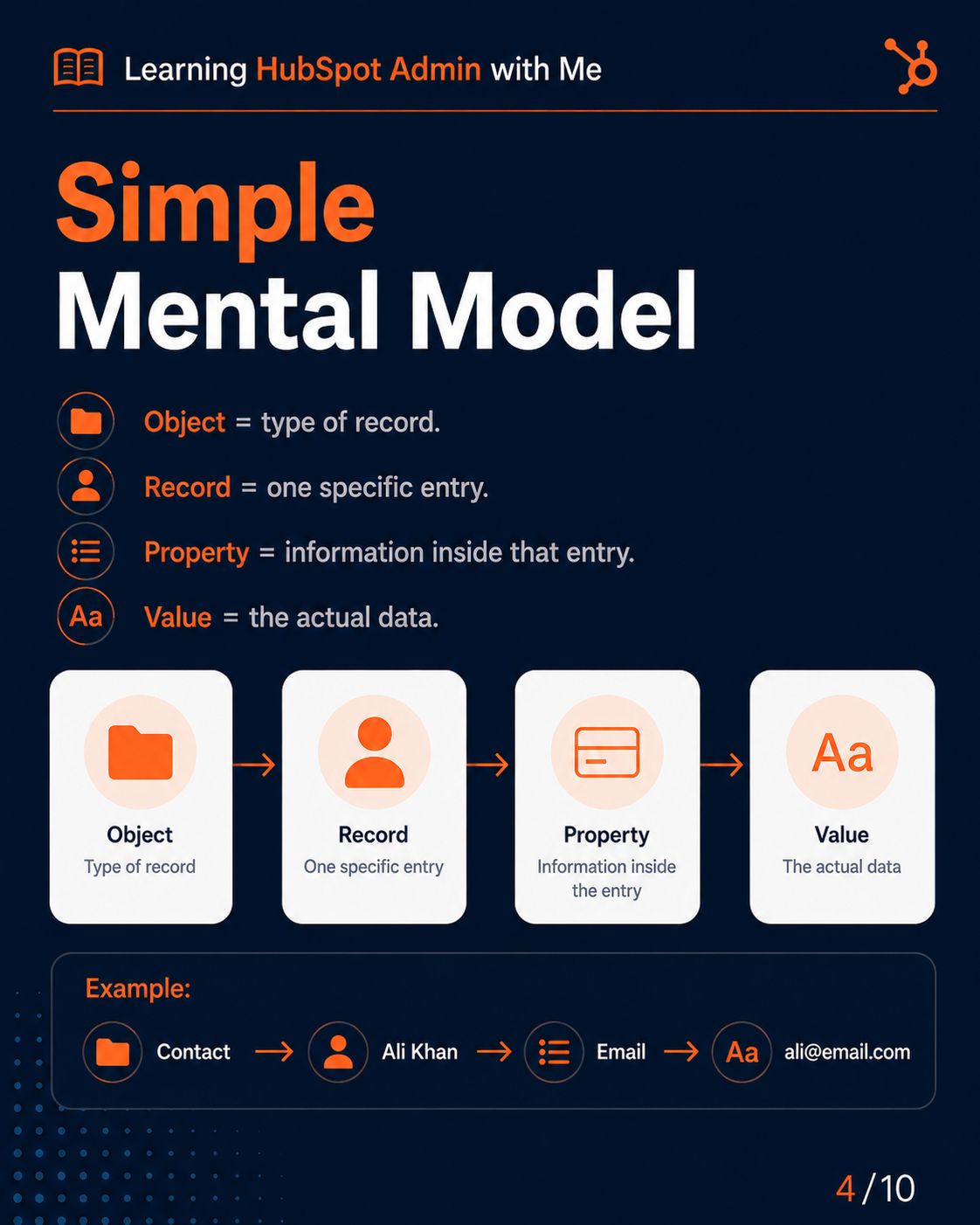
Every HubSpot portal is built on 23 record types called objects, and how they connect determines whether your CRM data makes sense or turns into chaos. This module breaks down Contacts, Companies, Deals, Tickets, and the association logic that links them together. Get this foundation right, and every workflow, report, and pipeline you build afterward becomes dramatically easier.
HubSpot Properties
Layer 1 — FoundationThe Fields That Make or Break Your CRM Data
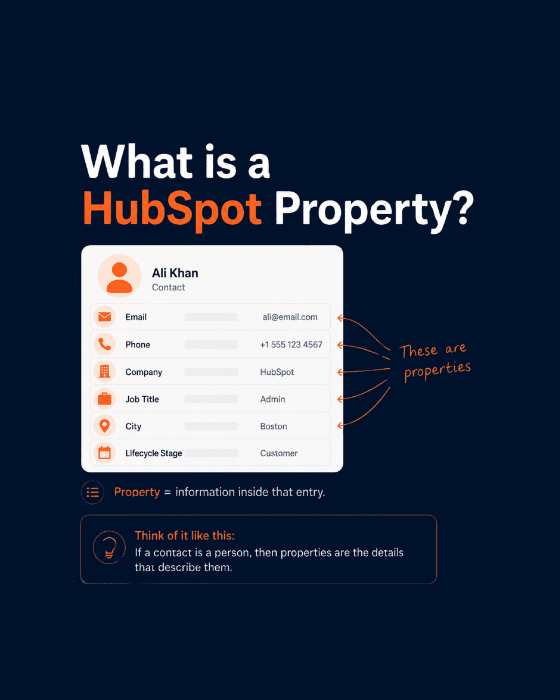
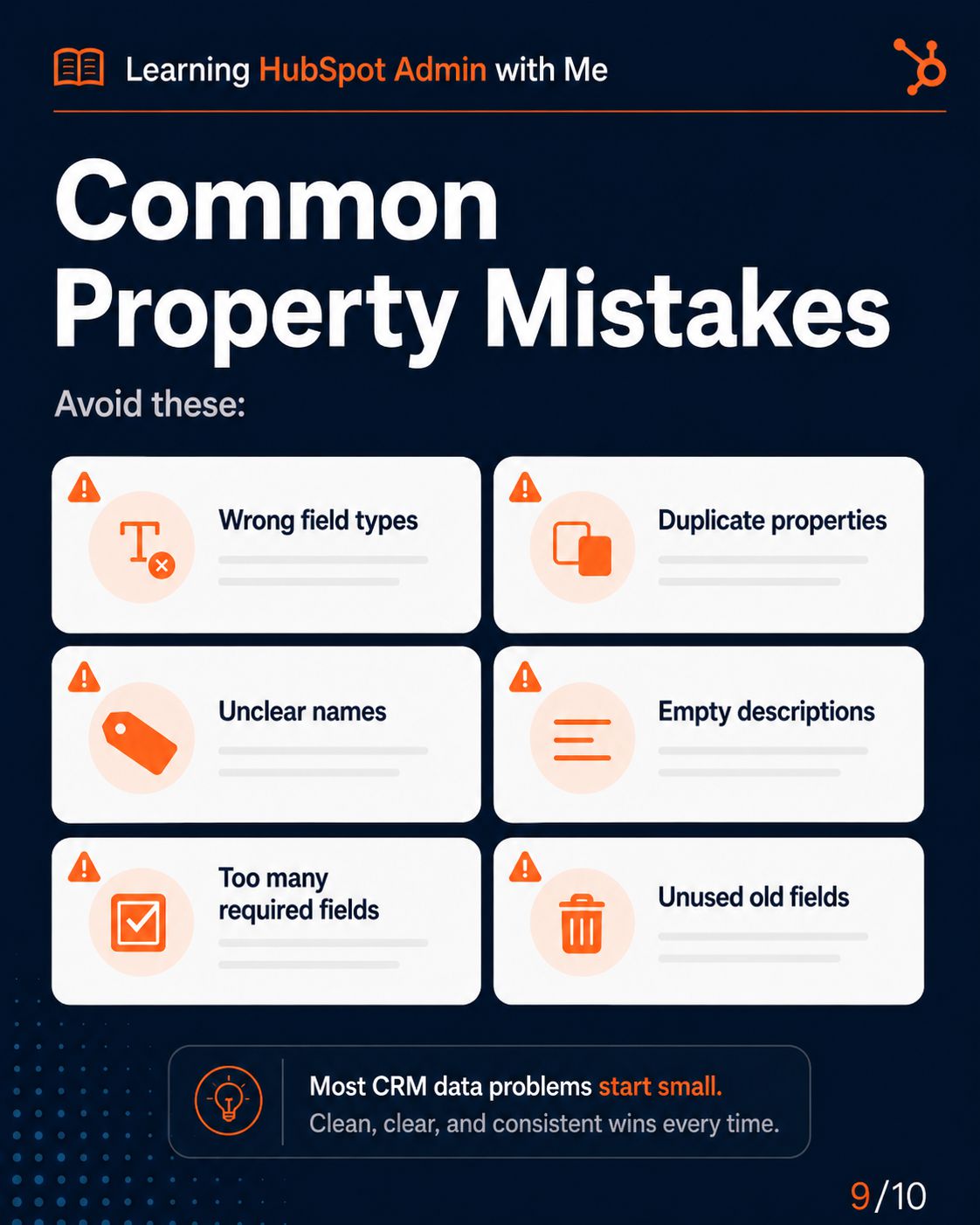
Properties are the fields that store data on every object, and one wrong decision here causes data problems that take months to fix. This module covers all 14 HubSpot field types, why internal names are permanent once saved, and the "last write wins" rule that determines which system controls your data. It's the difference between a CRM that just works and one you're constantly cleaning up.
HubSpot Lists & Segments
Layer 2 — Data OrganisationHow Every Workflow, Campaign, and Report Finds Its Audience
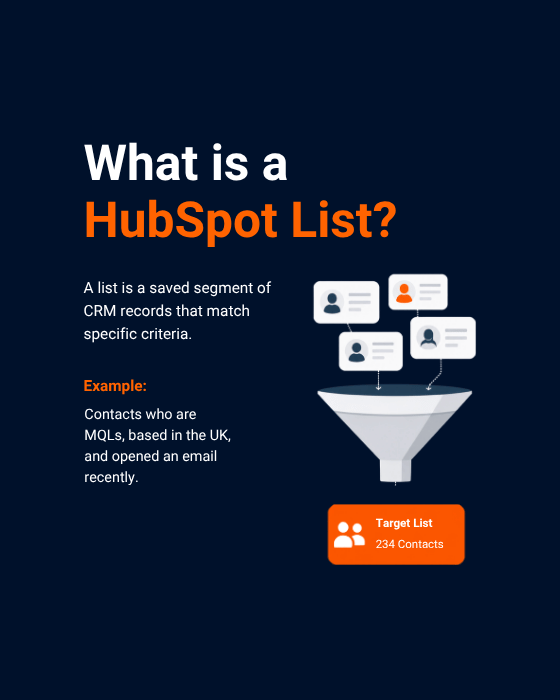
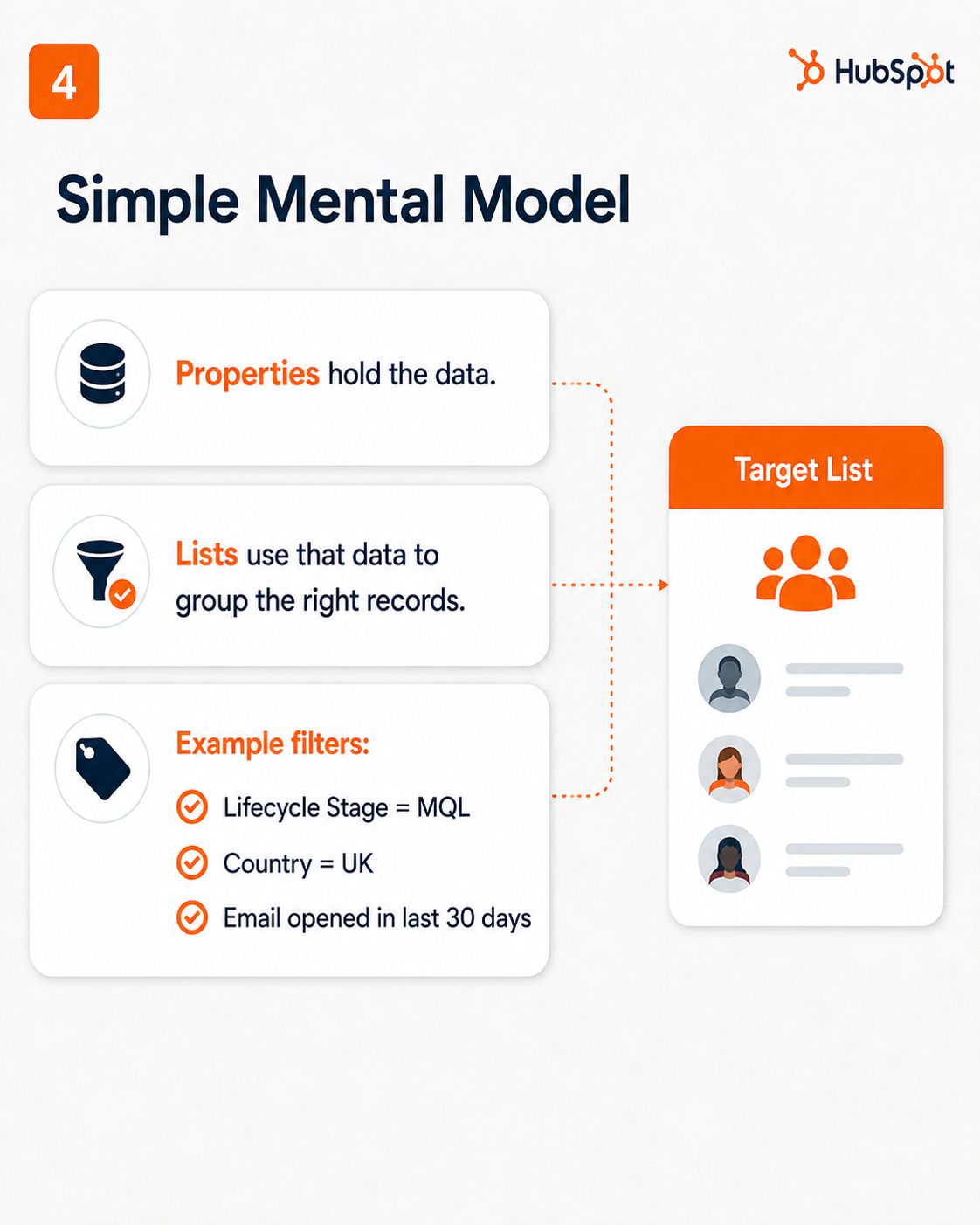
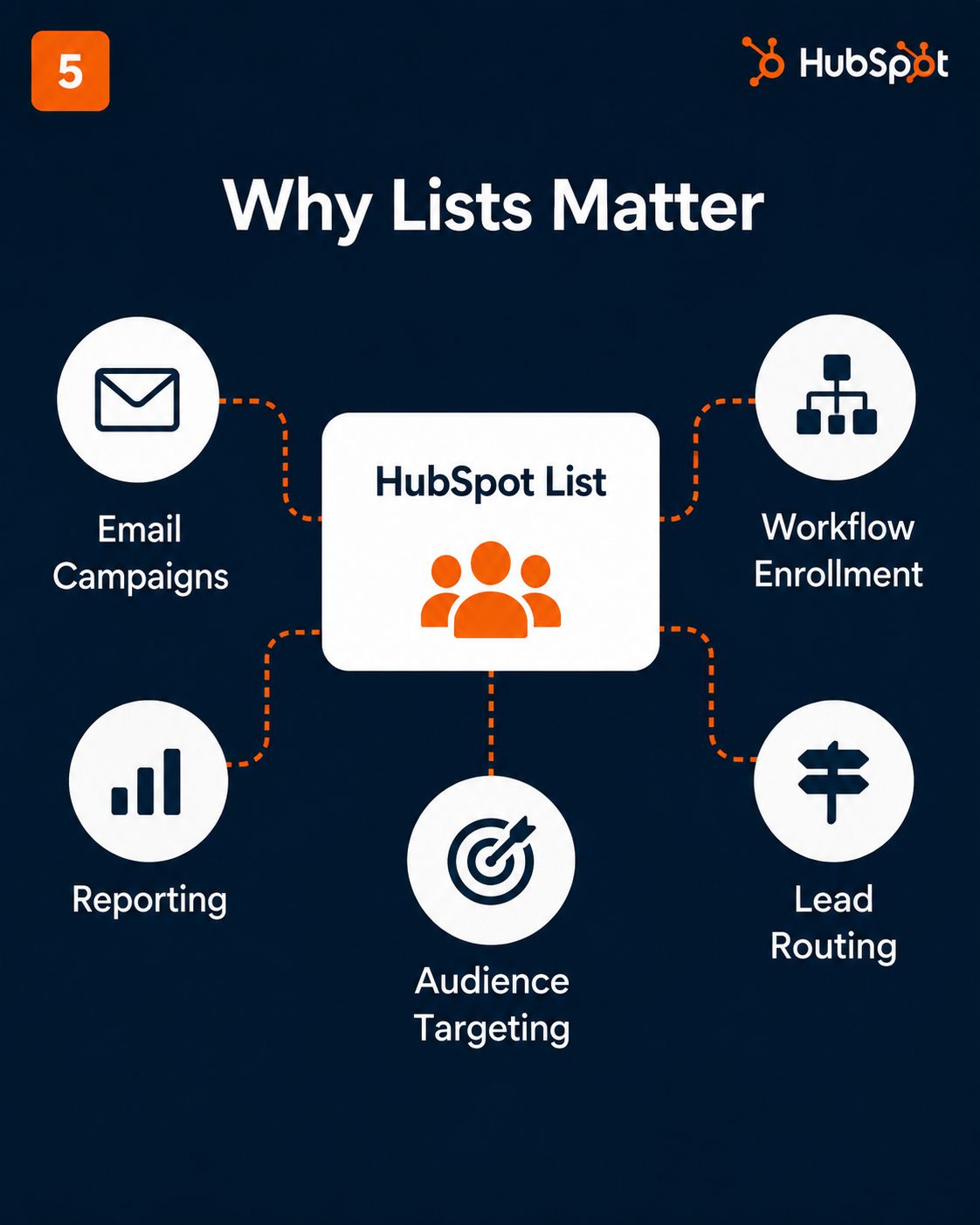
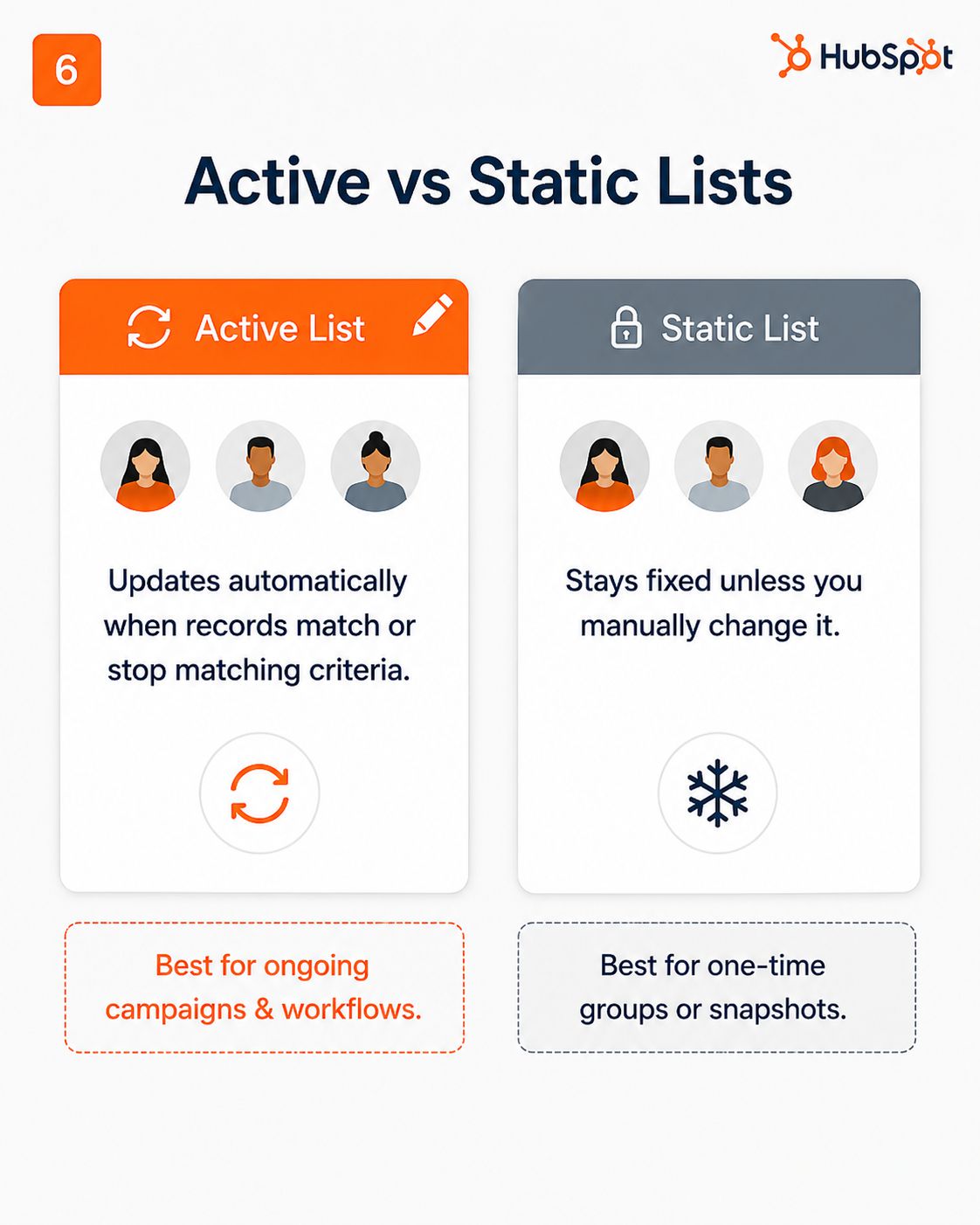
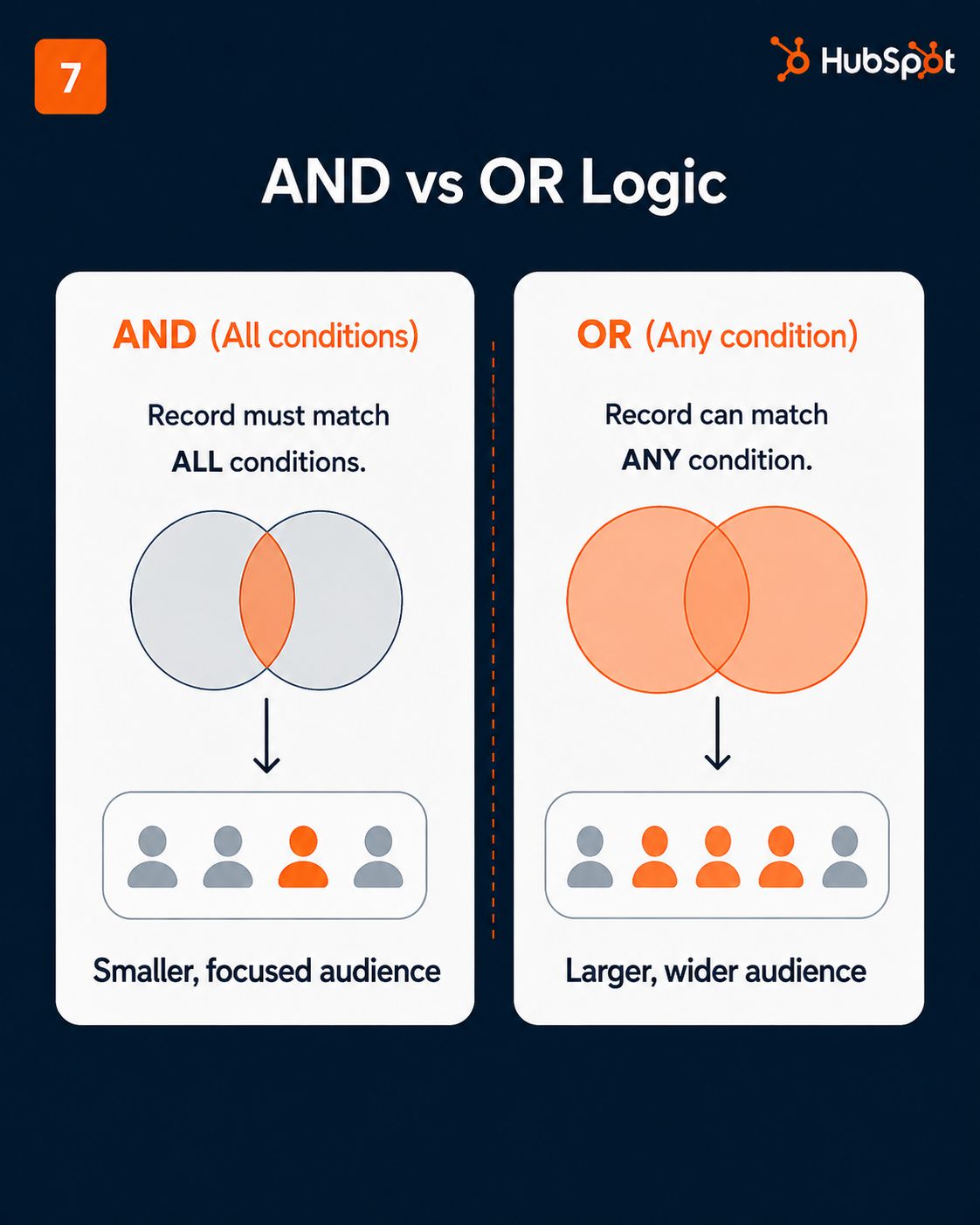
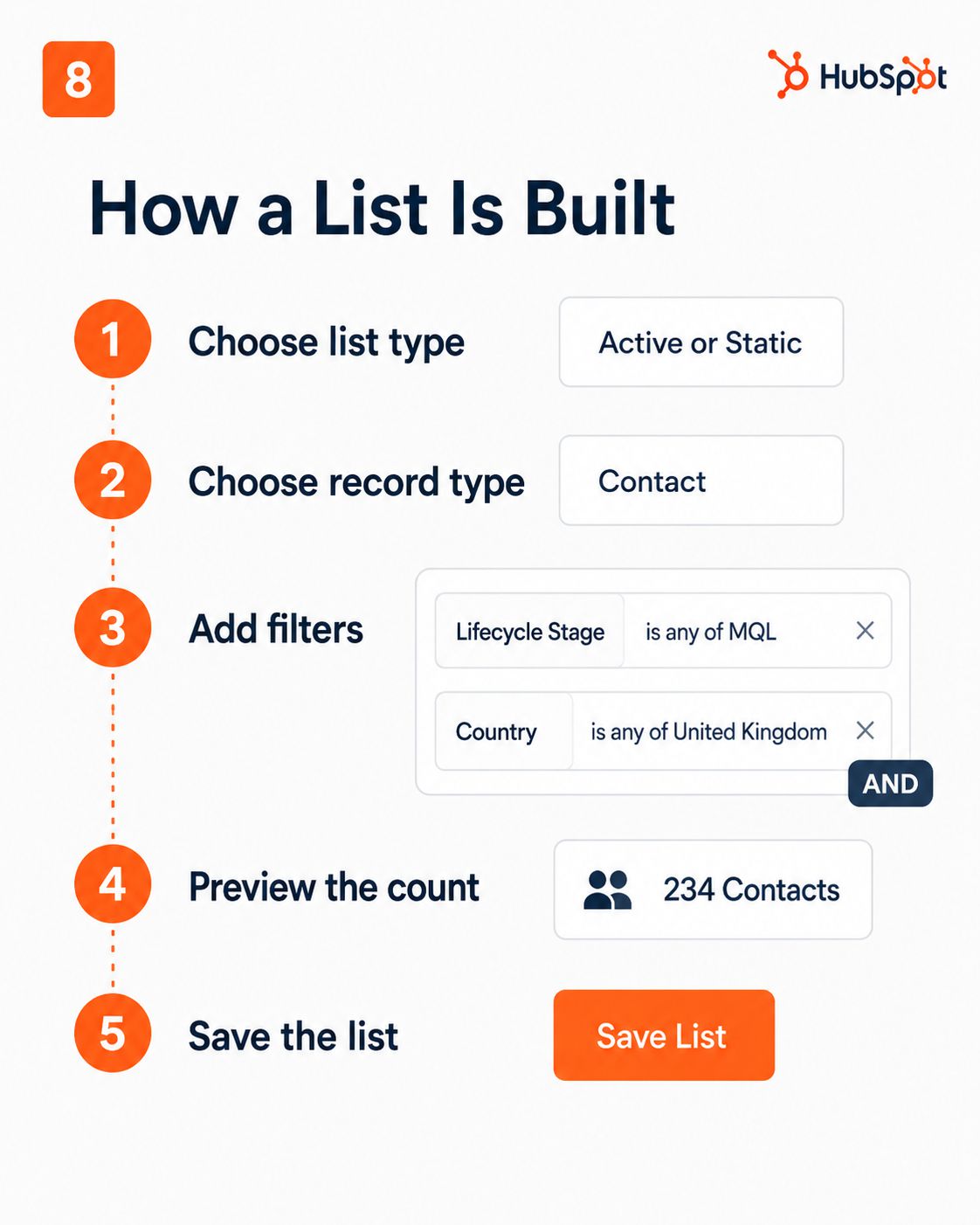
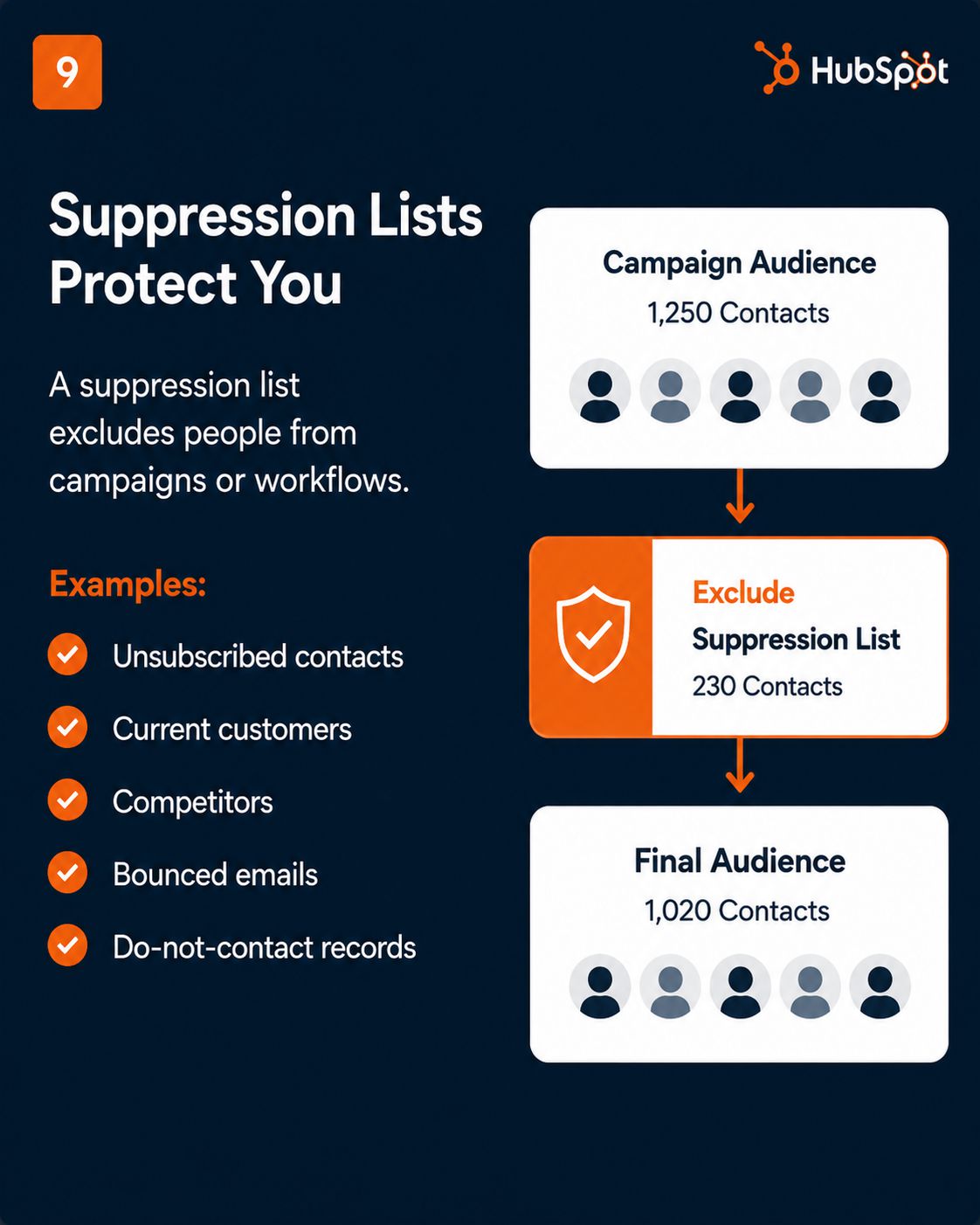
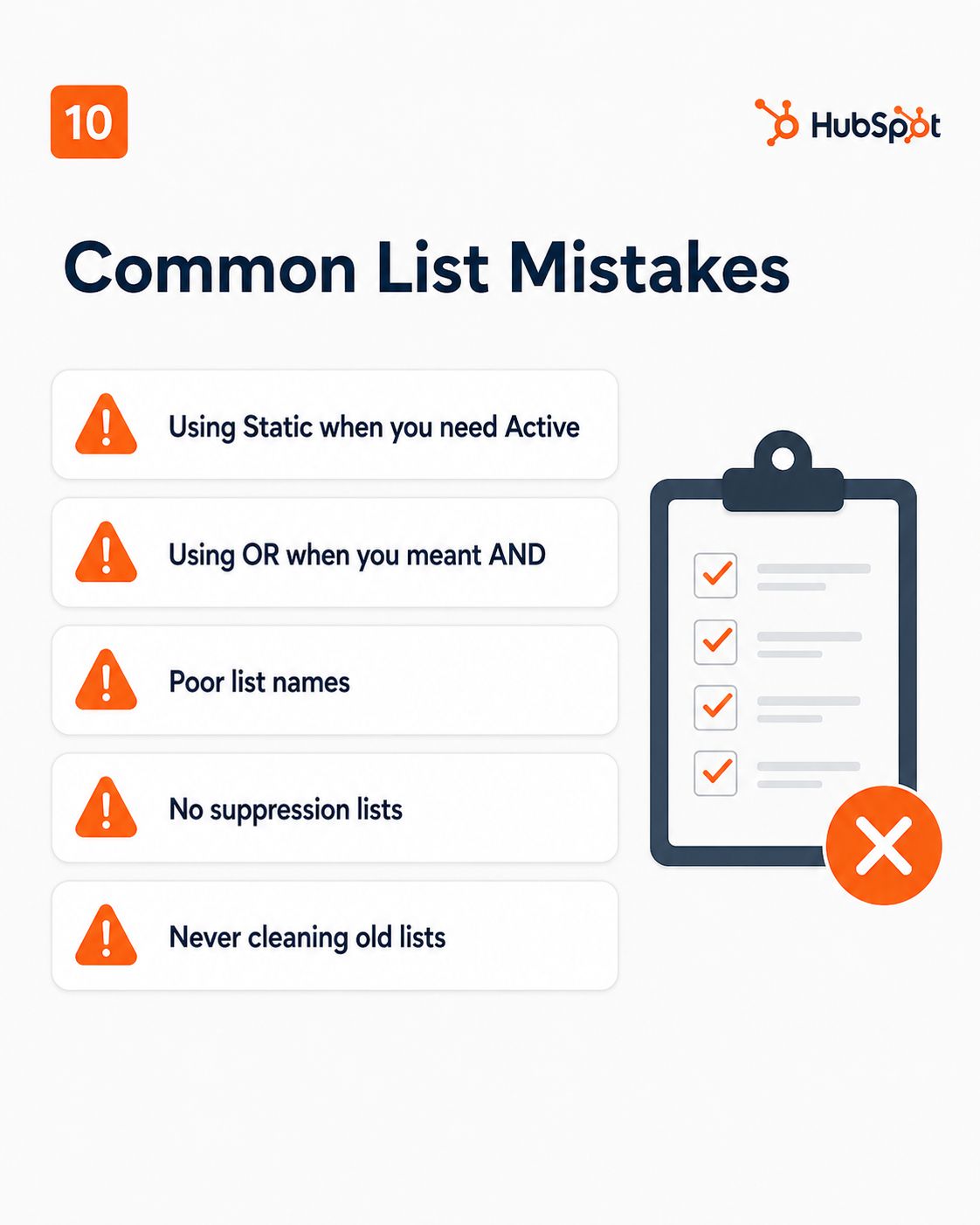
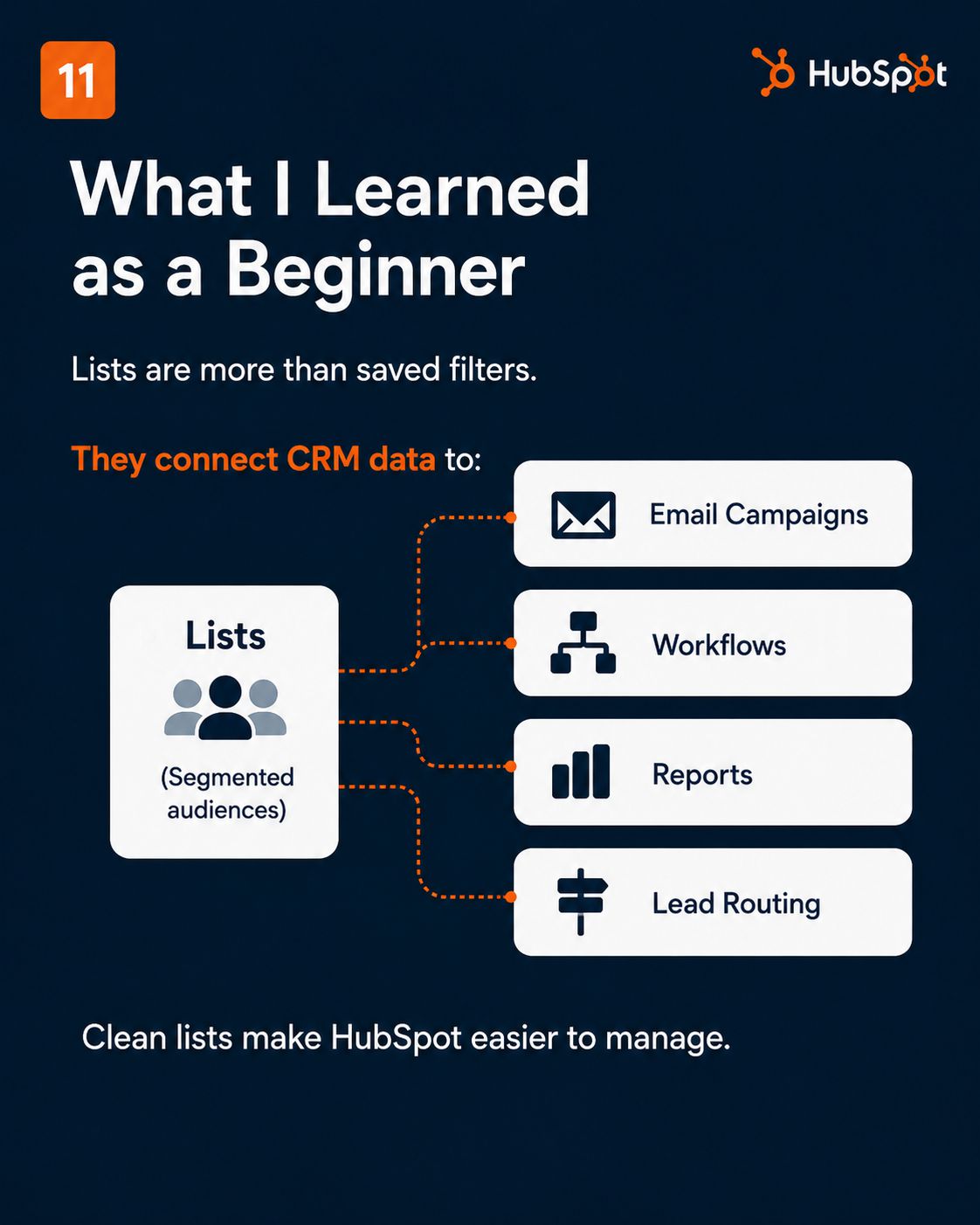
Lists are the segmentation engine behind everything HubSpot does, every workflow enrollment, email send, and report filter runs through one. This module covers the difference between Active and Static lists, how AND/OR filter logic actually works, and why suppression lists are non-negotiable before your first campaign send. Once lists click, you'll see how every other HubSpot feature connects back to them.
HubSpot Lifecycle Stages
Layer 2 — Data OrganisationWhere Every Contact Sits in Their Journey to Becoming a Customer
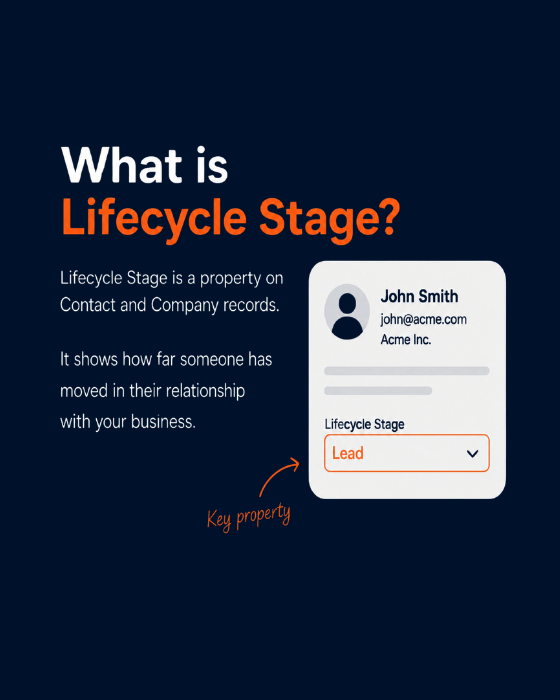
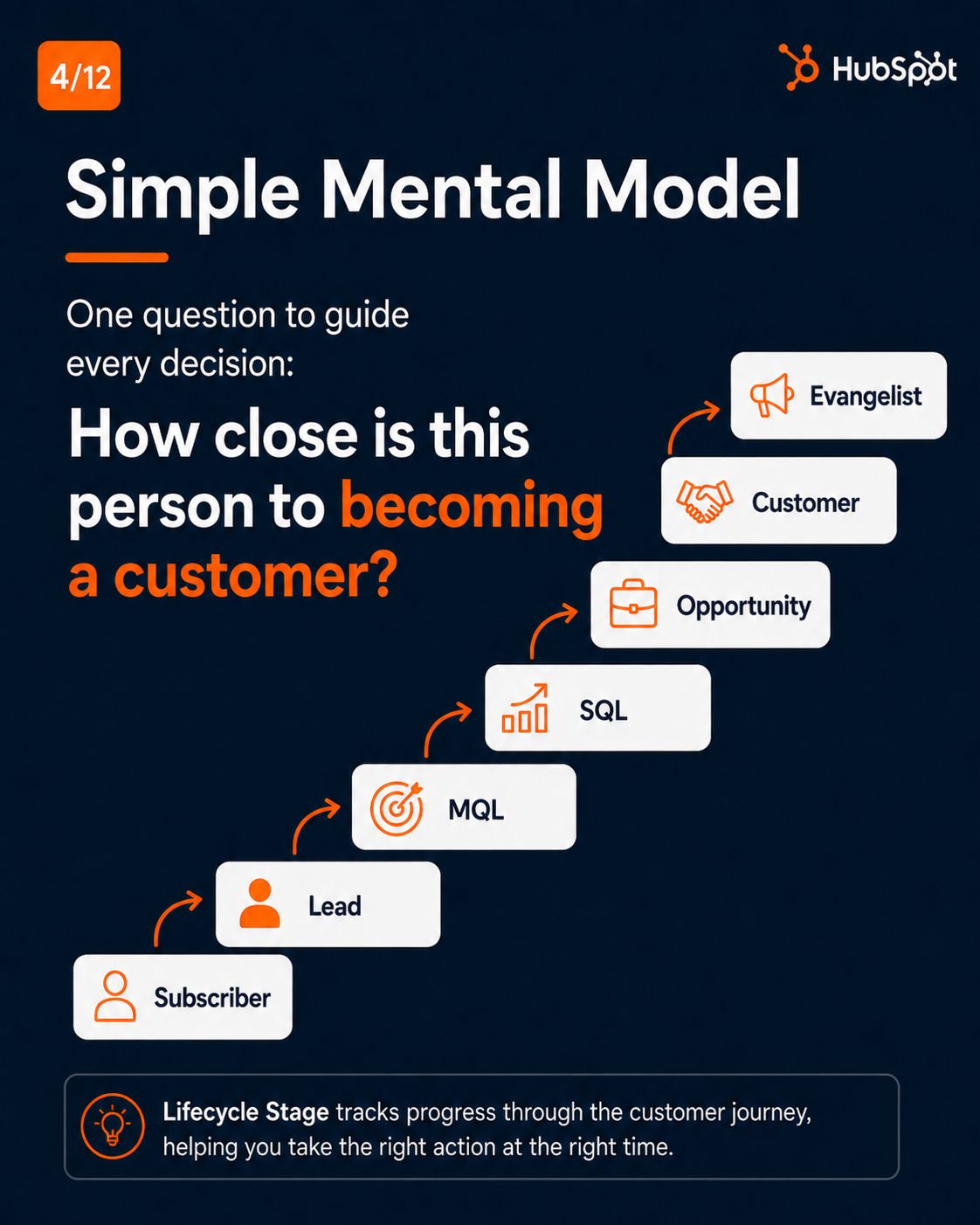
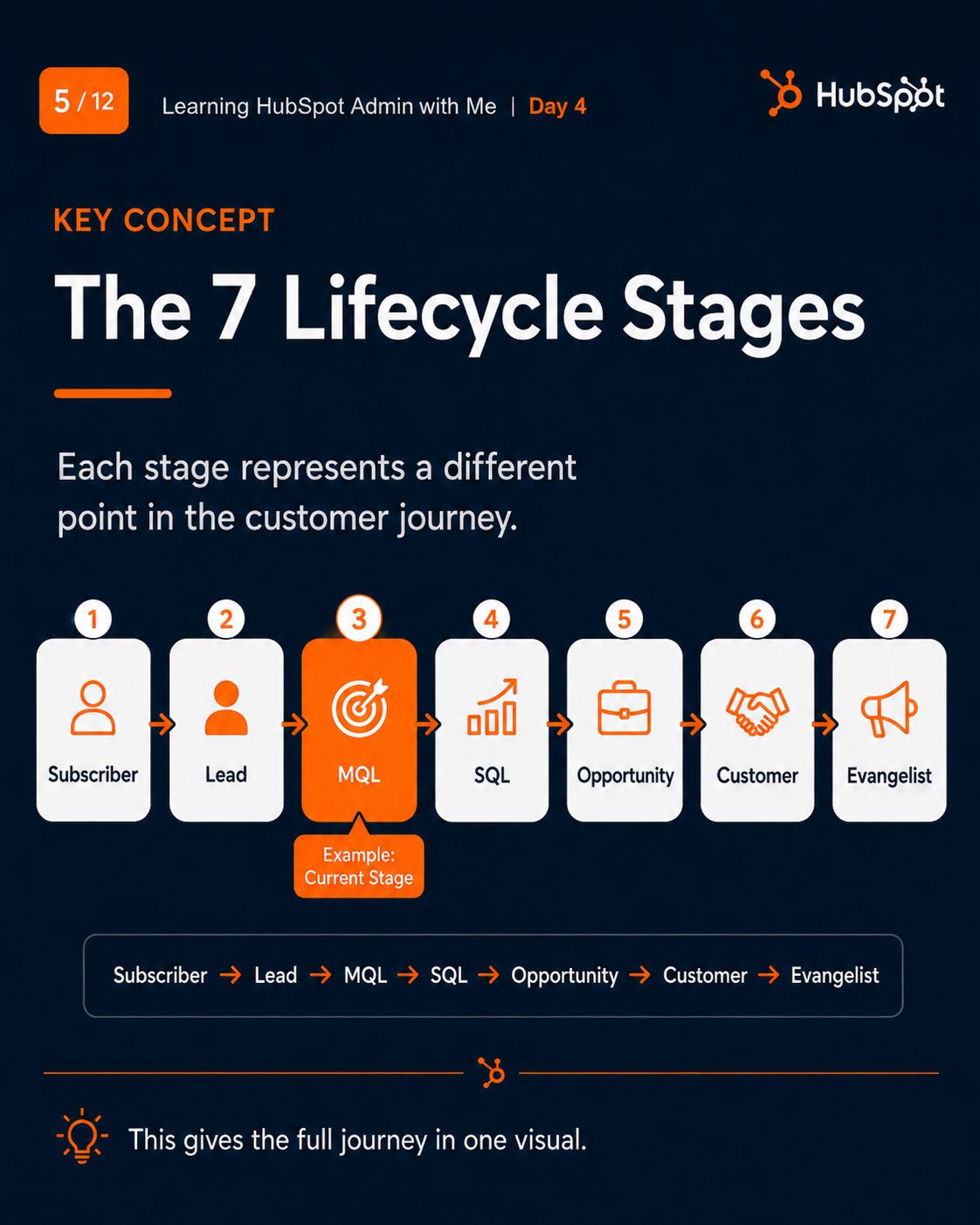
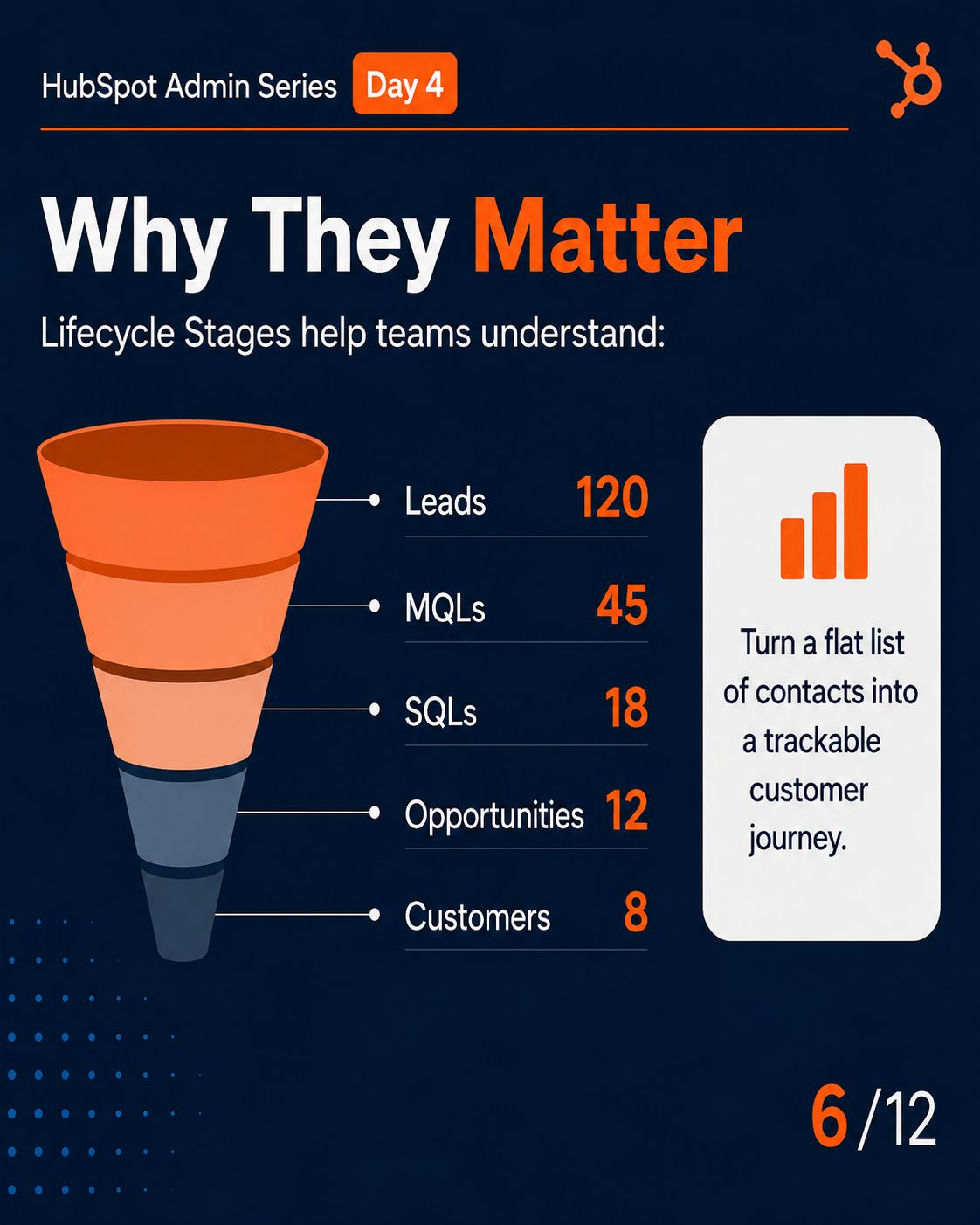
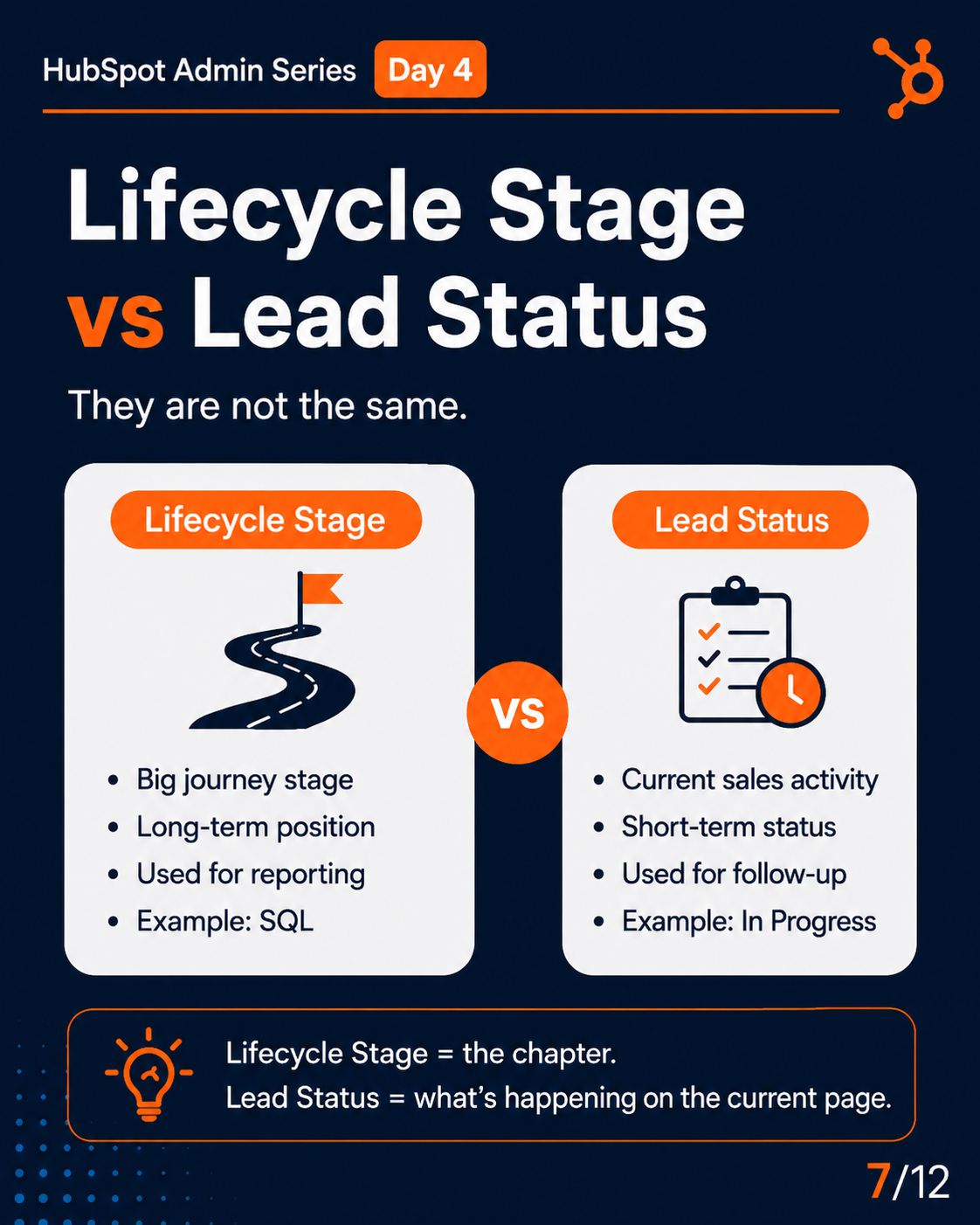
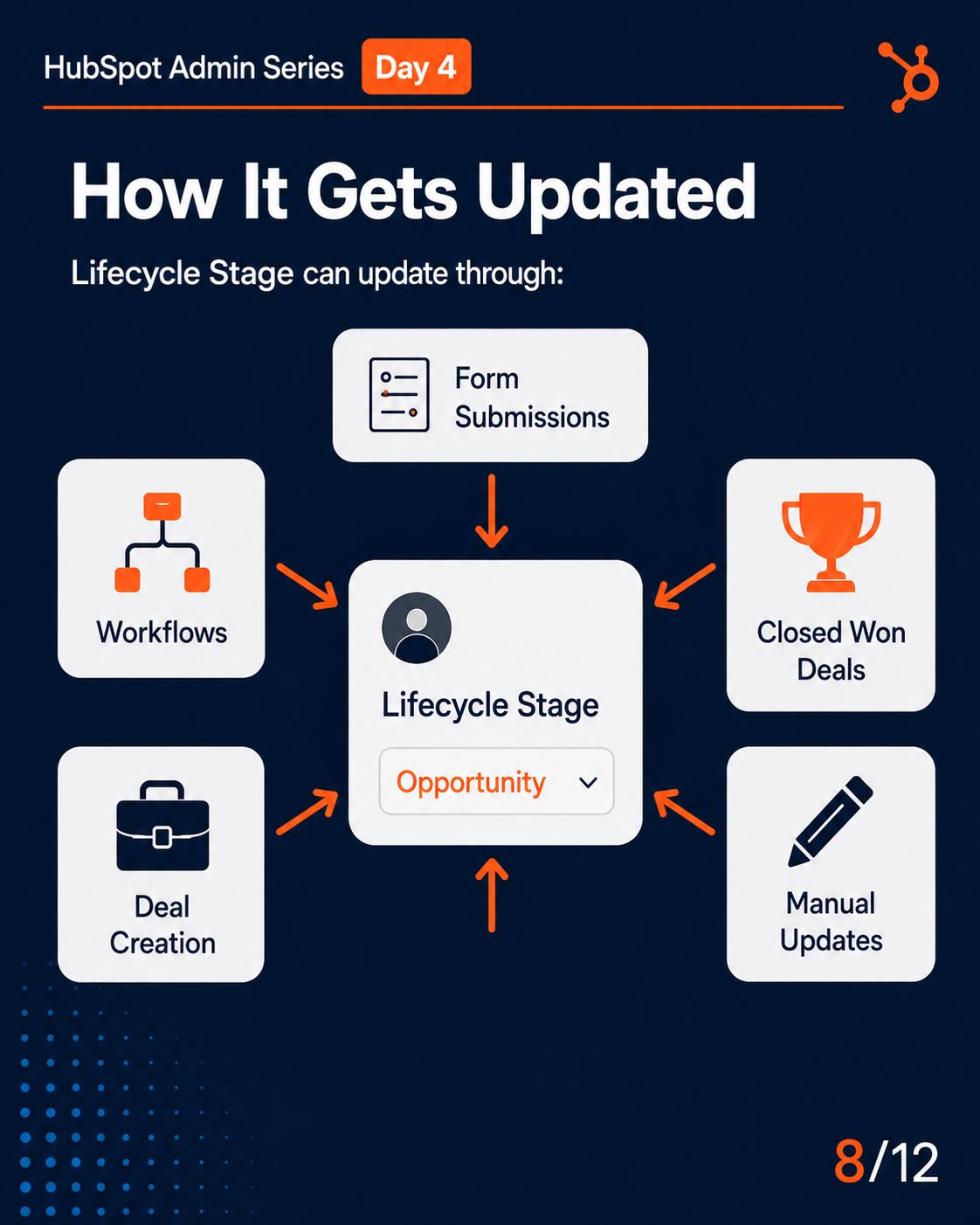
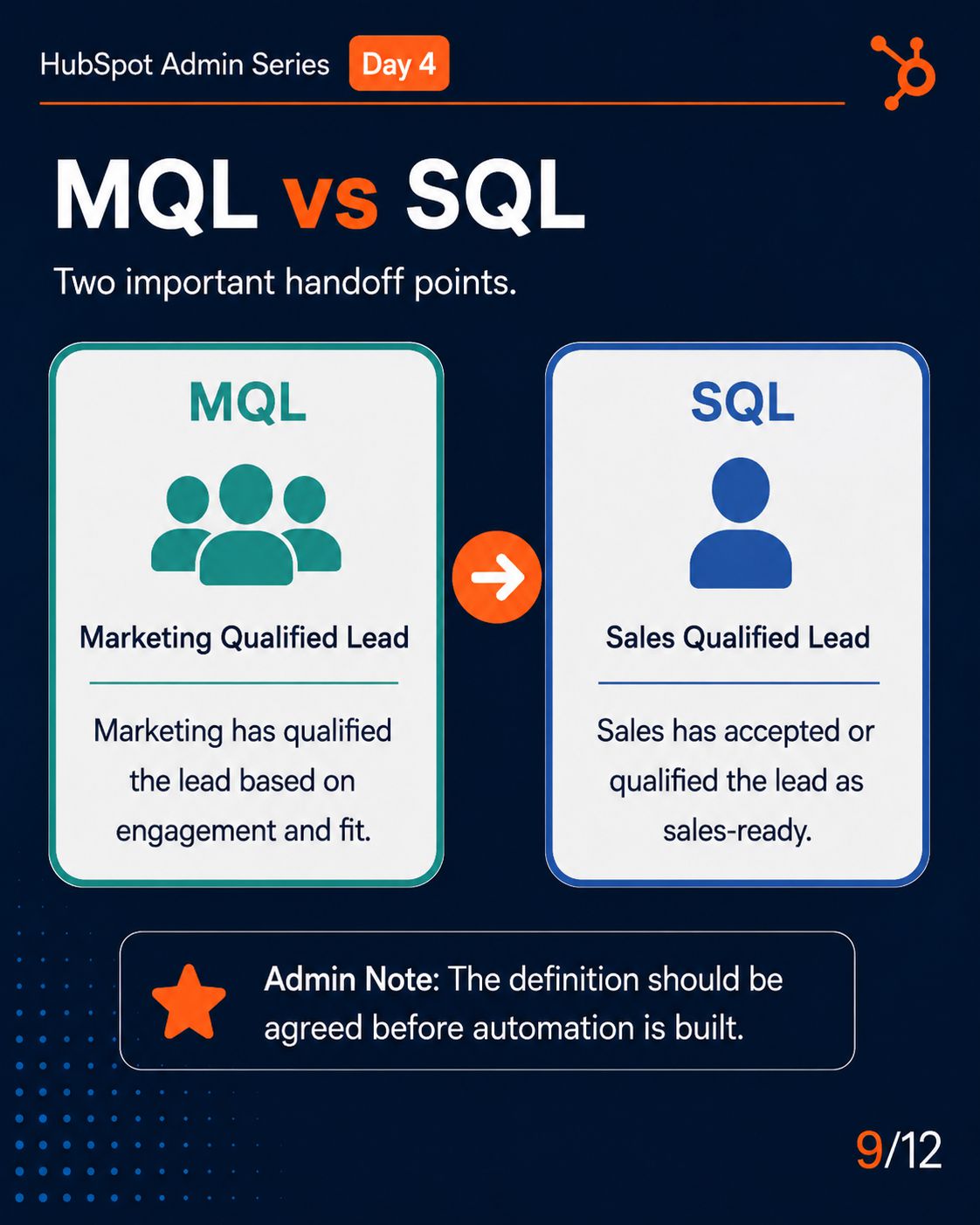
Lifecycle Stage is the single property that connects Marketing, Sales, and Customer Success, tracking a contact from Subscriber all the way to Customer. This module explains the 7 fixed stages, how MQL and SQL actually get defined and automated, and the workflows that keep this data accurate without manual updates. Get this wrong, and every funnel report you build afterward is unreliable.
Quick Cards — Learn Visually Through My LinkedIn Carousels
Each module started as a carousel before it became a full guide
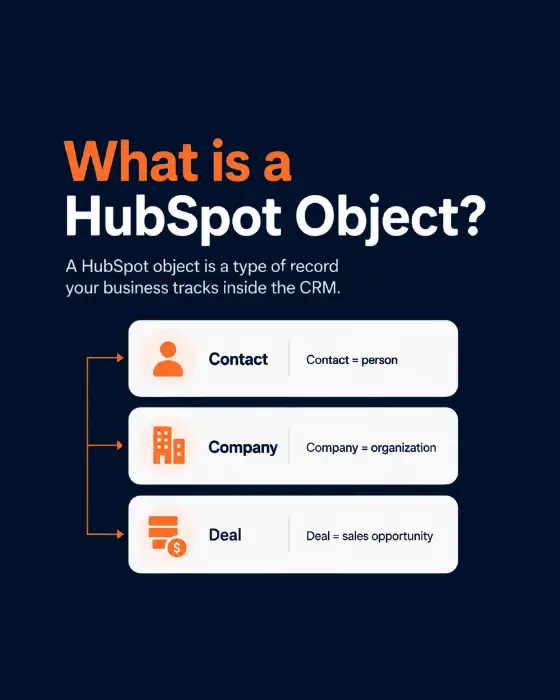
HubSpot Objects
1/12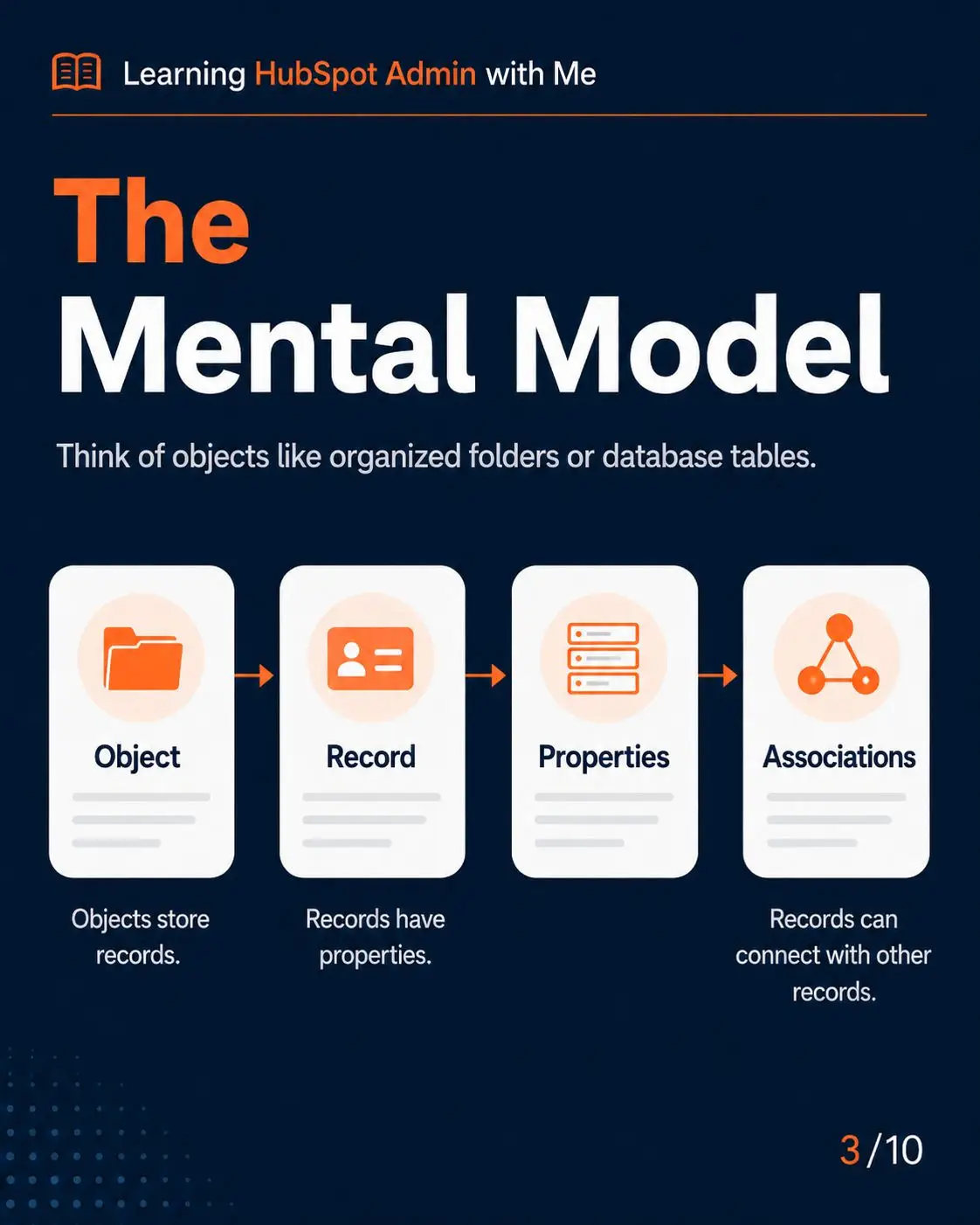
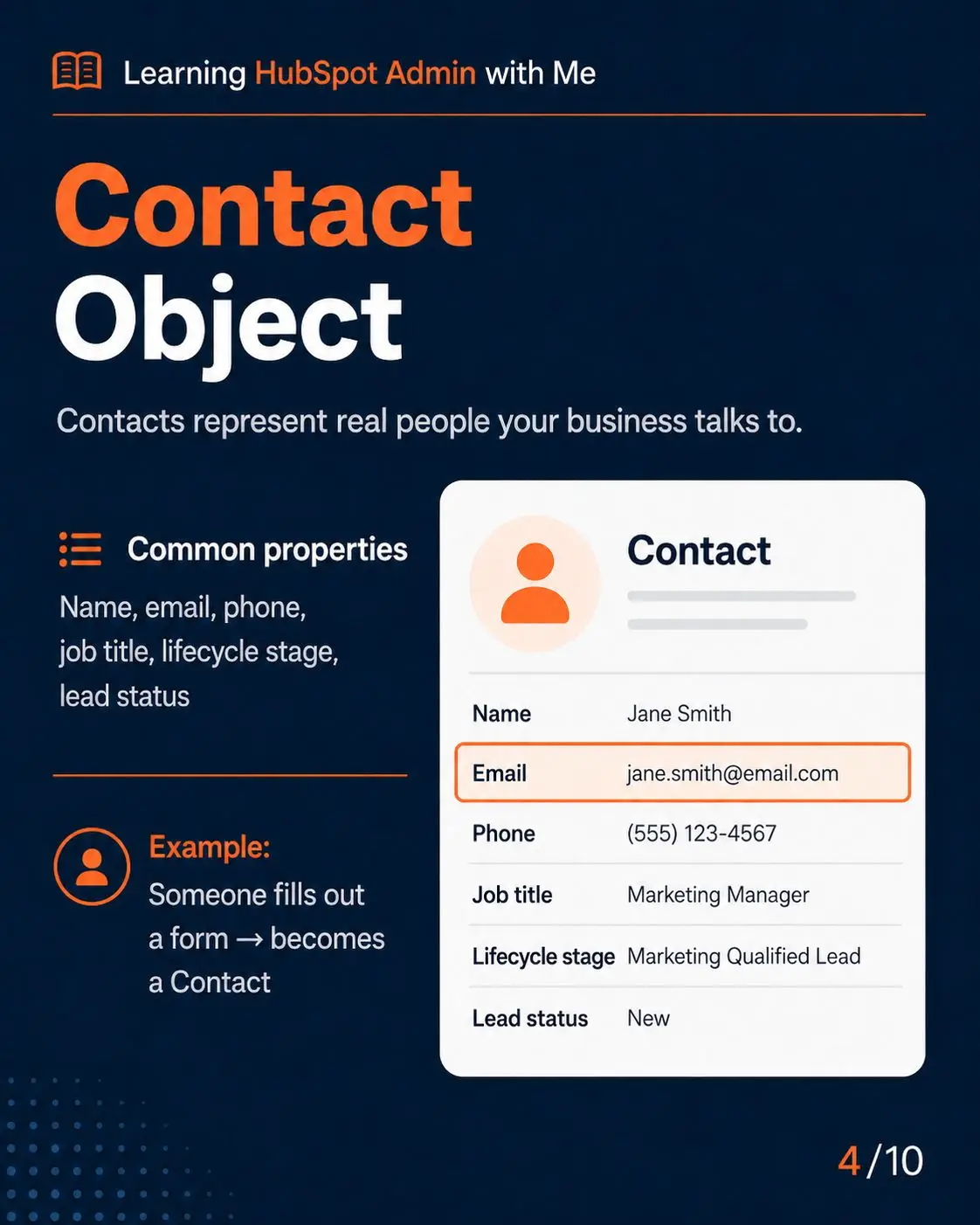
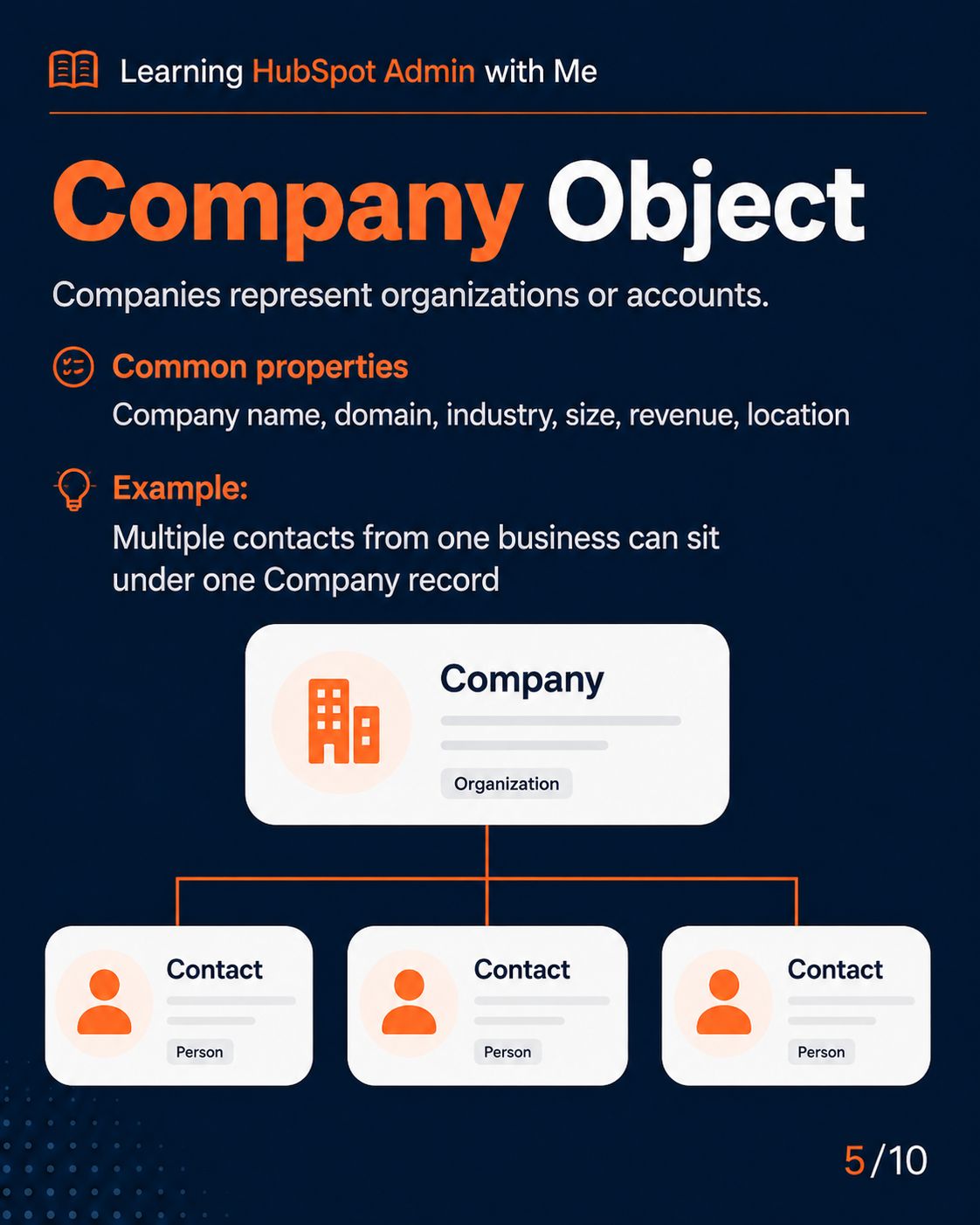
HubSpot Properties
2/12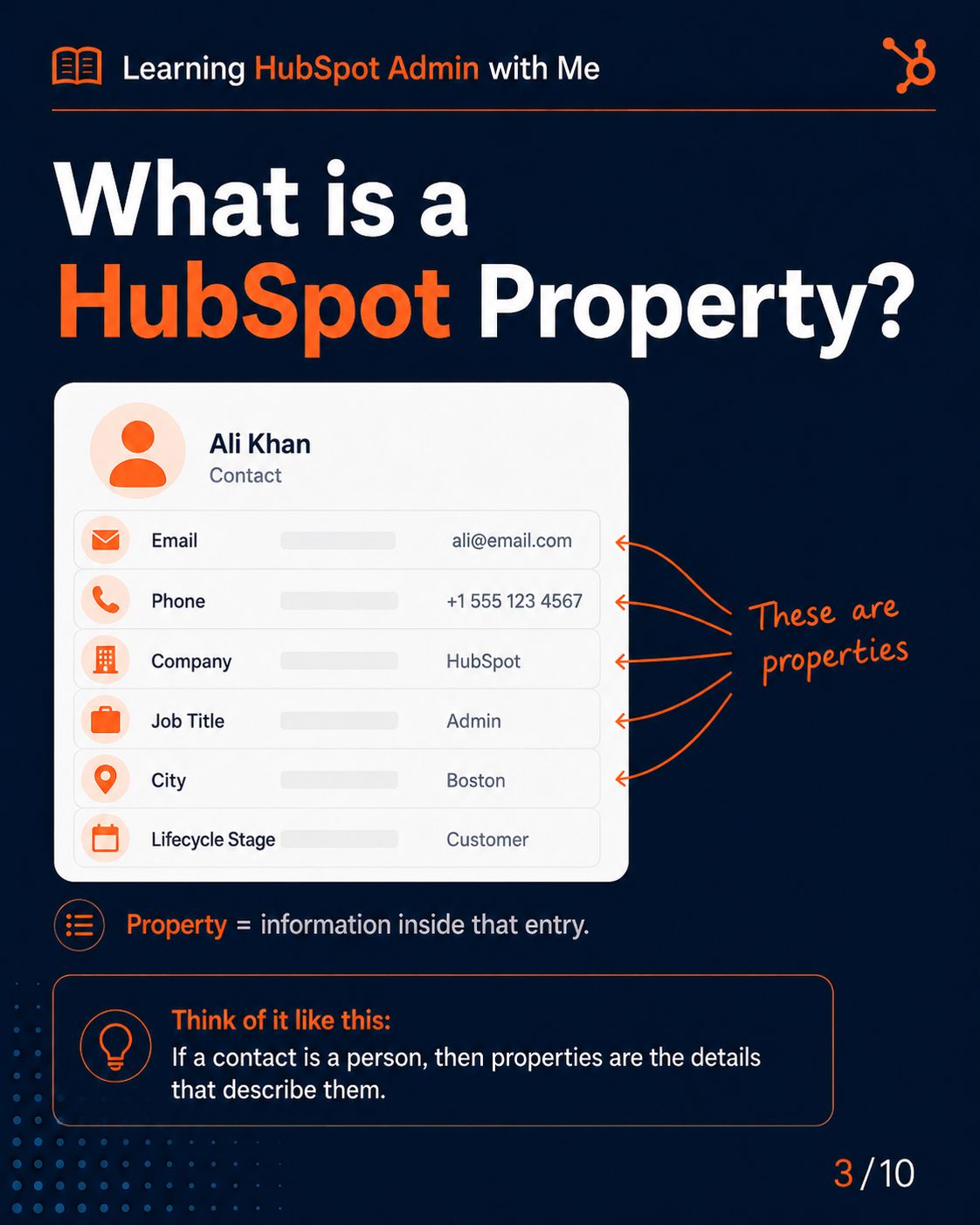
Slide Description Text
Slide Description Text
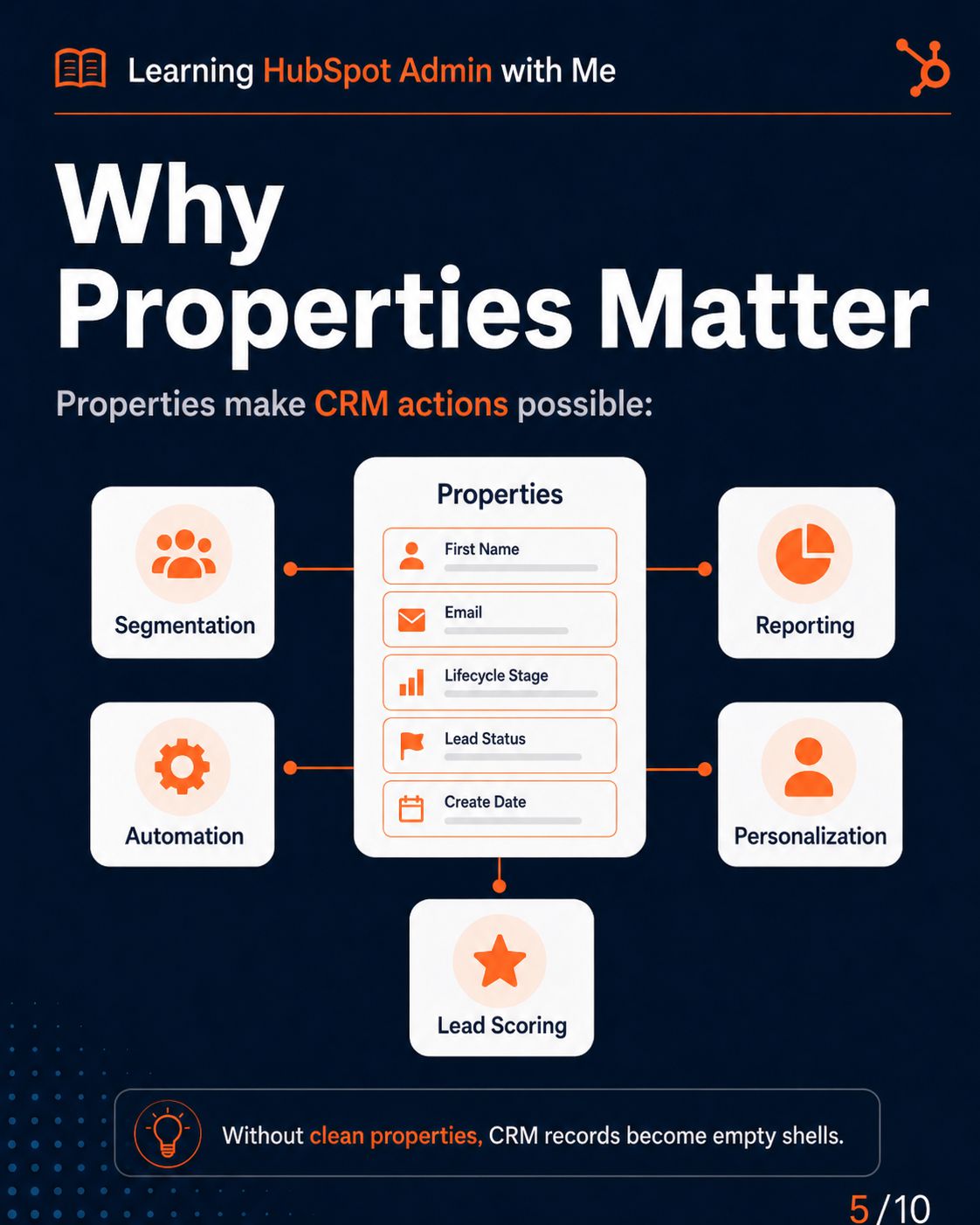
Slide Description Text
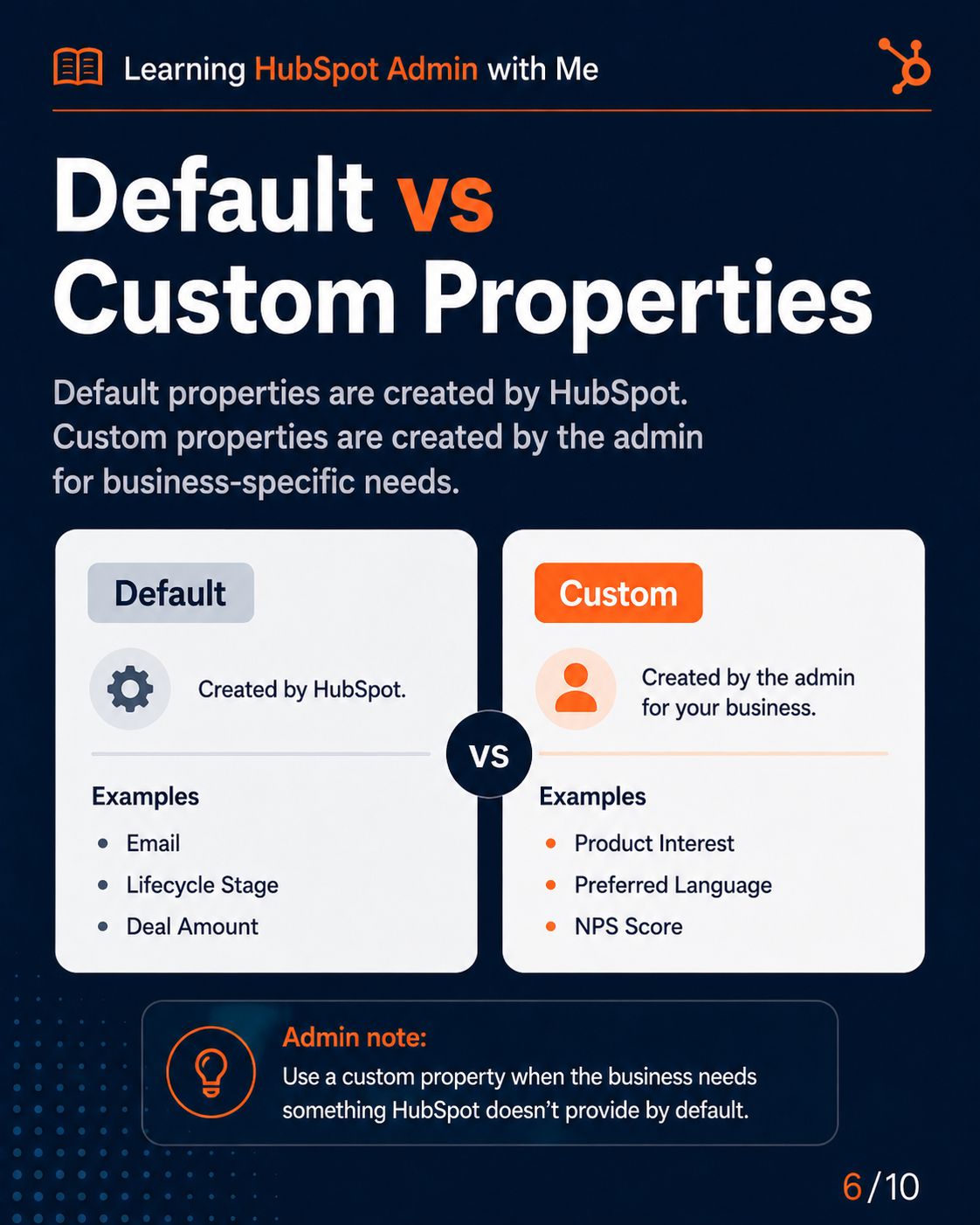
Slide Description Text
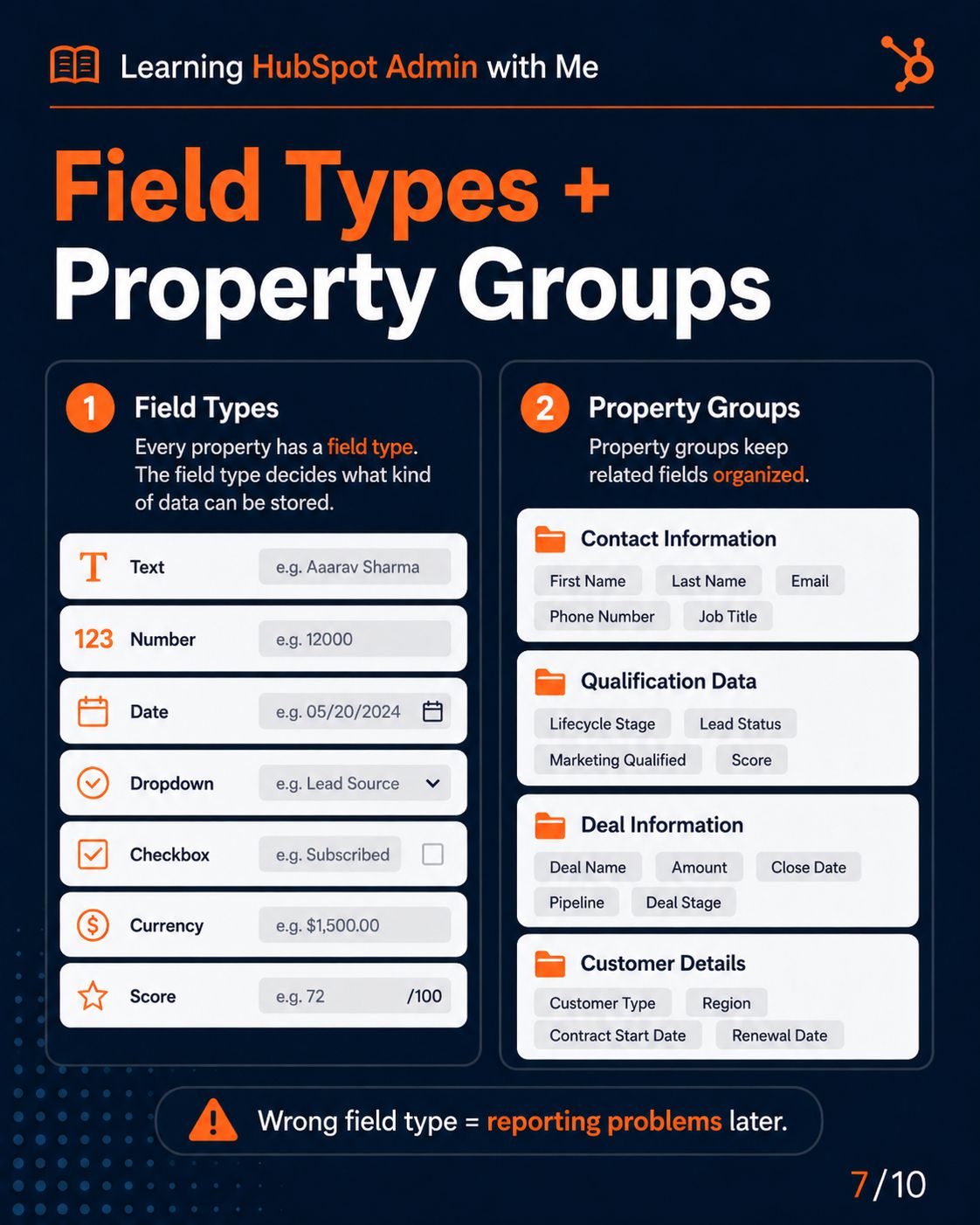
Slide Description Text
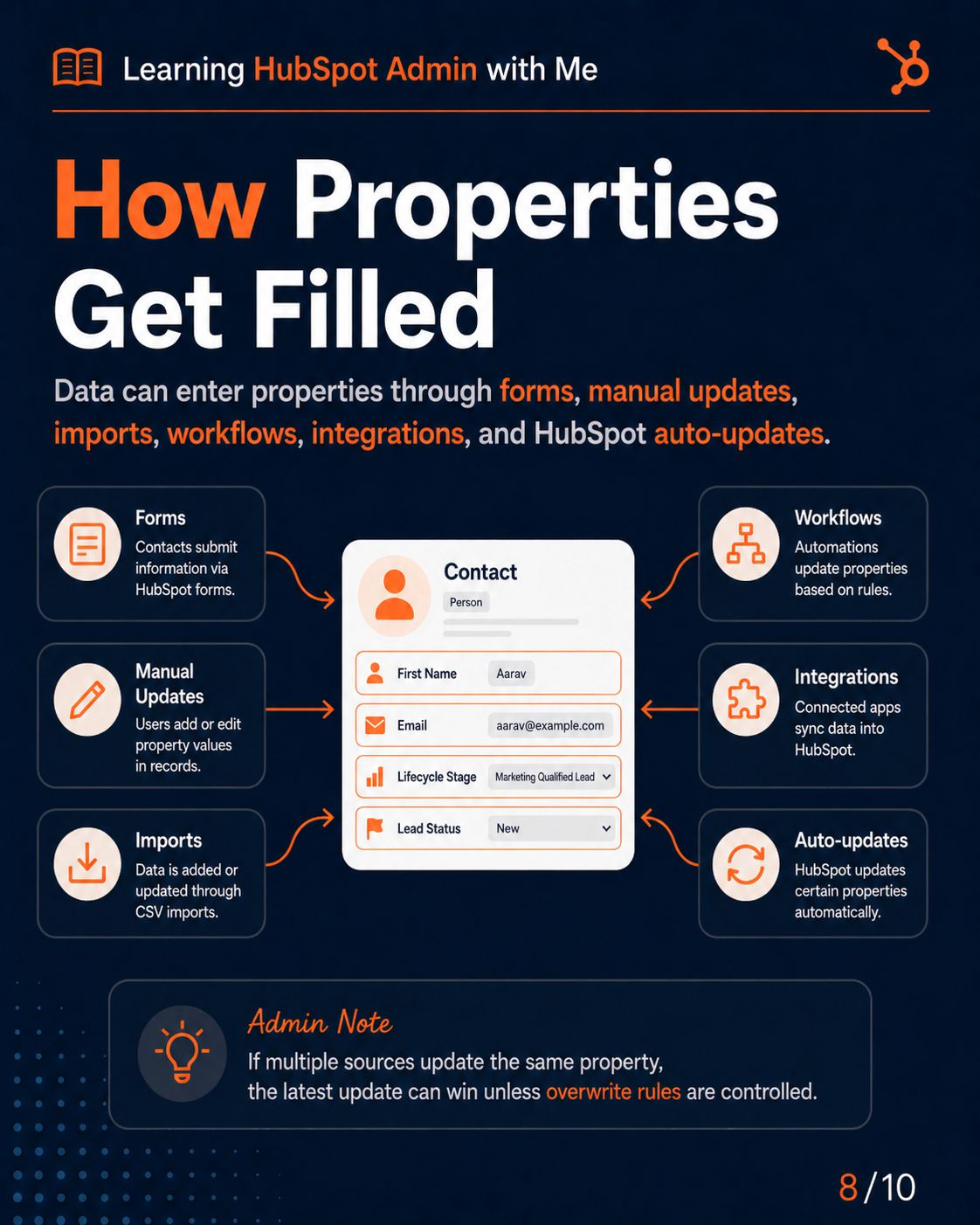
Slide Description Text
Slide Description Text
Slide Description Text
HubSpot Lists
3/12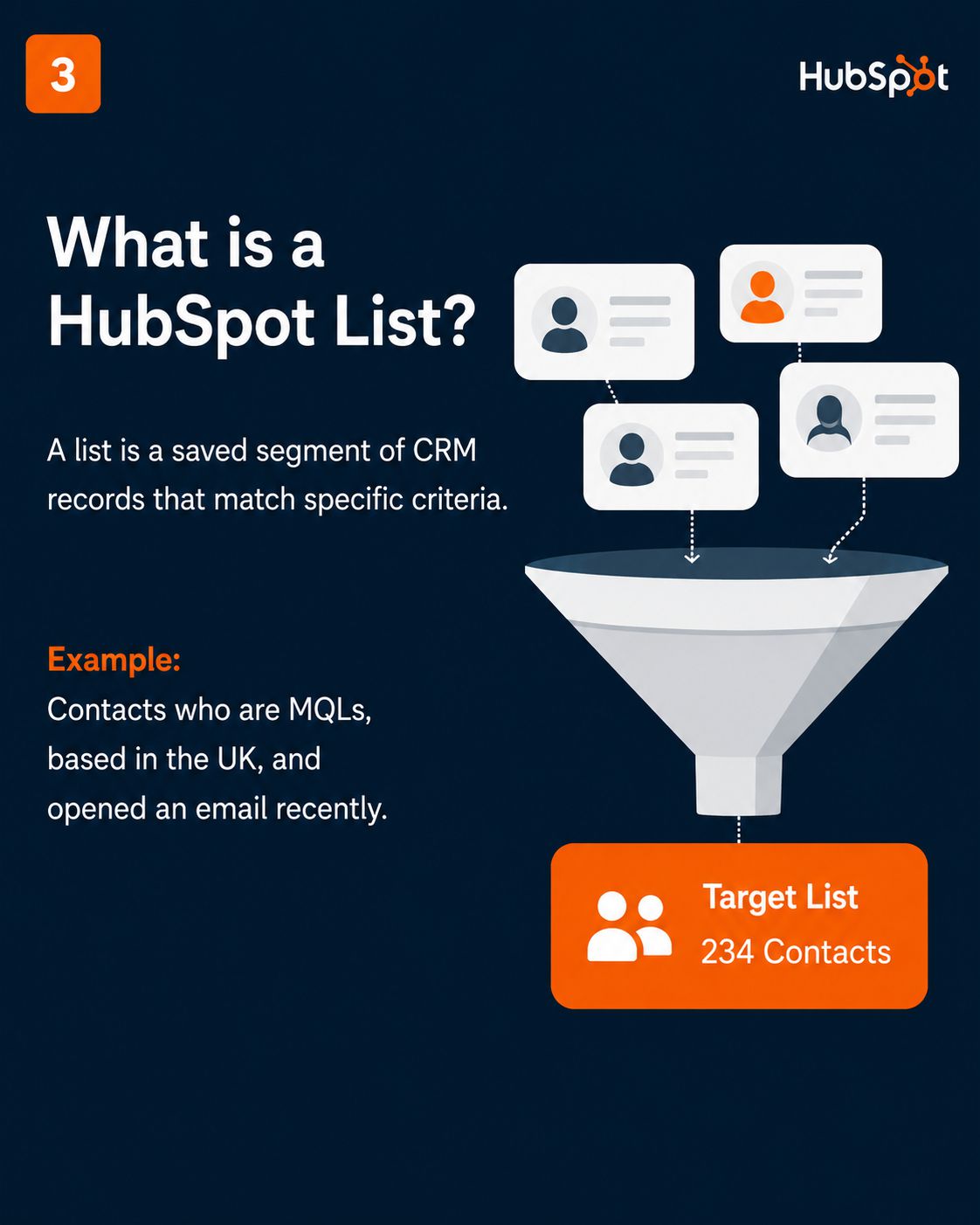
Slide Description Text
Slide Description Text
Slide Description Text
Slide Description Text
Slide Description Text
Slide Description Text
Slide Description Text
Slide Description Text
Slide Description Text
Slide Description Text
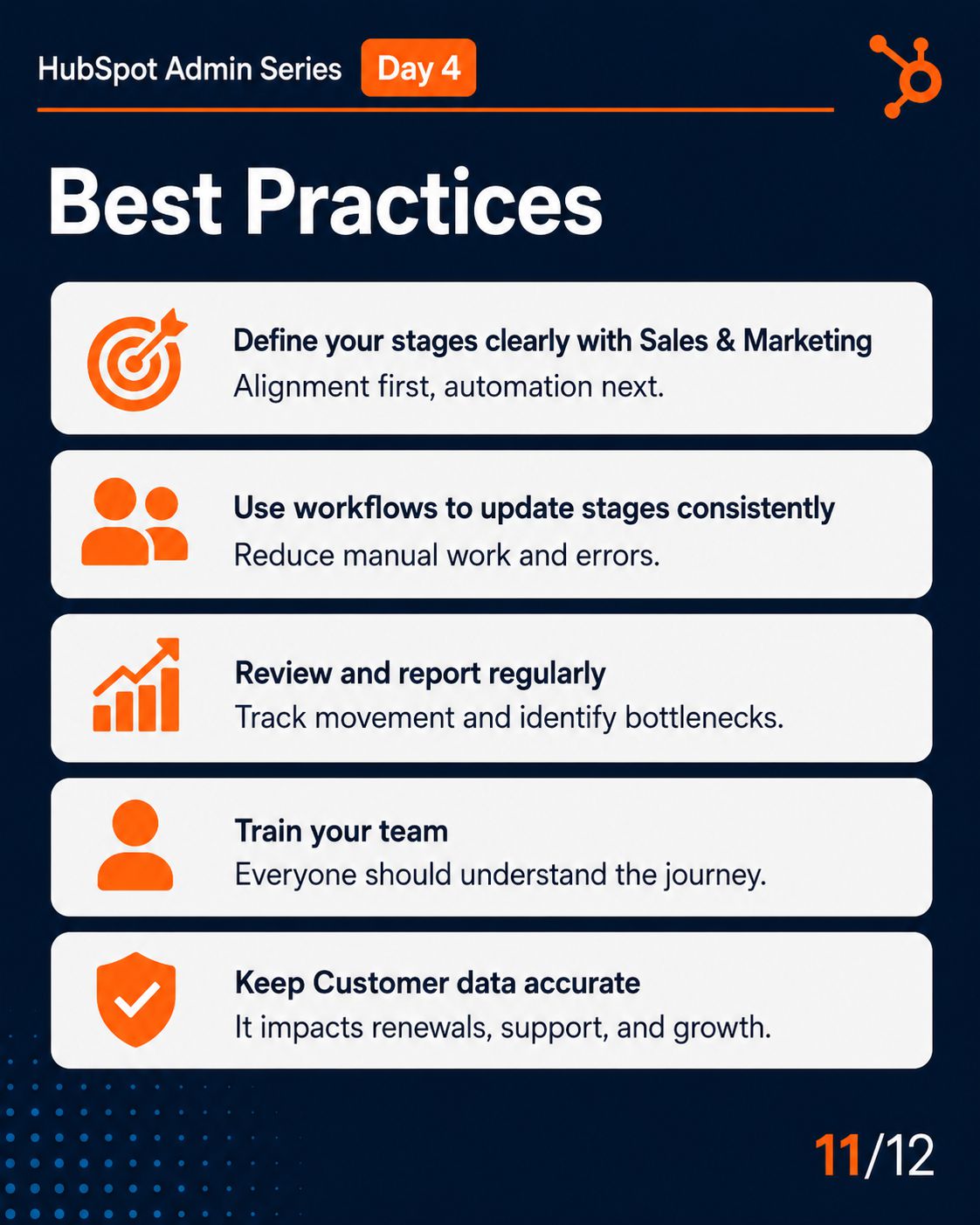
HubSpot LifeCylce Stages
4/12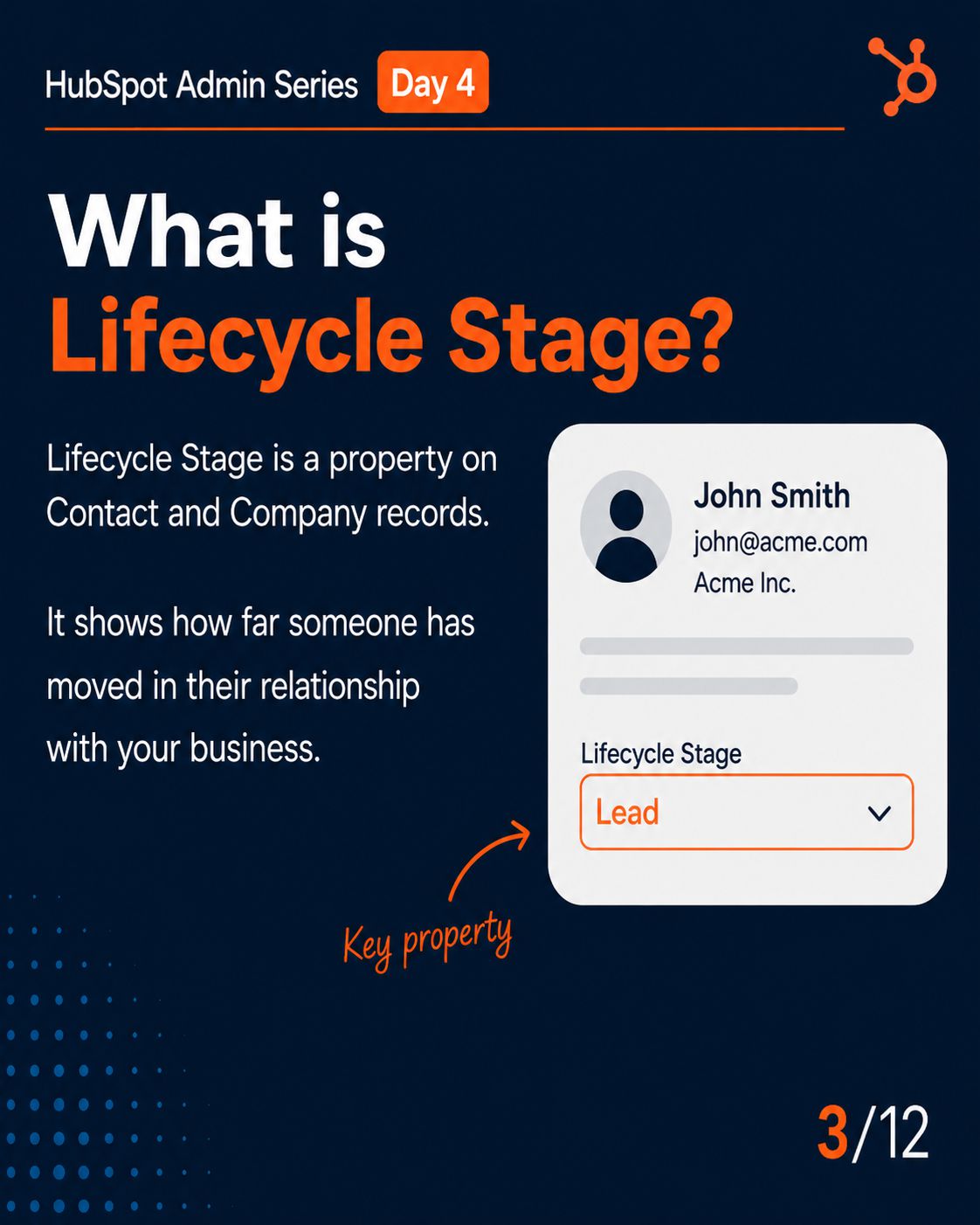
Slide Description Text
Slide Description Text
Slide Description Text
Slide Description Text
Slide Description Text
Slide Description Text
Slide Description Text
Slide Description Text
Slide Description Text
Slide Description Text
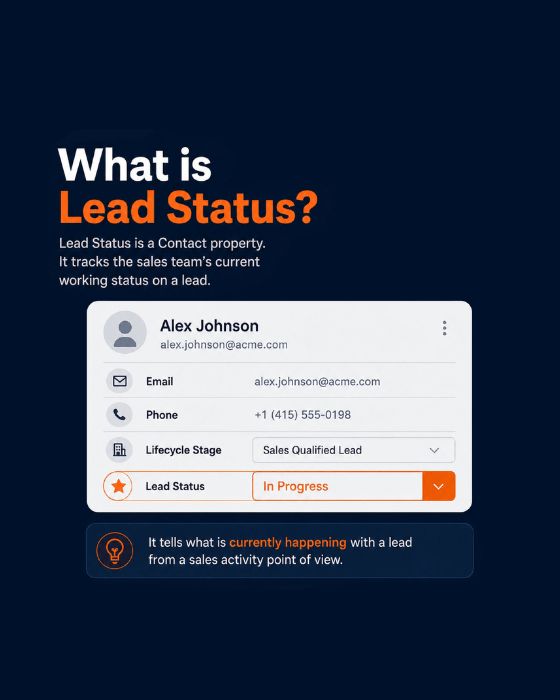
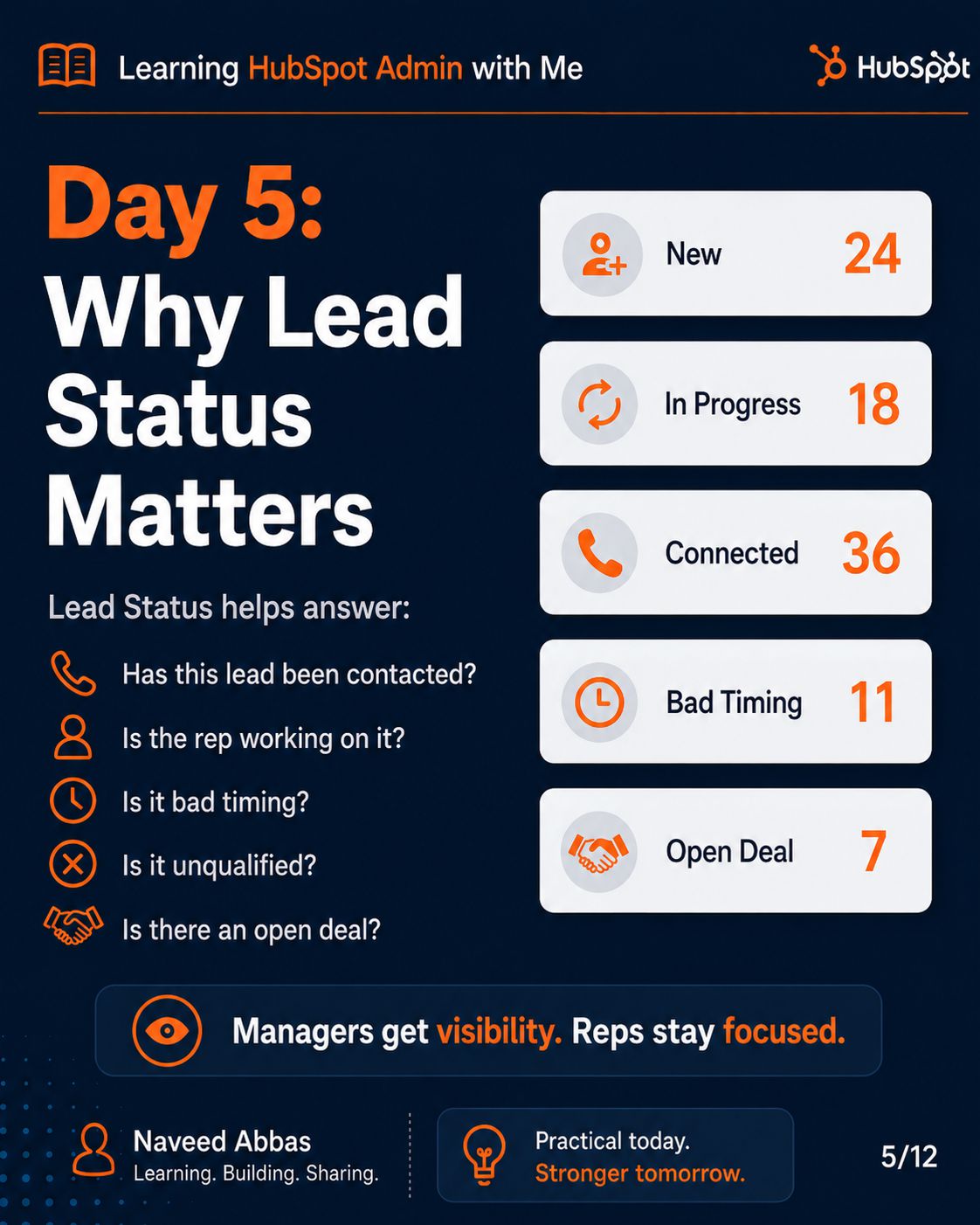
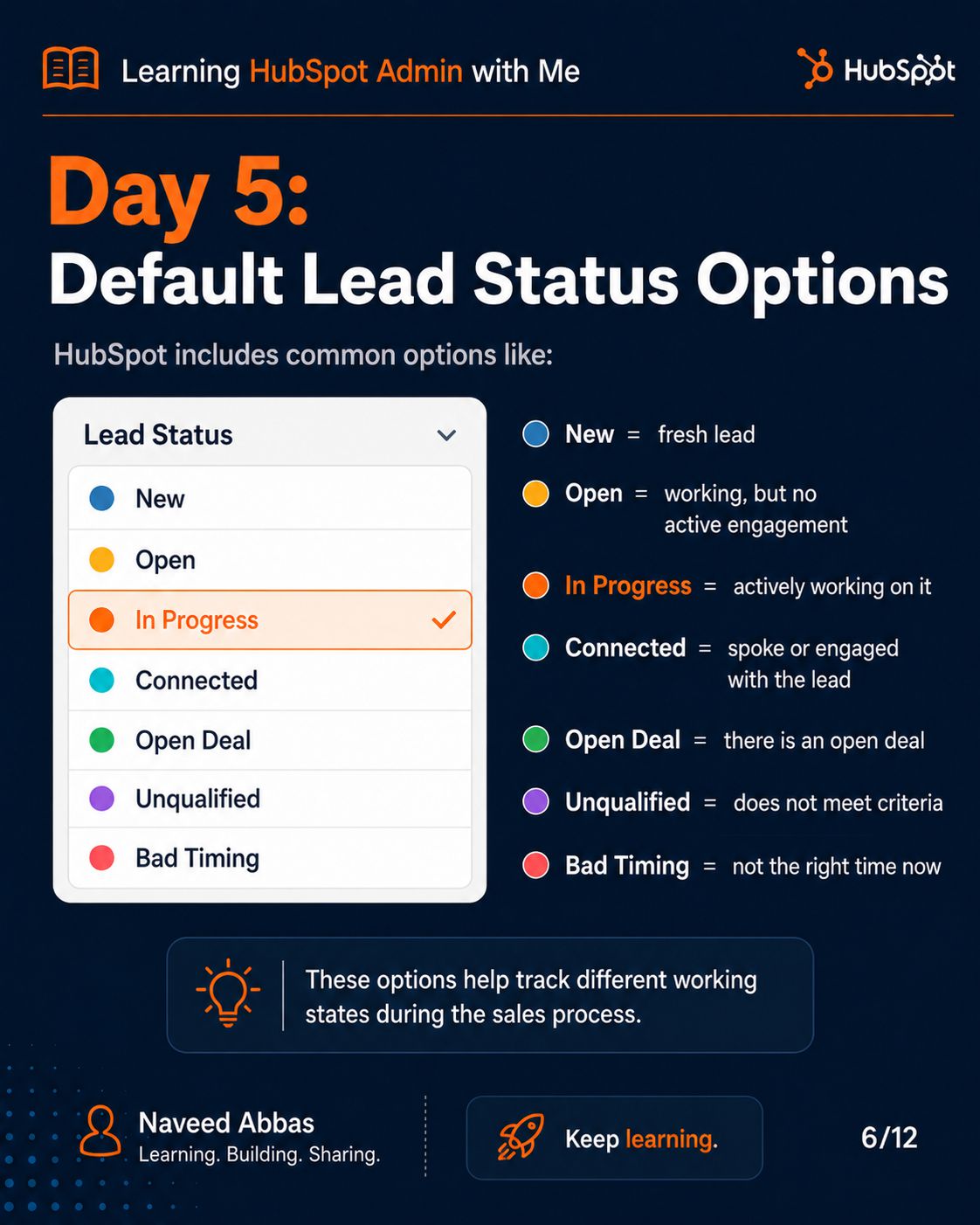
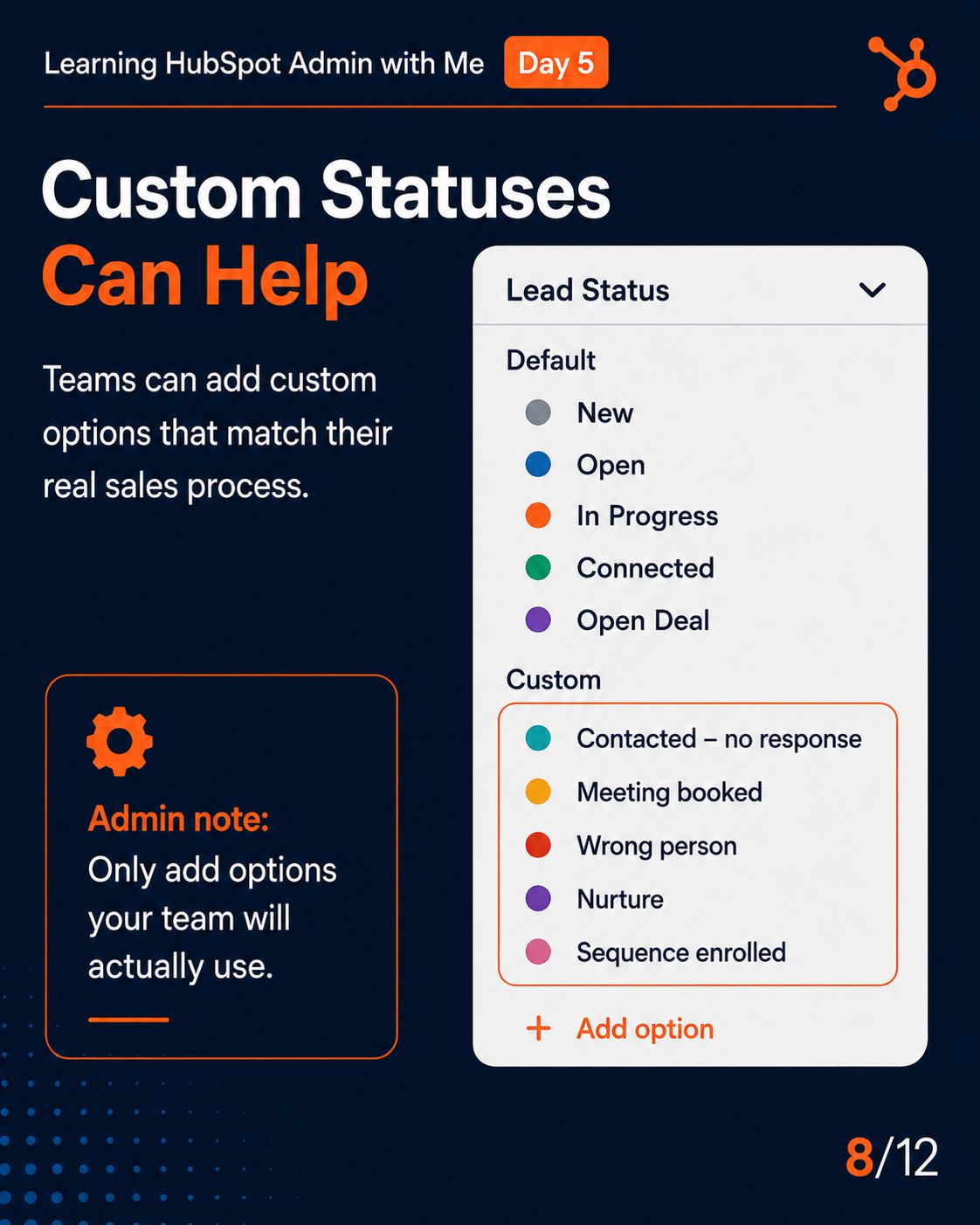
HubSpot Lead Status
5/12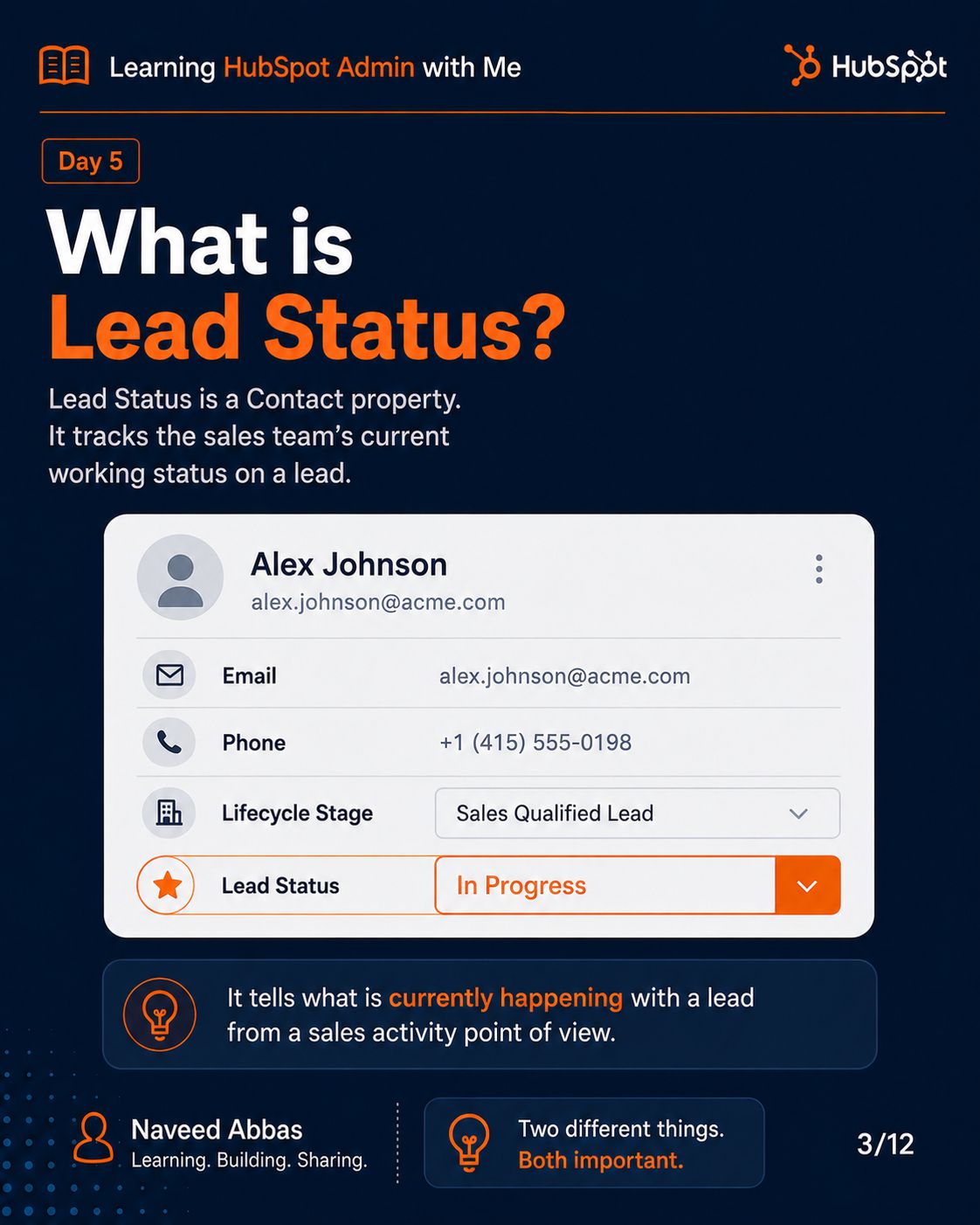
Slide Description Text
Slide Description Text
Slide Description Text
Slide Description Text
Slide Description Text
Slide Description Text
Slide Description Text
Slide Description Text
Slide Description Text
Slide Description Text
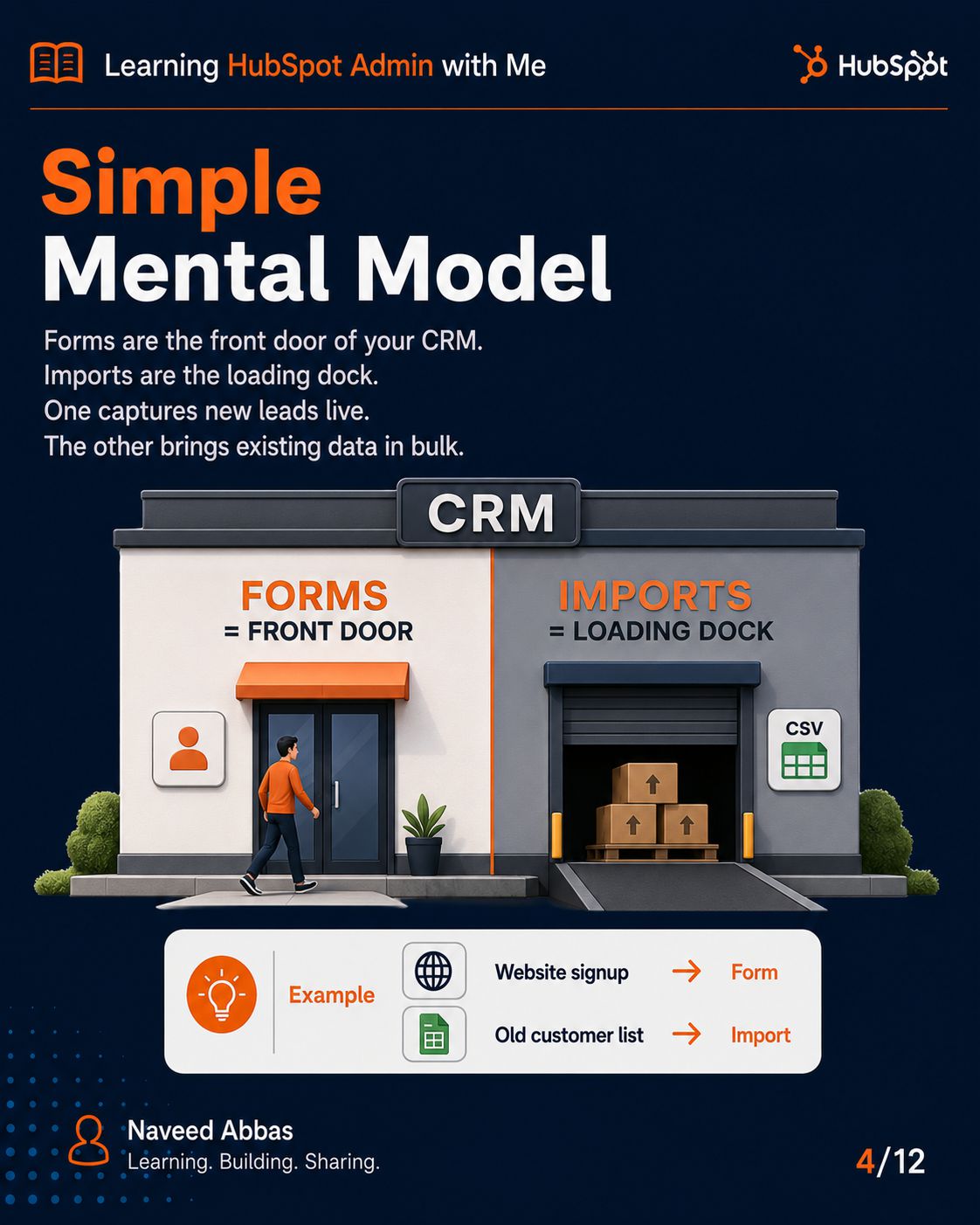
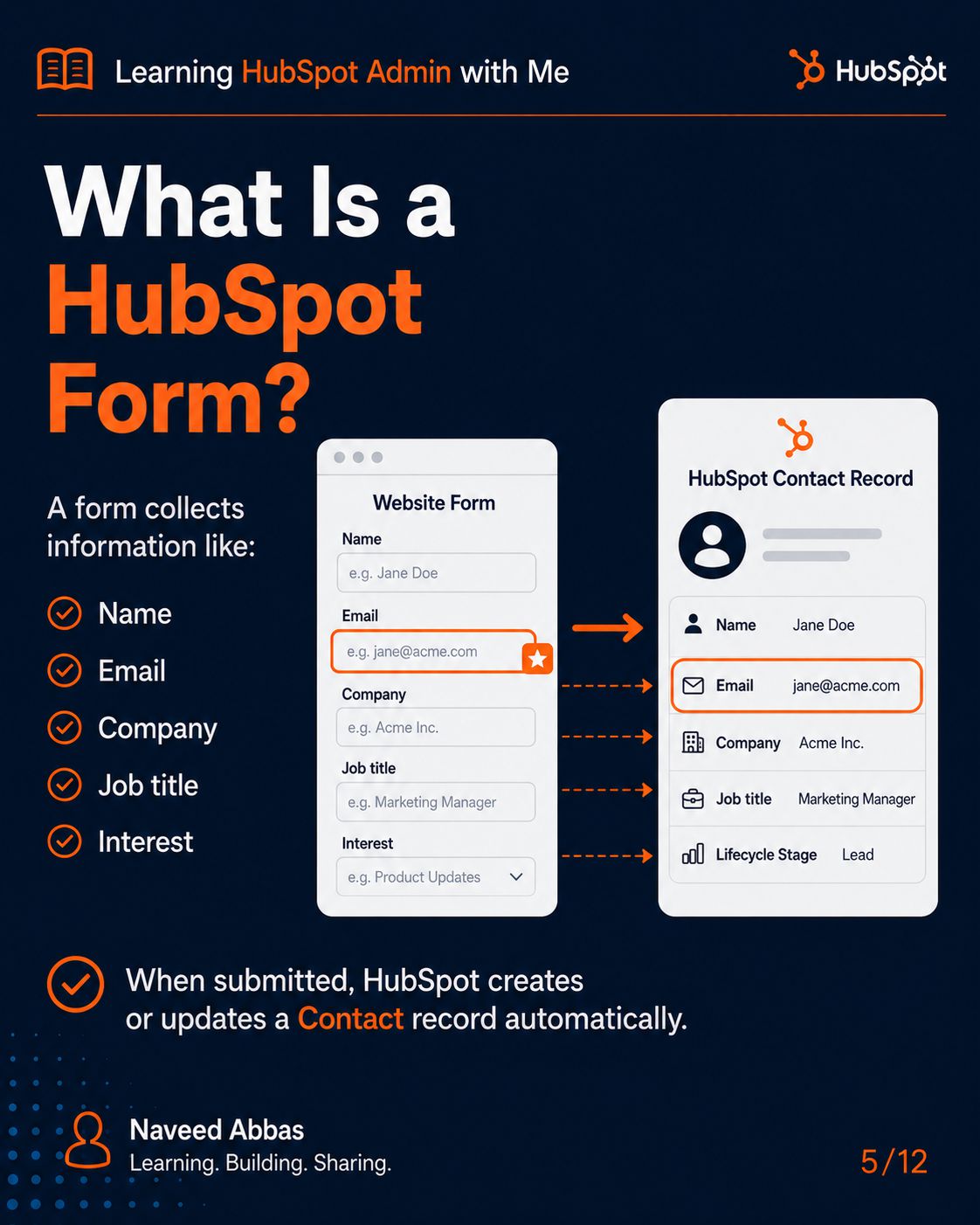
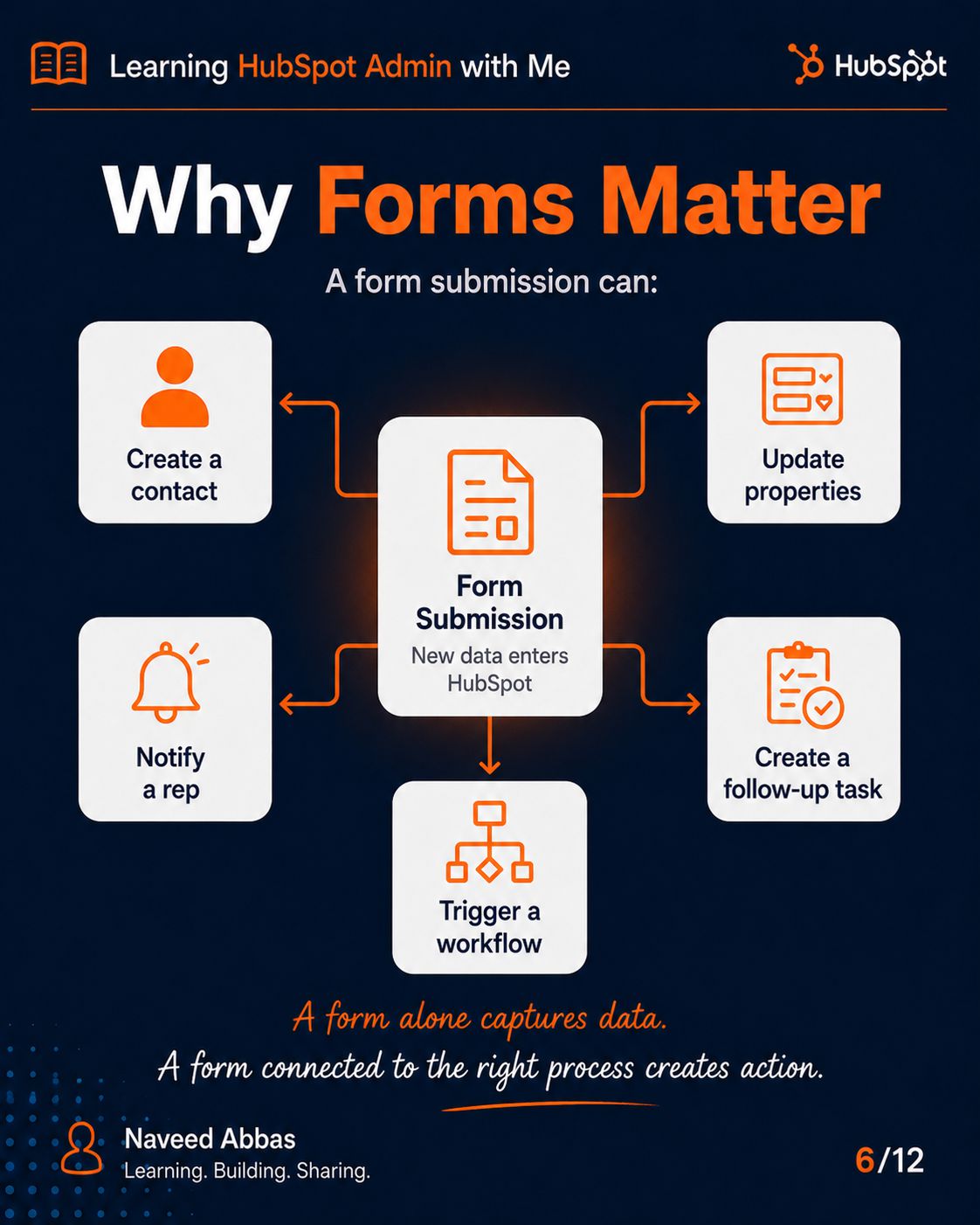
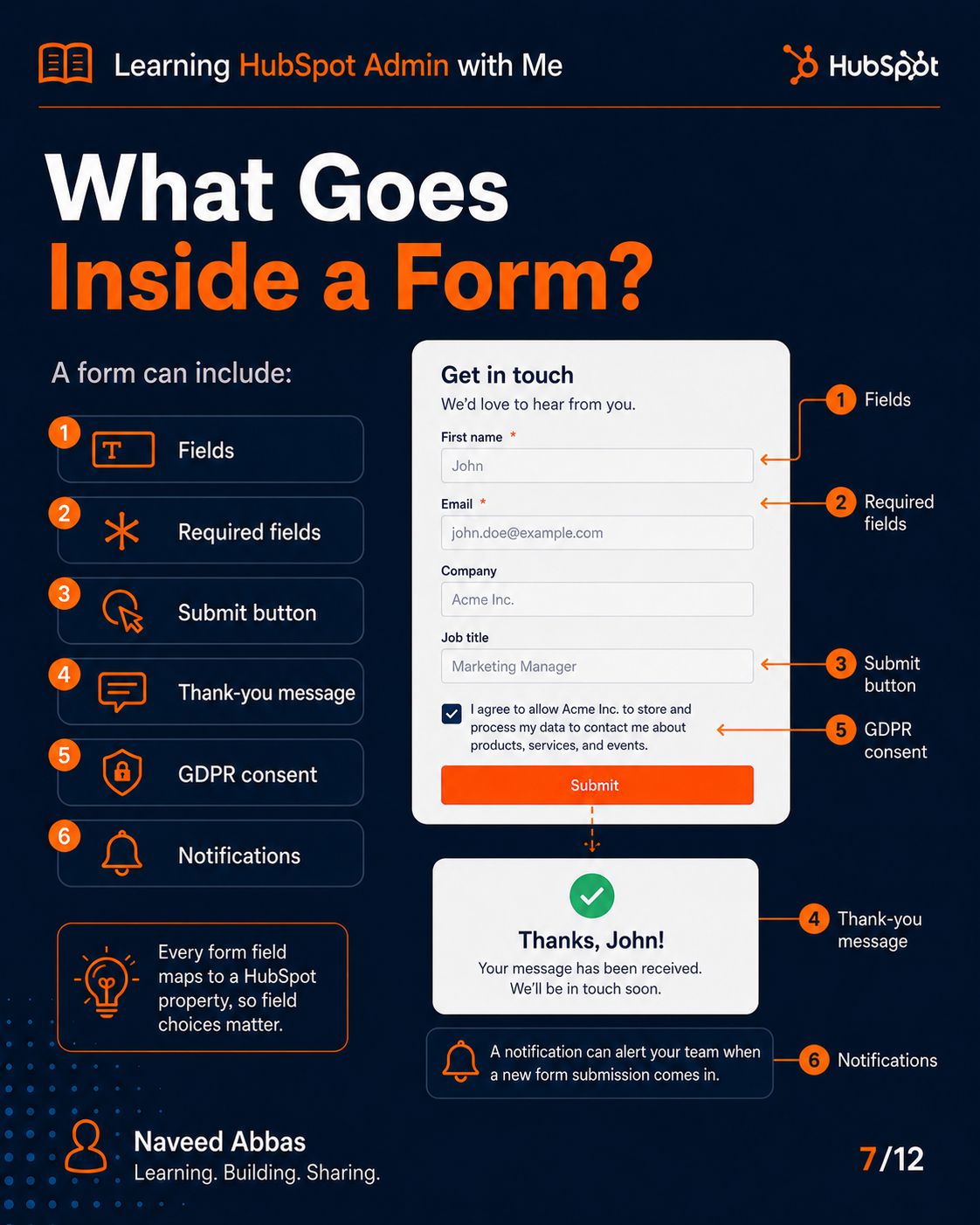
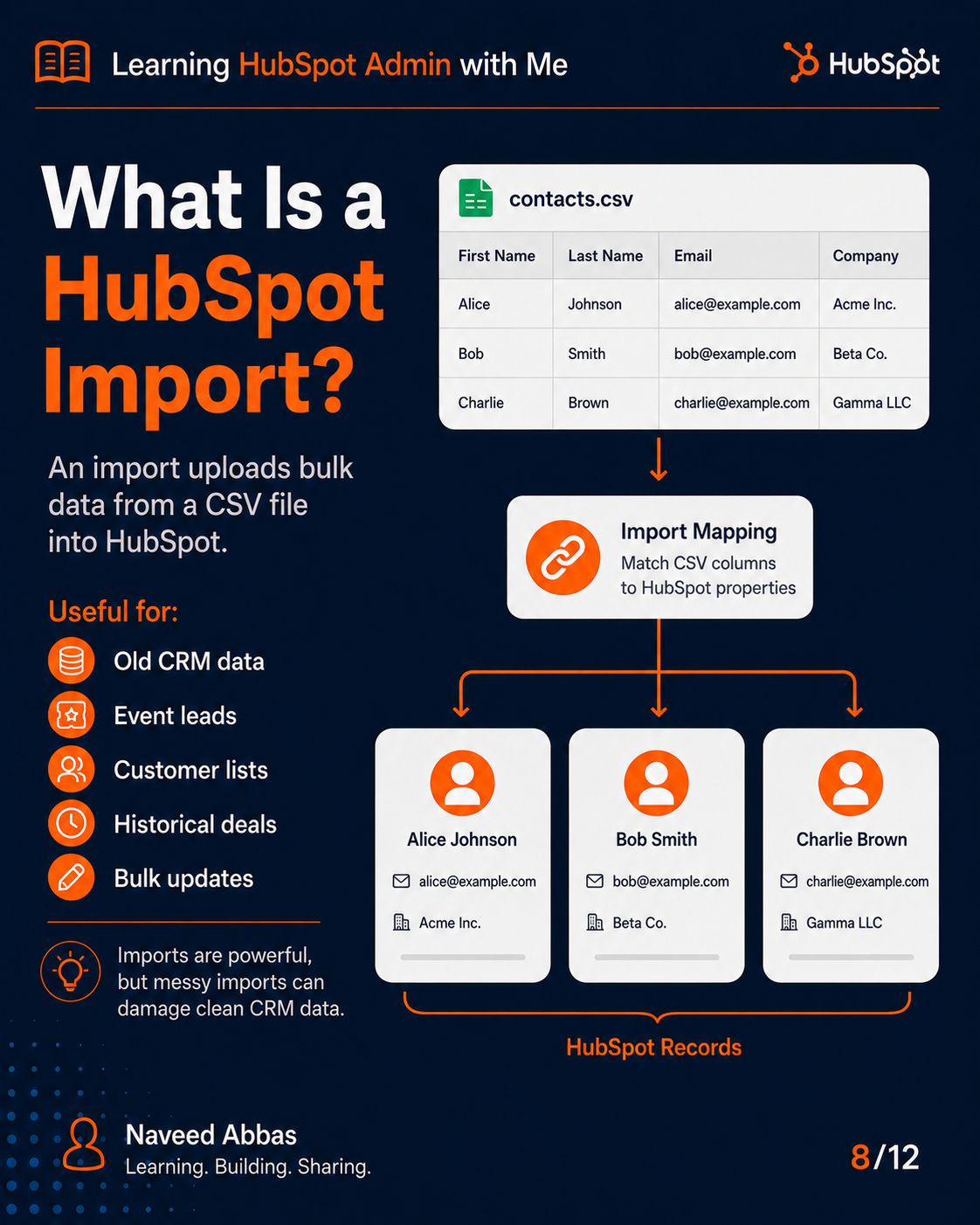
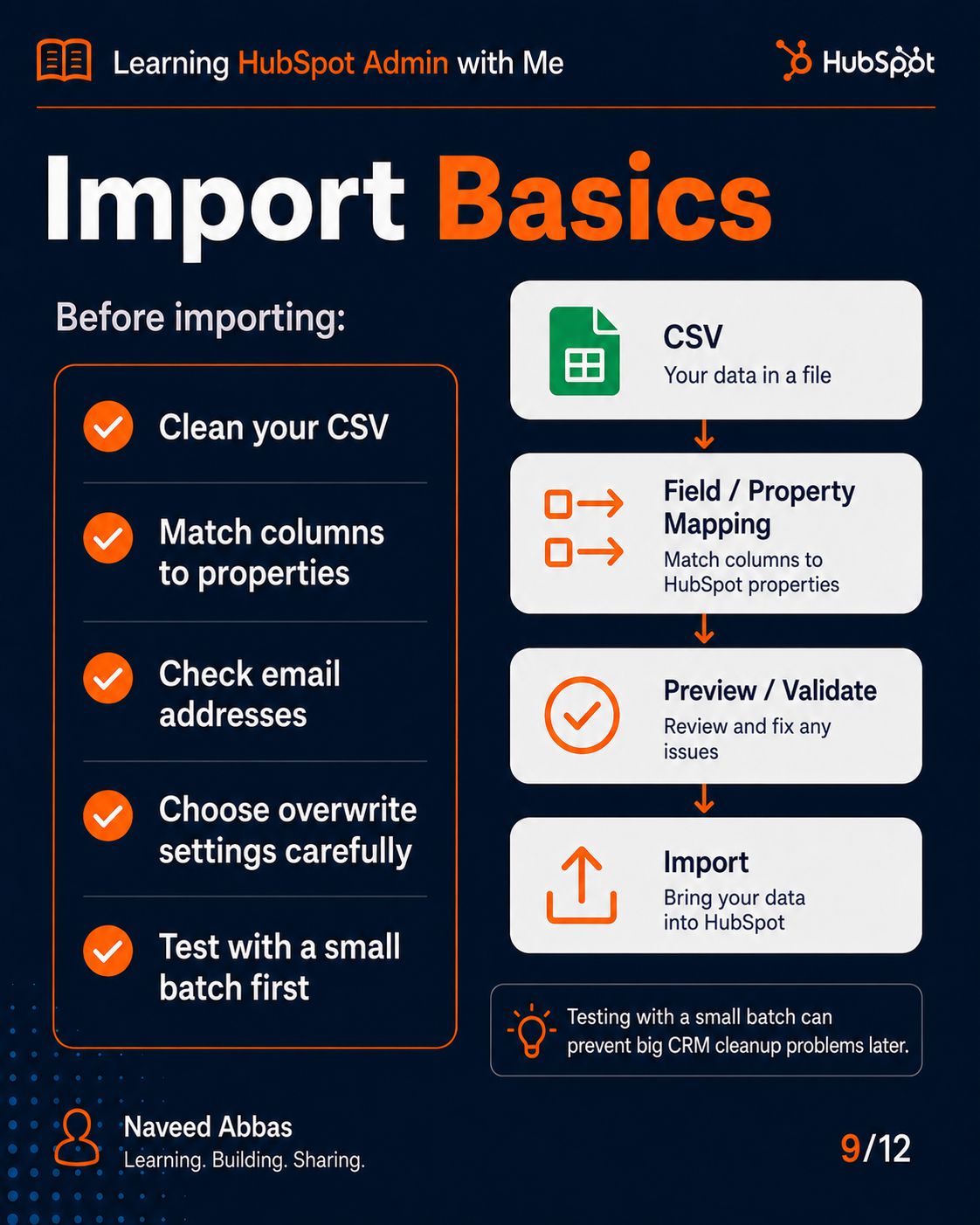
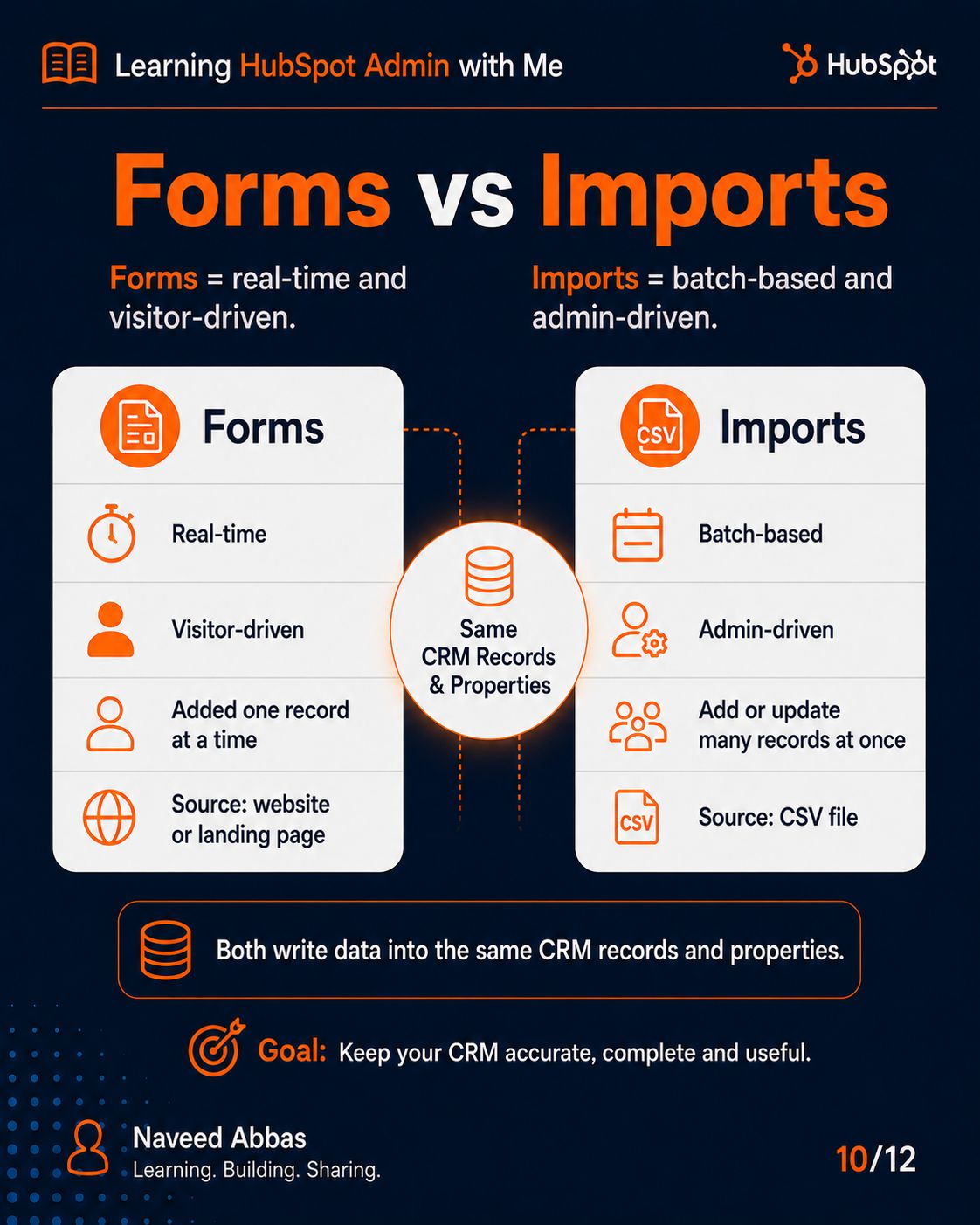
HubSpot Forms & Imports
6/12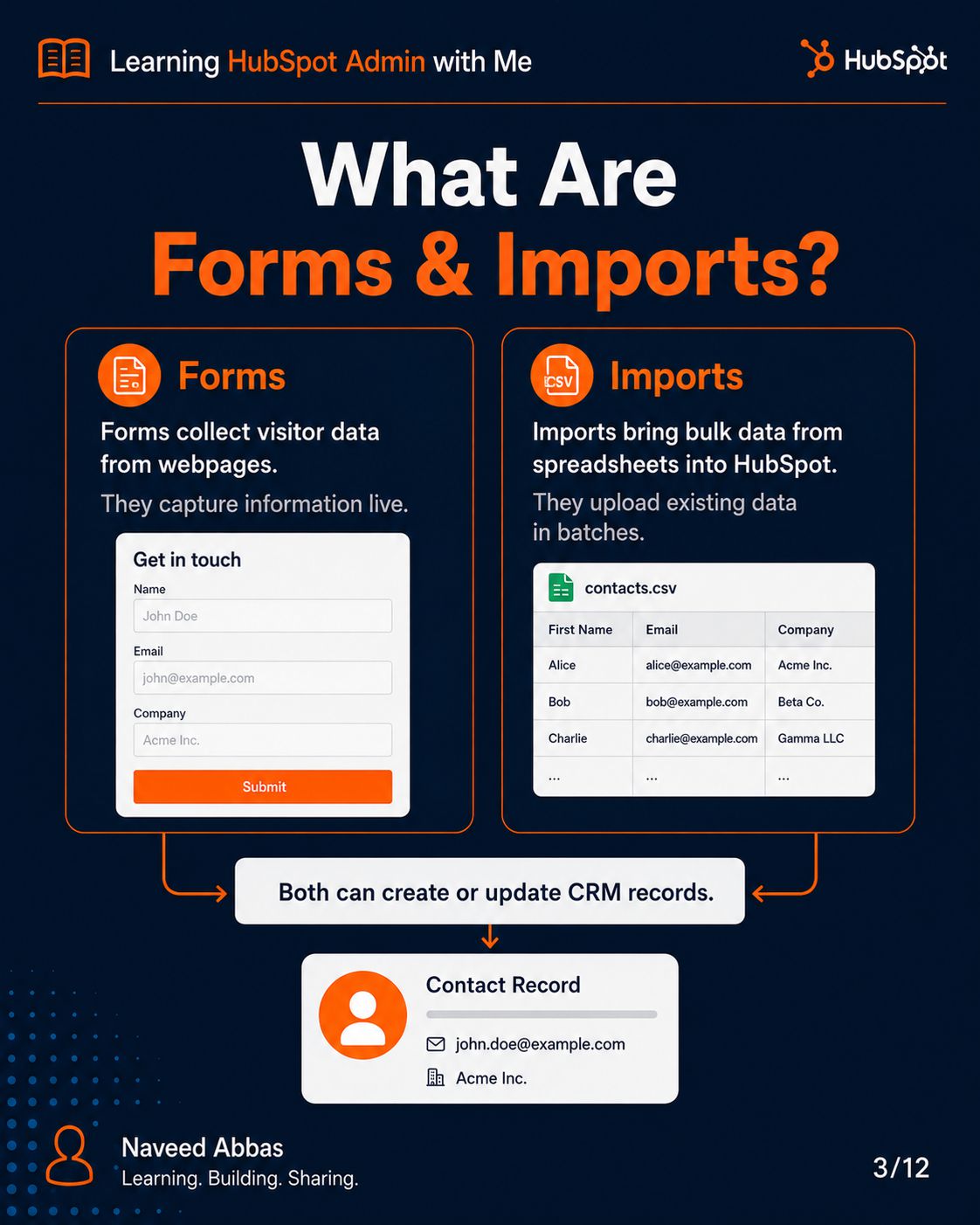
Slide Description Text
Slide Description Text
Slide Description Text
Slide Description Text
Slide Description Text
Slide Description Text
Slide Description Text
Slide Description Text
Slide Description Text
Slide Description Text
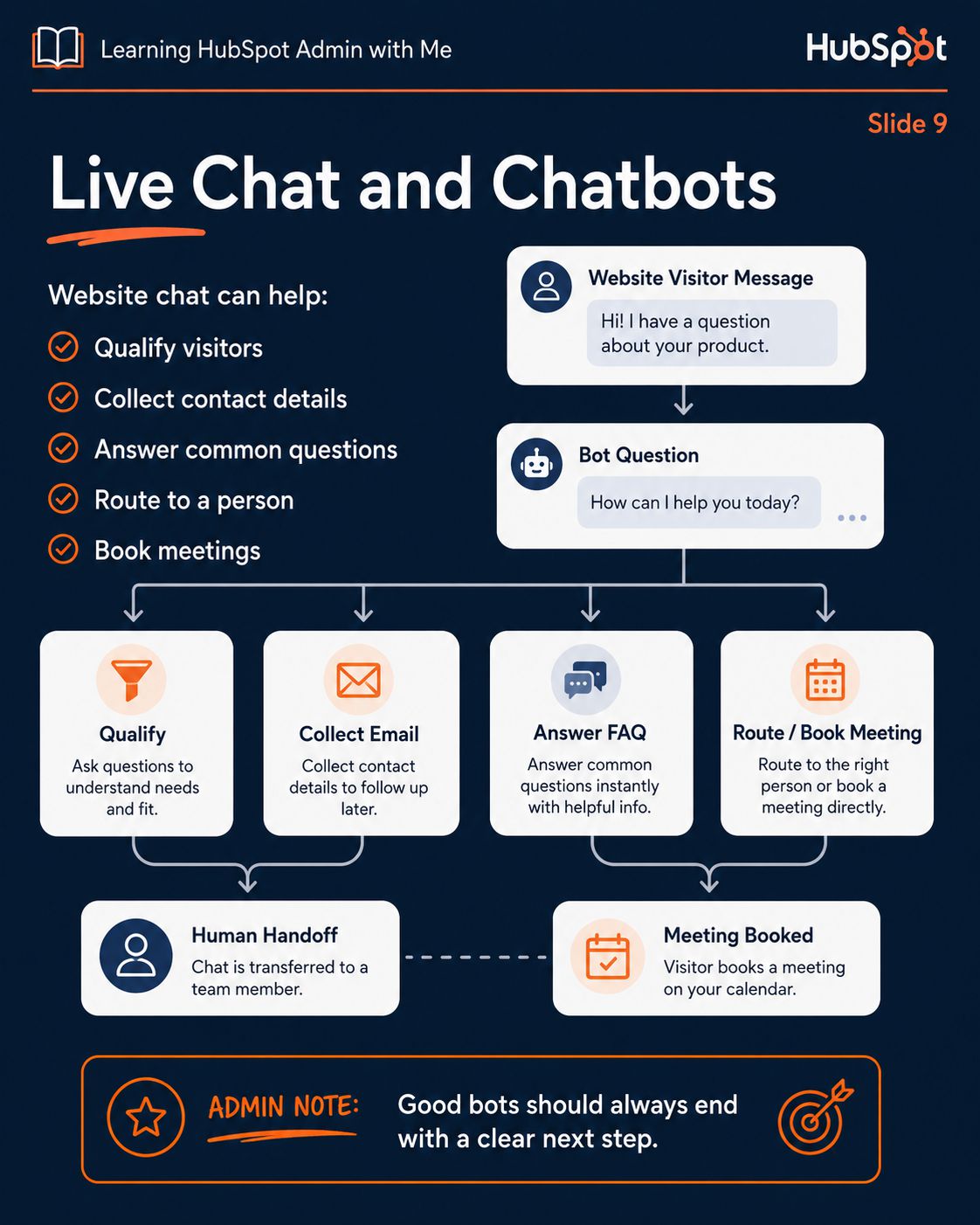
HubSpot Conversations
7/12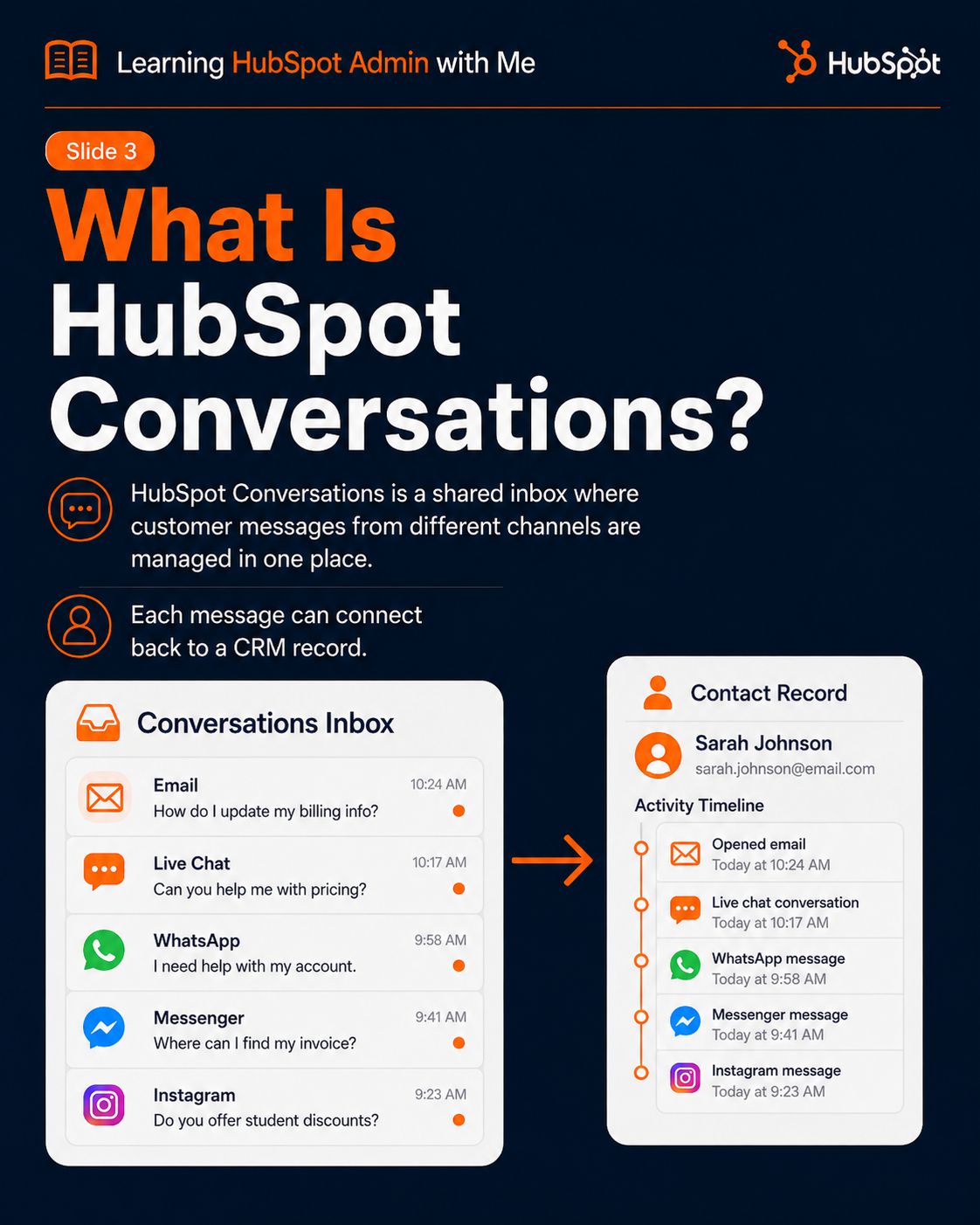
Slide Description Text
Slide Description Text
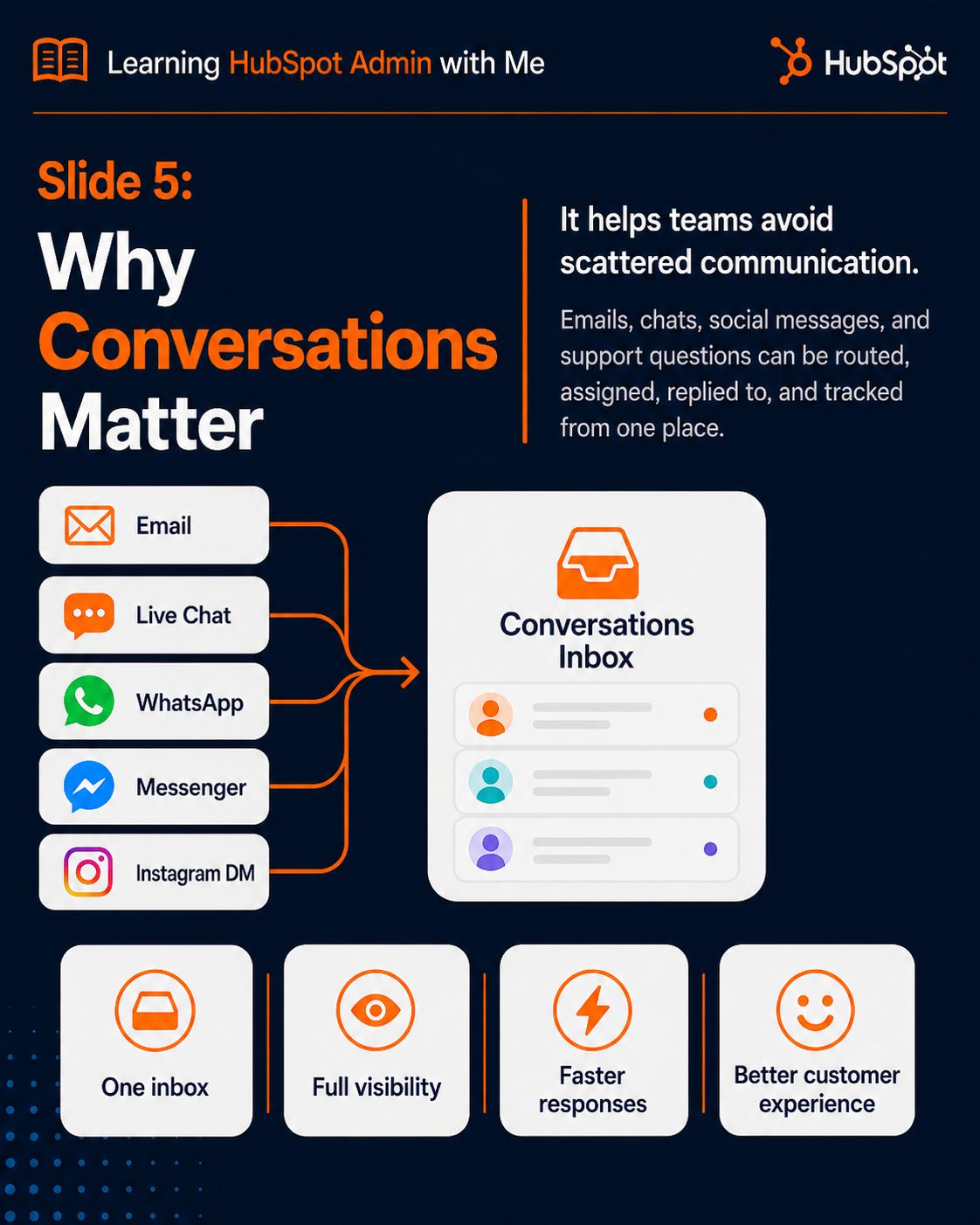
Slide Description Text
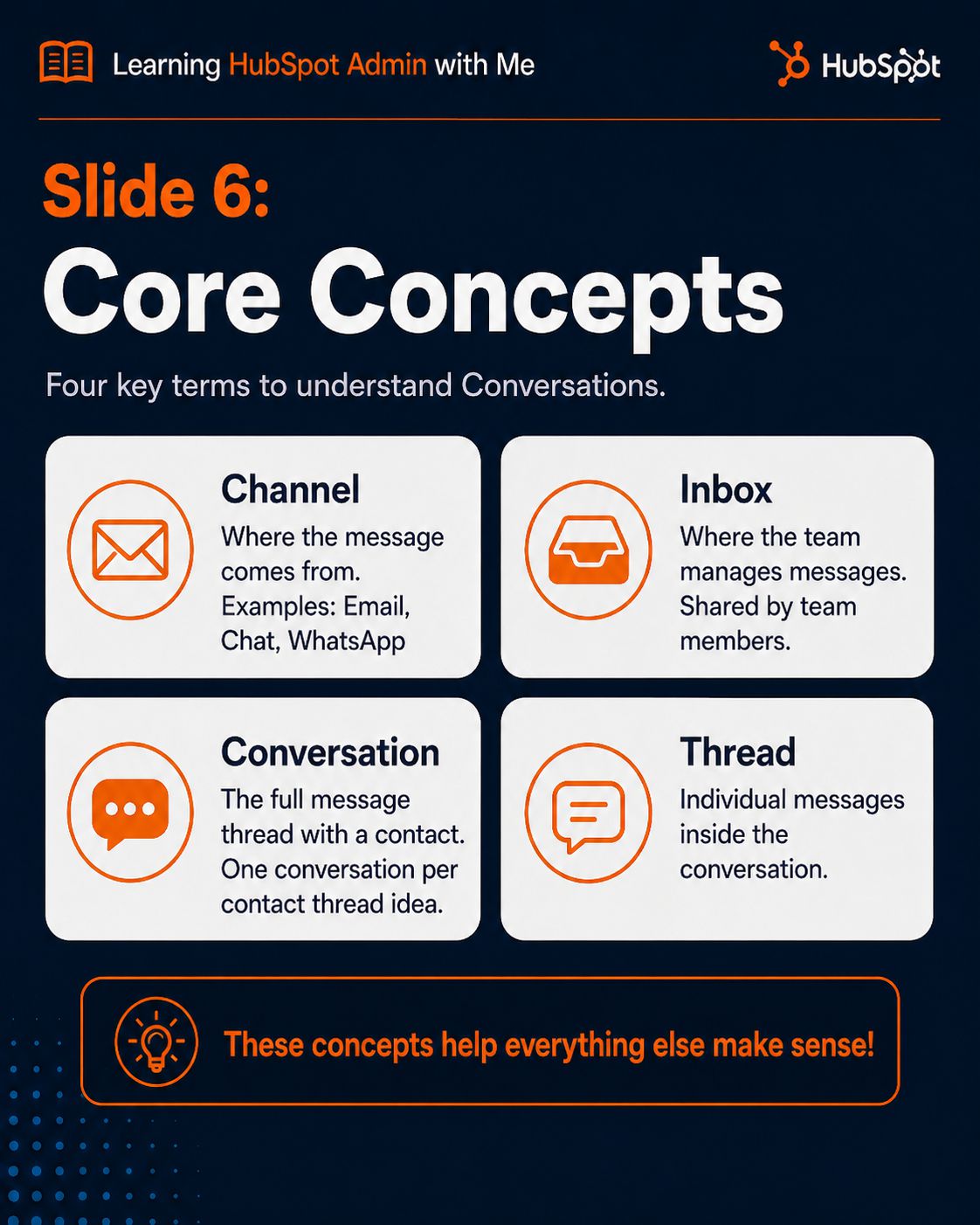
Slide Description Text
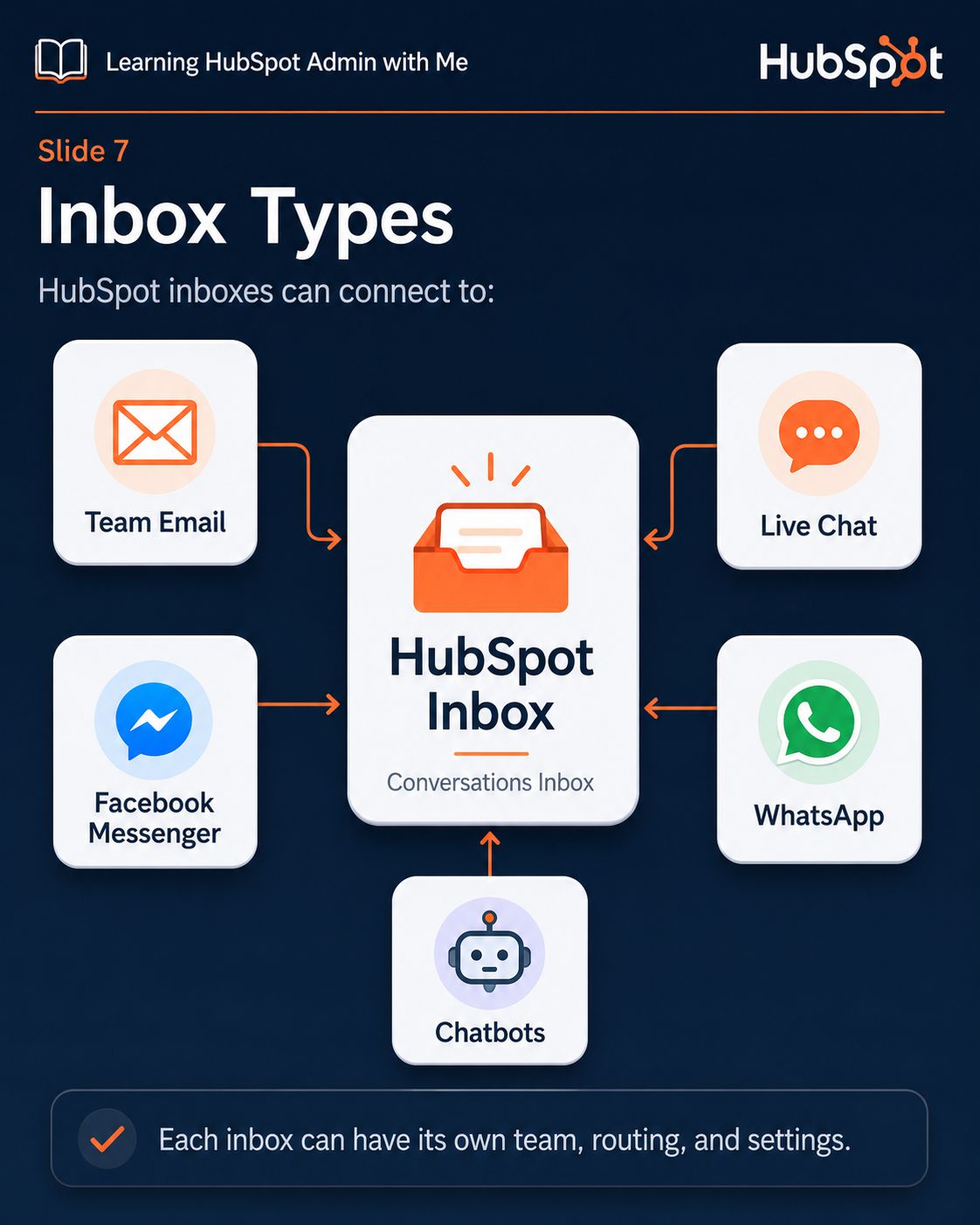
Slide Description Text
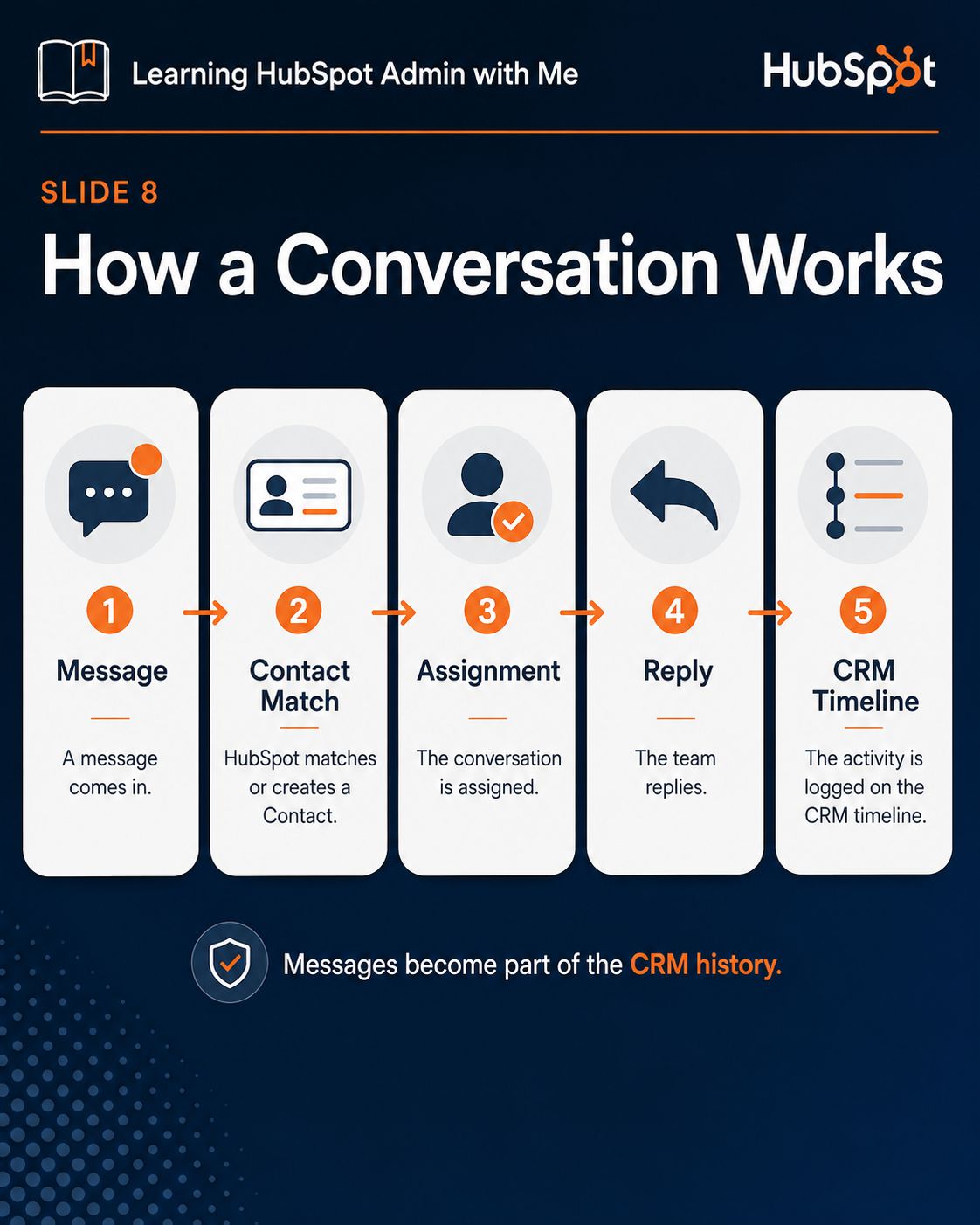
Slide Description Text
Slide Description Text
Slide Description Text
Slide Description Text
Slide Description Text
HubSpot Workflows
8/12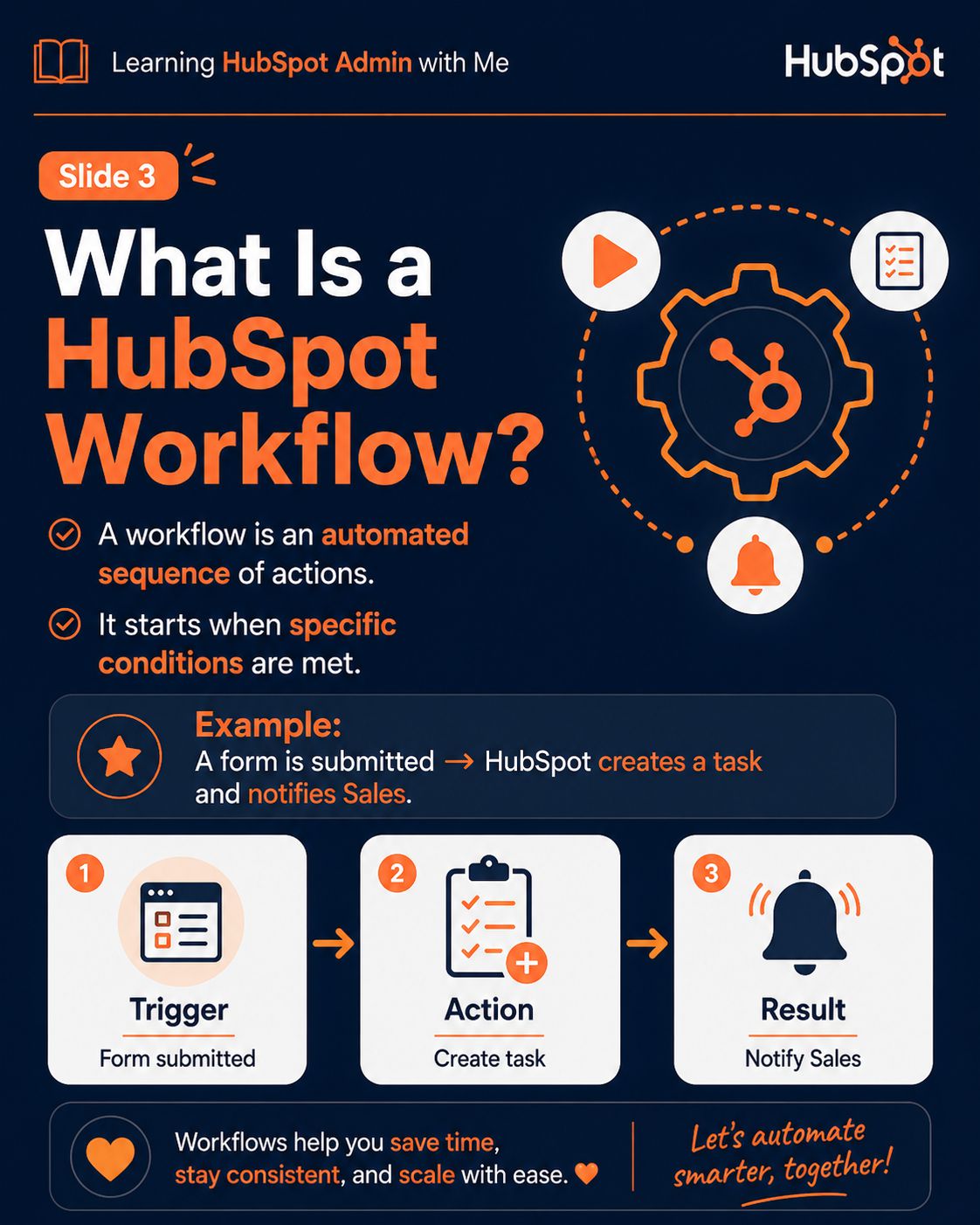
Slide Description Text
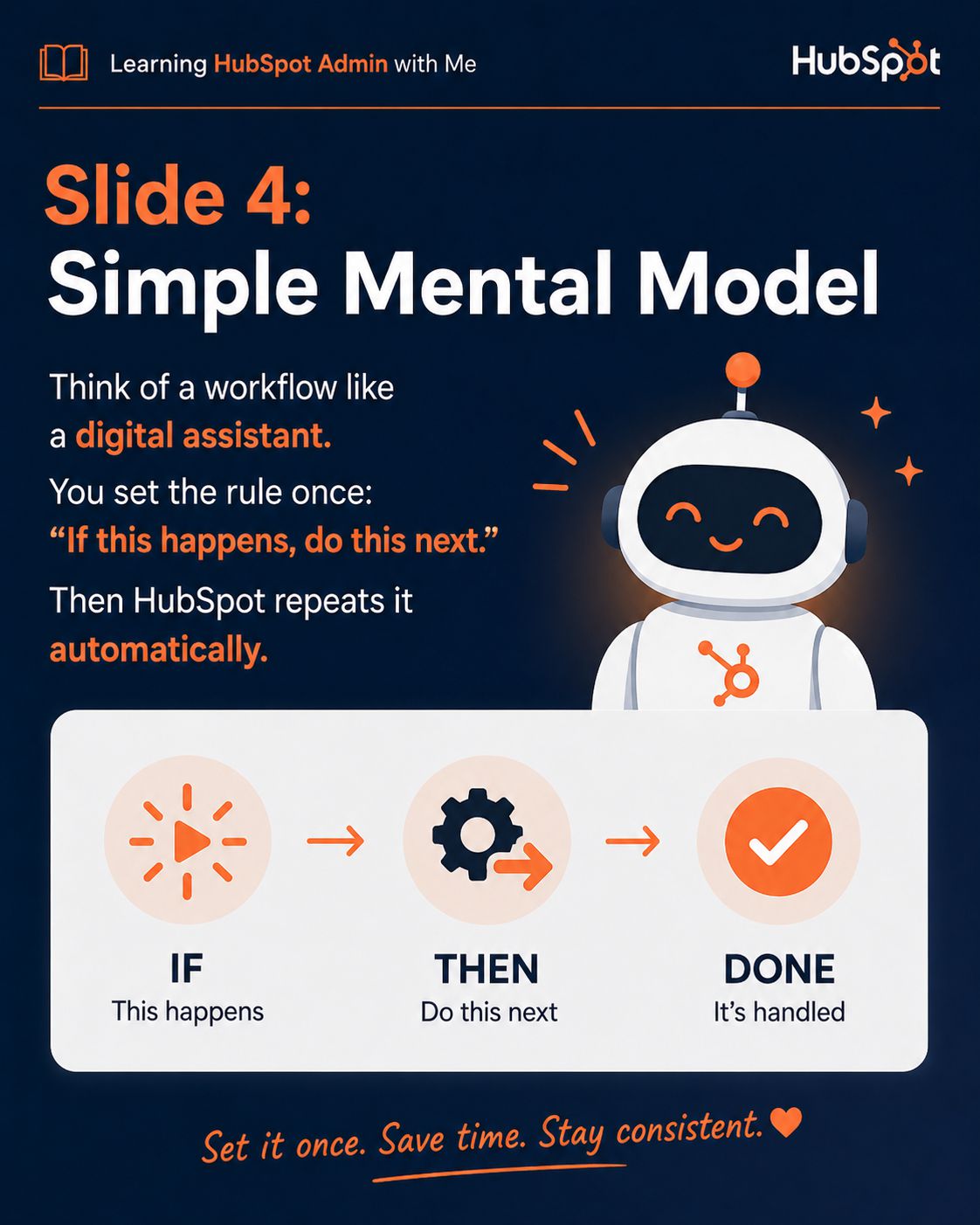
Slide Description Text
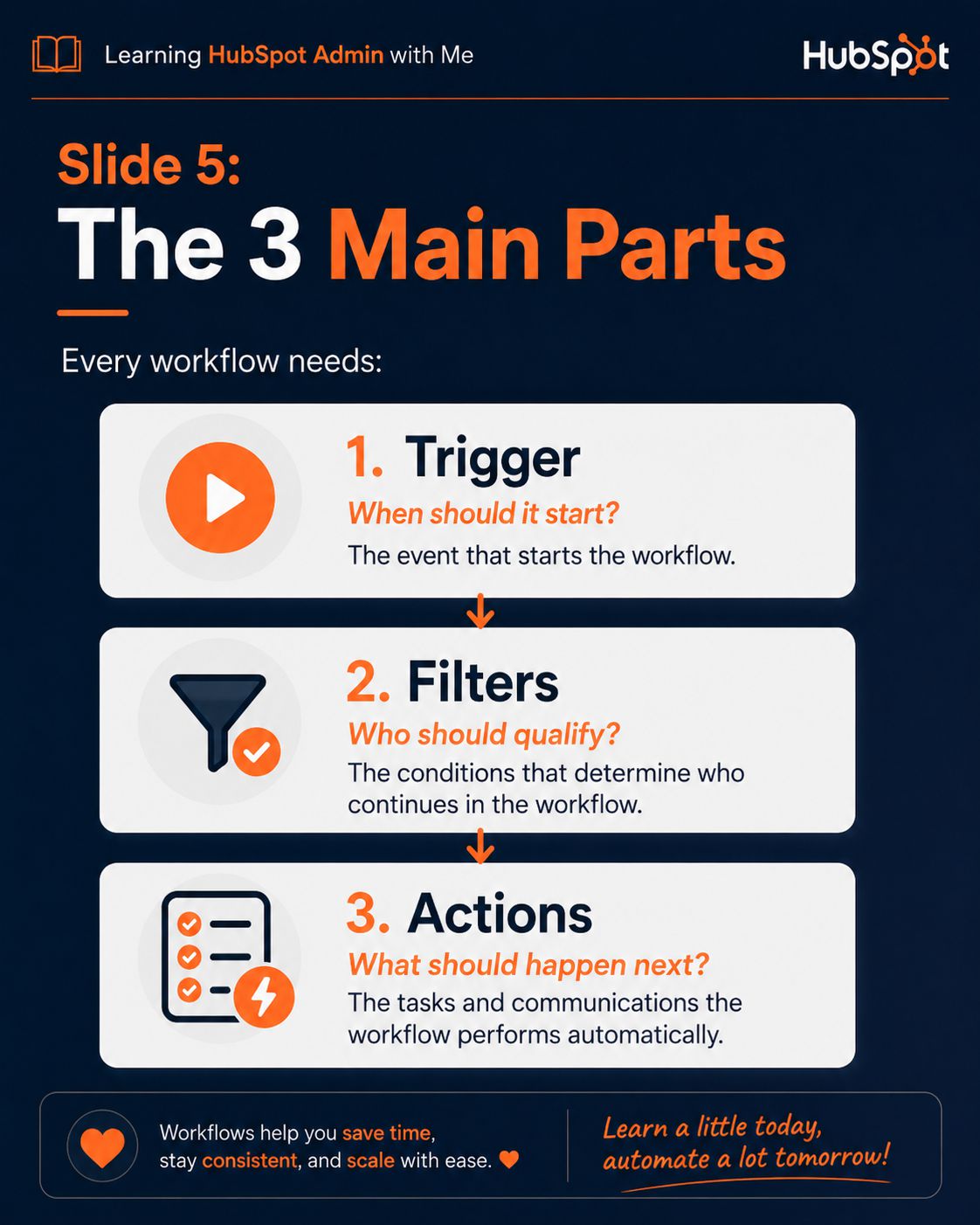
Slide Description Text
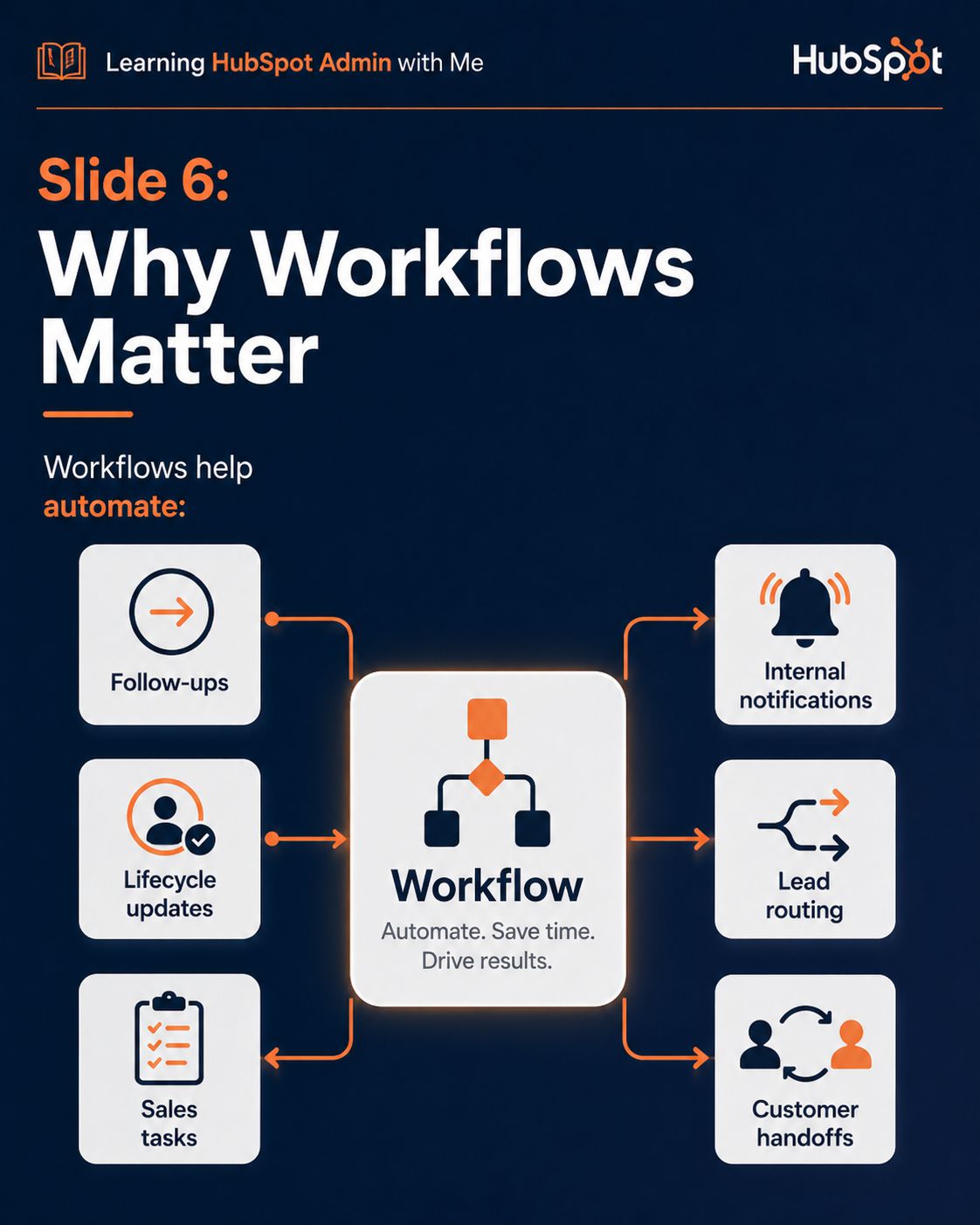
Slide Description Text
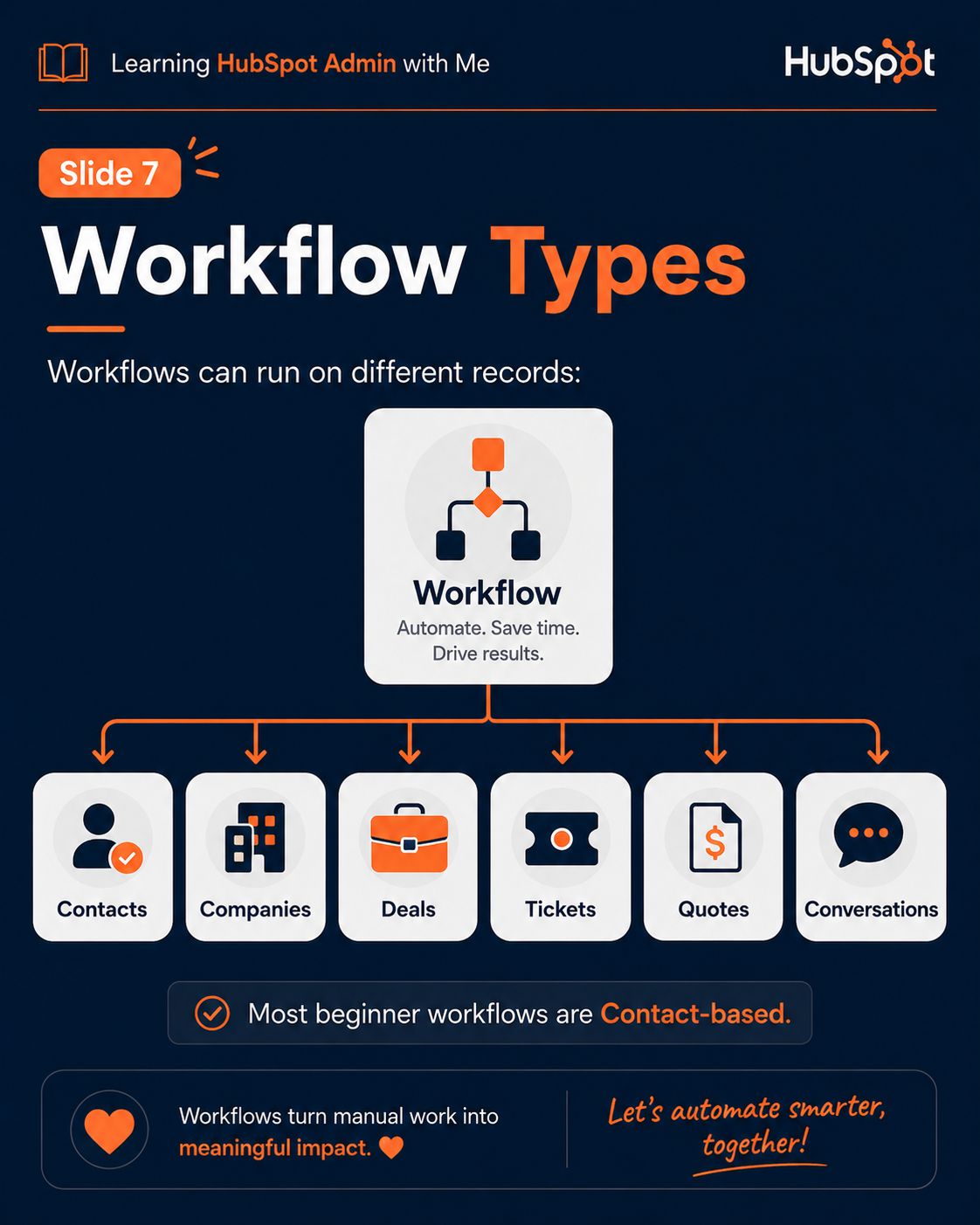
Slide Description Text
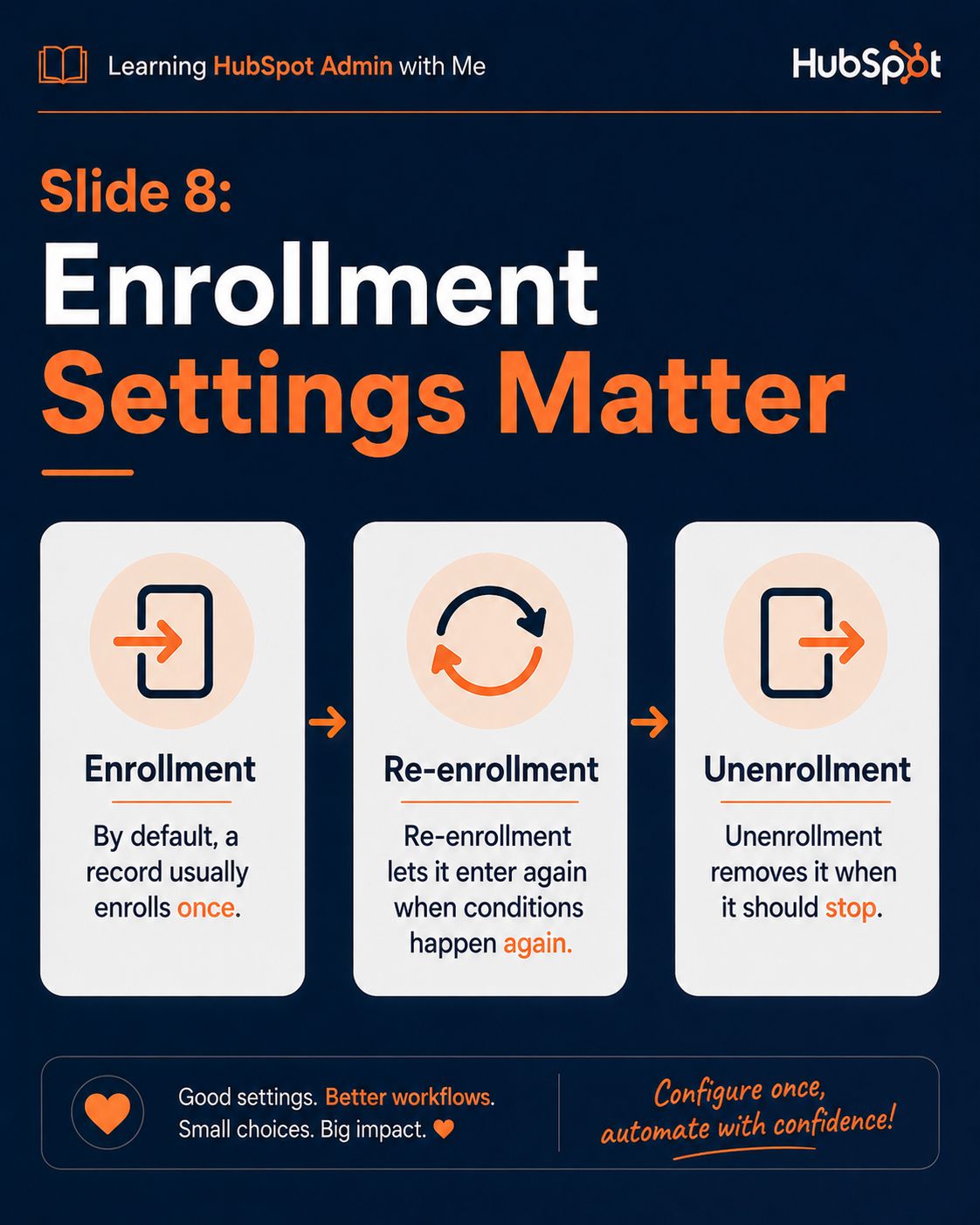
Slide Description Text
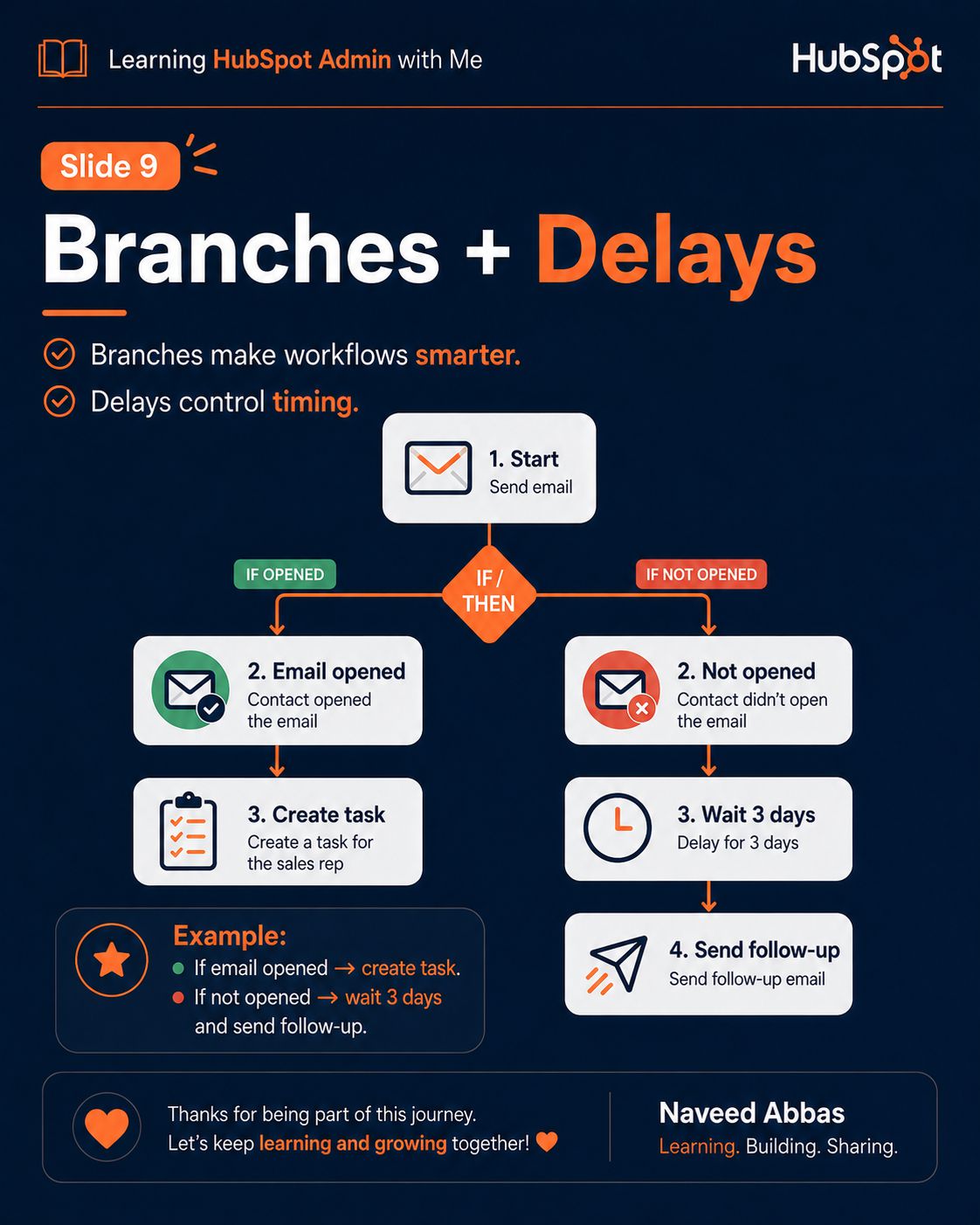
Slide Description Text
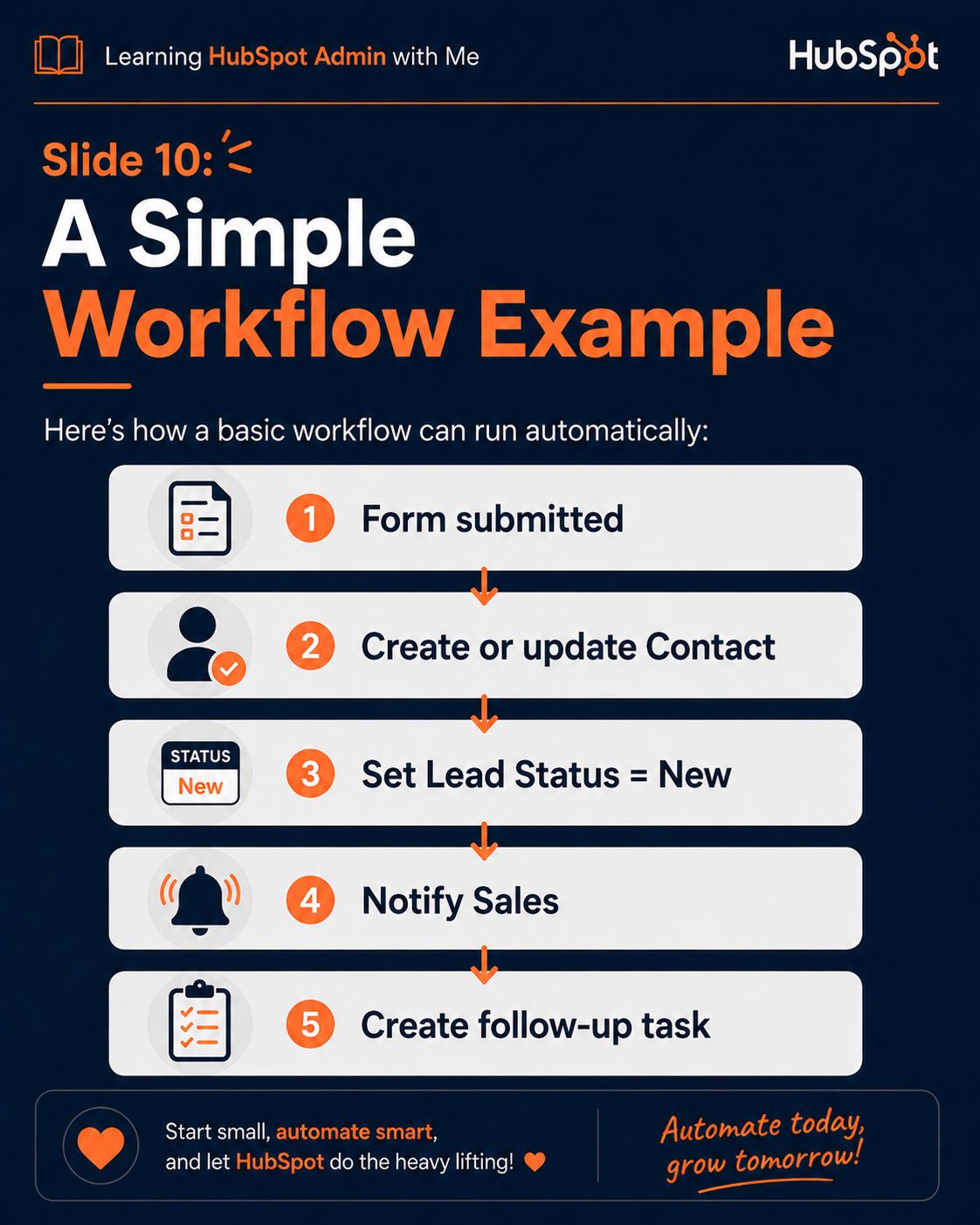
Slide Description Text
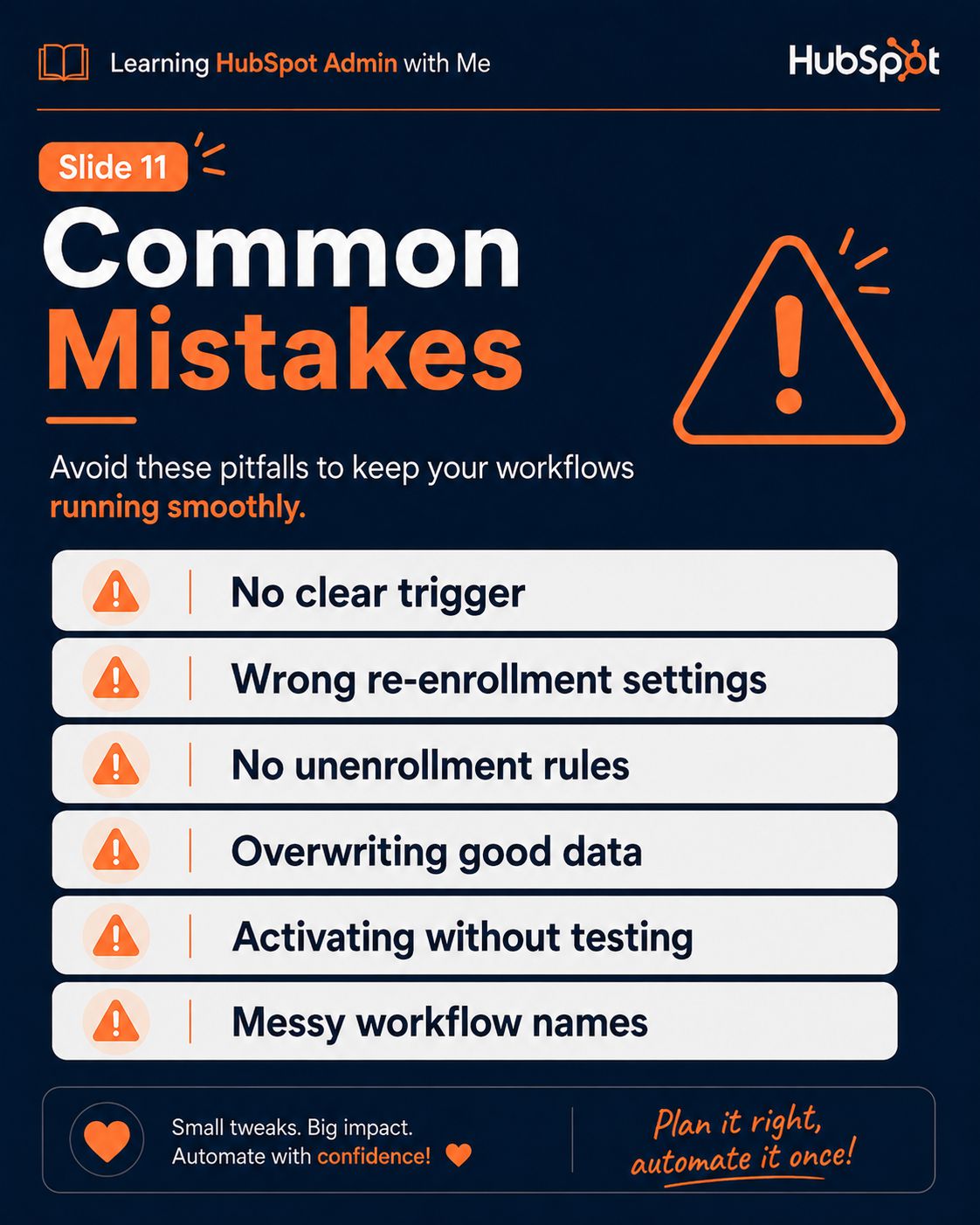
Slide Description Text
Slide Description Text
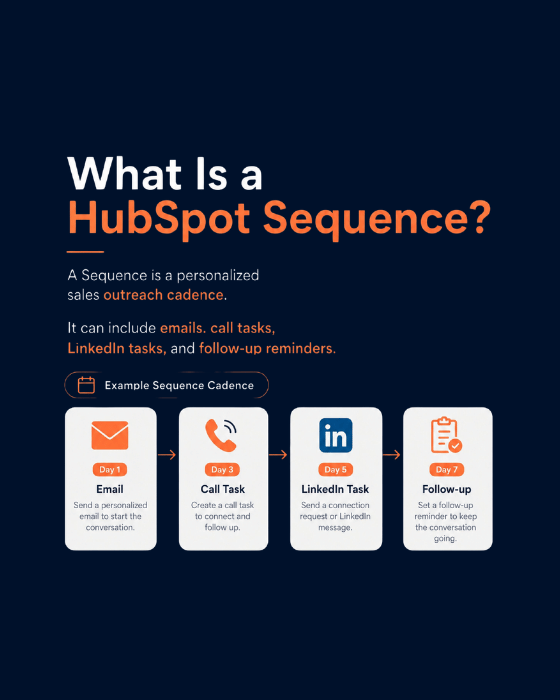
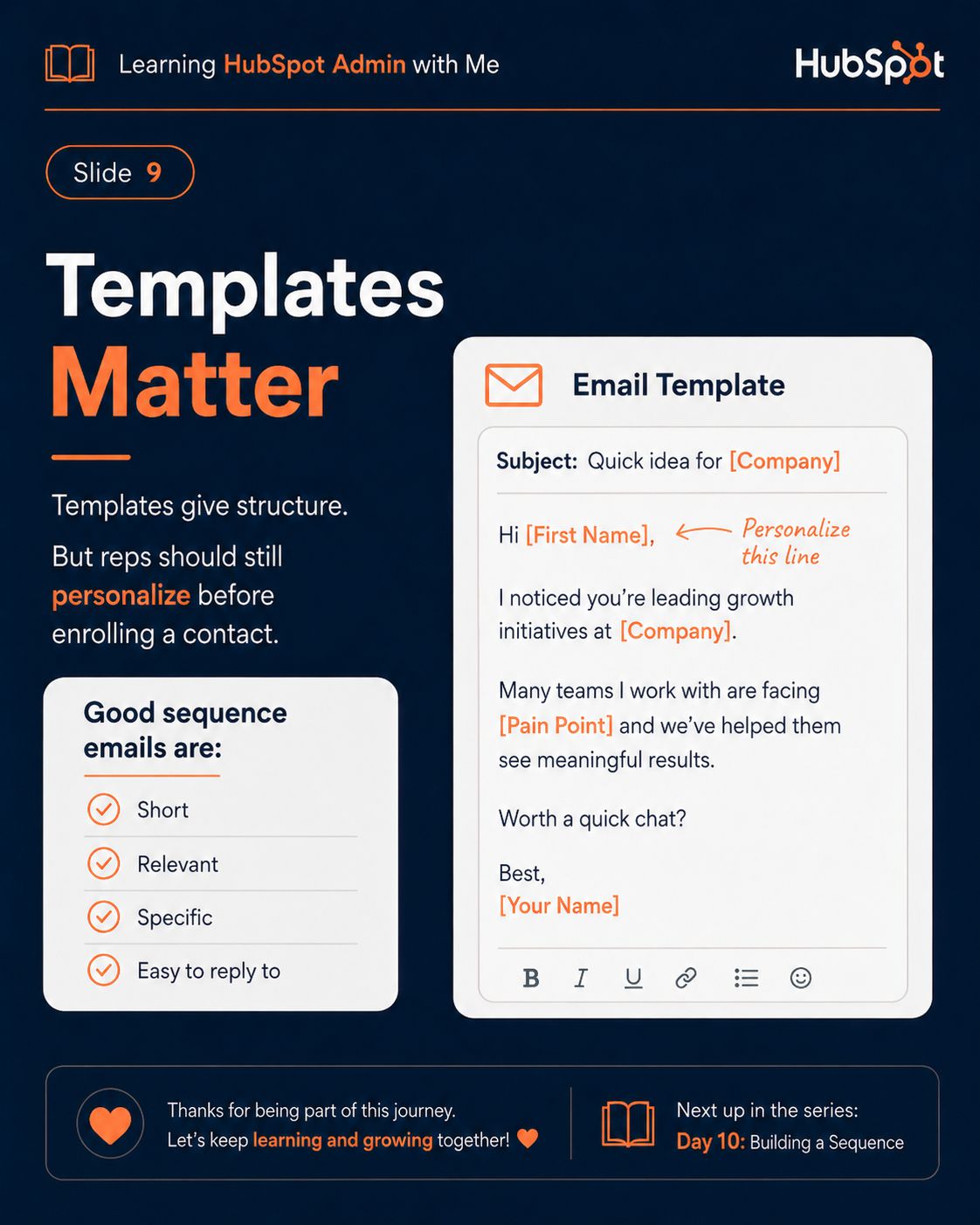
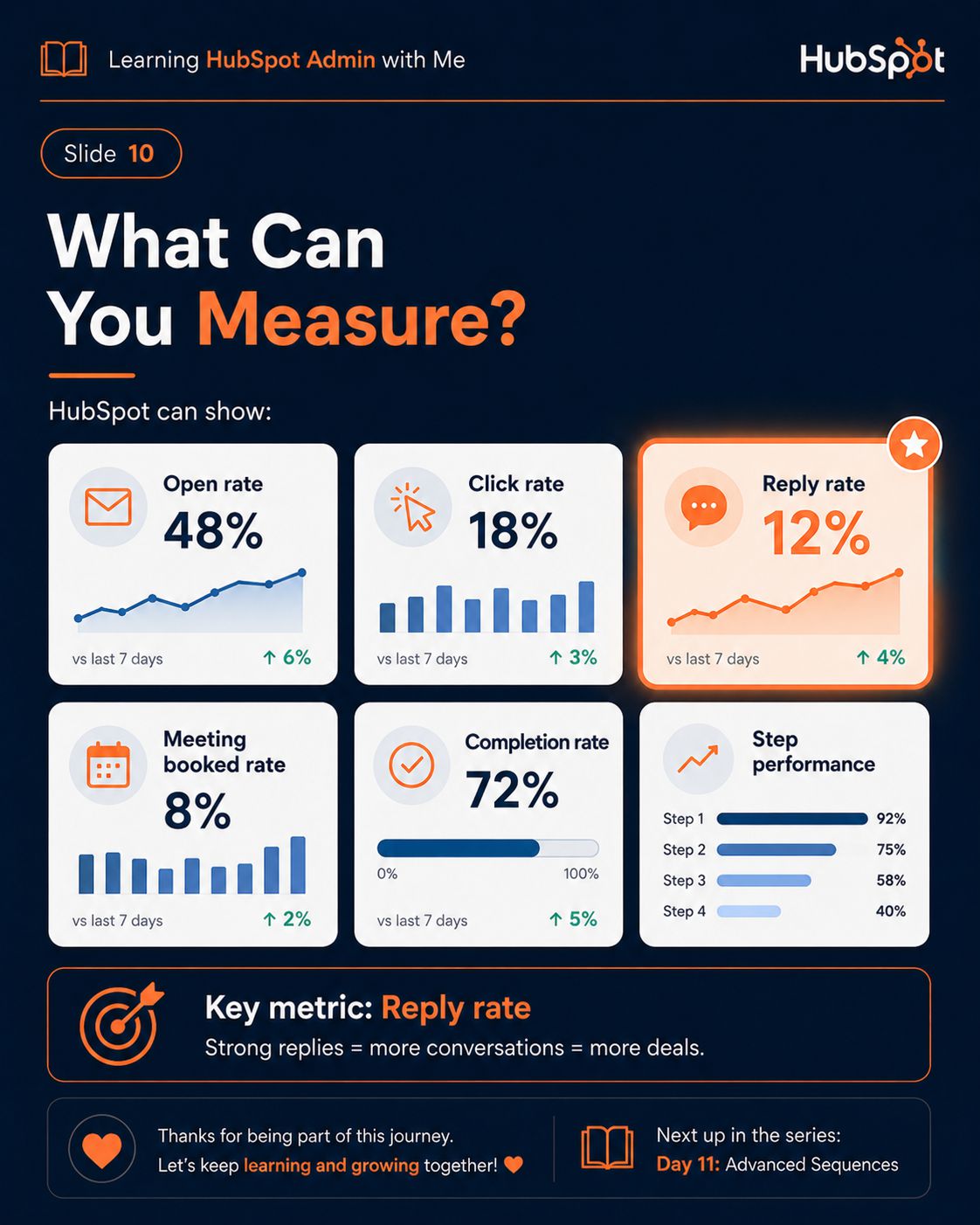
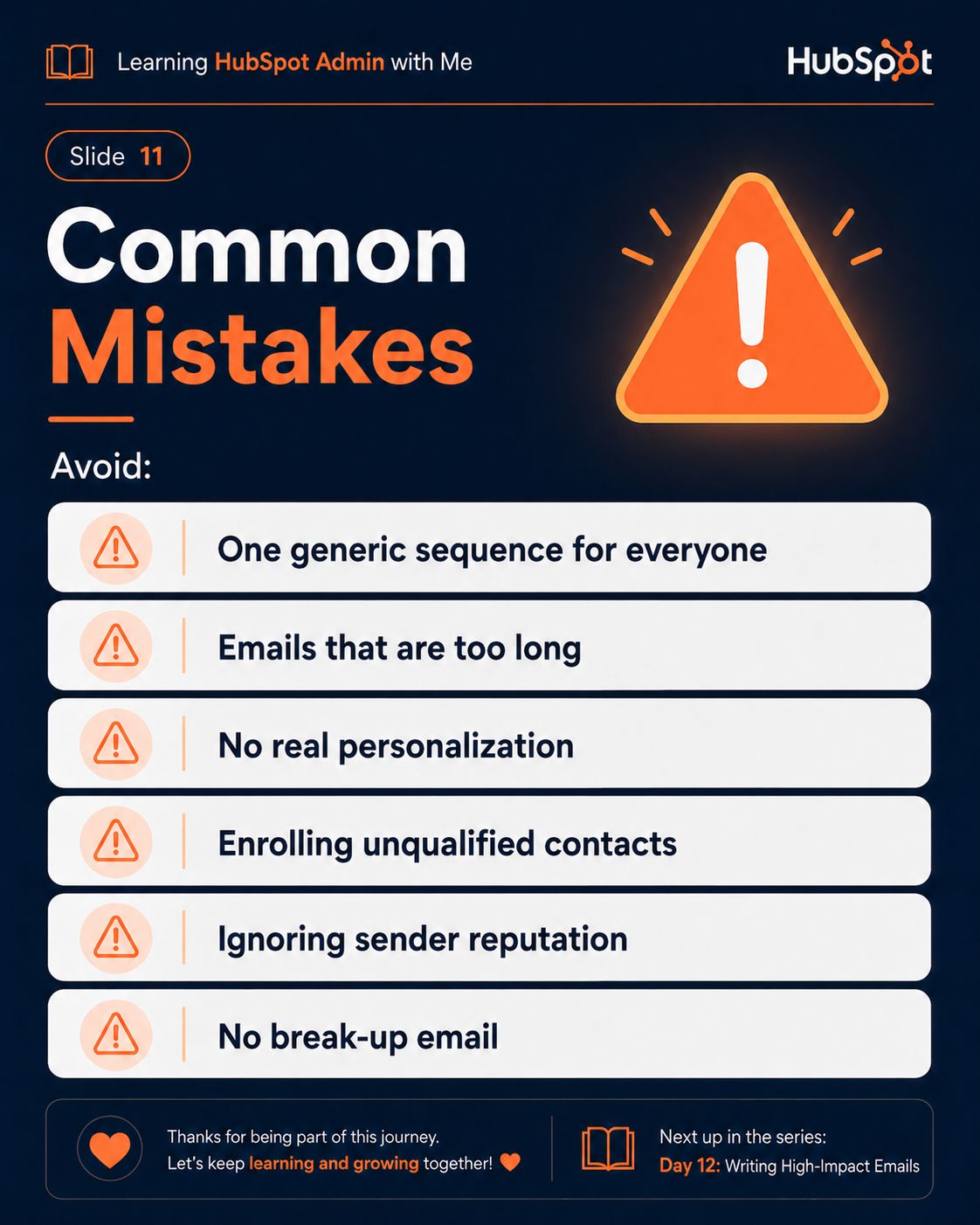
HubSpot Sequences
9/12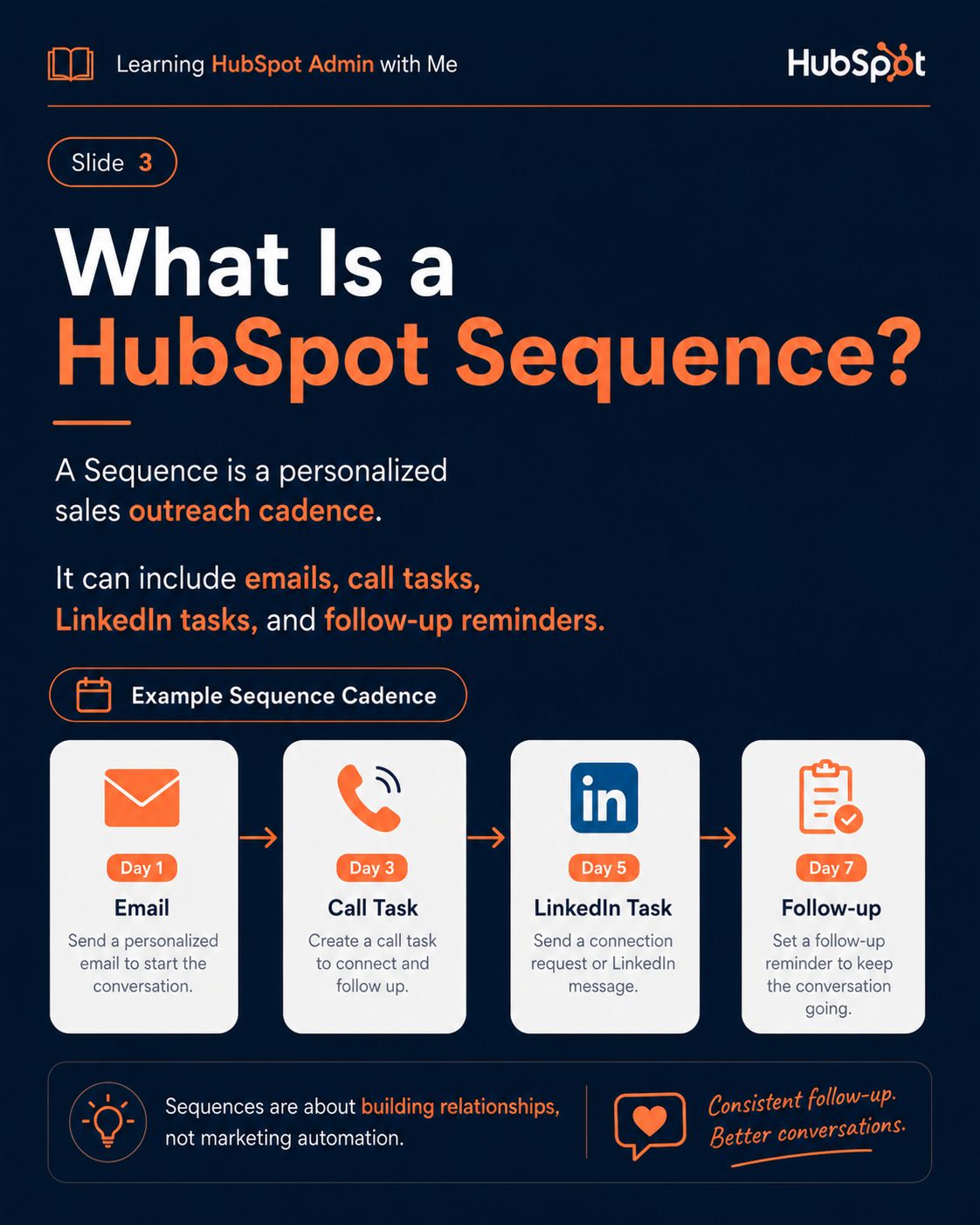
Slide Description Text
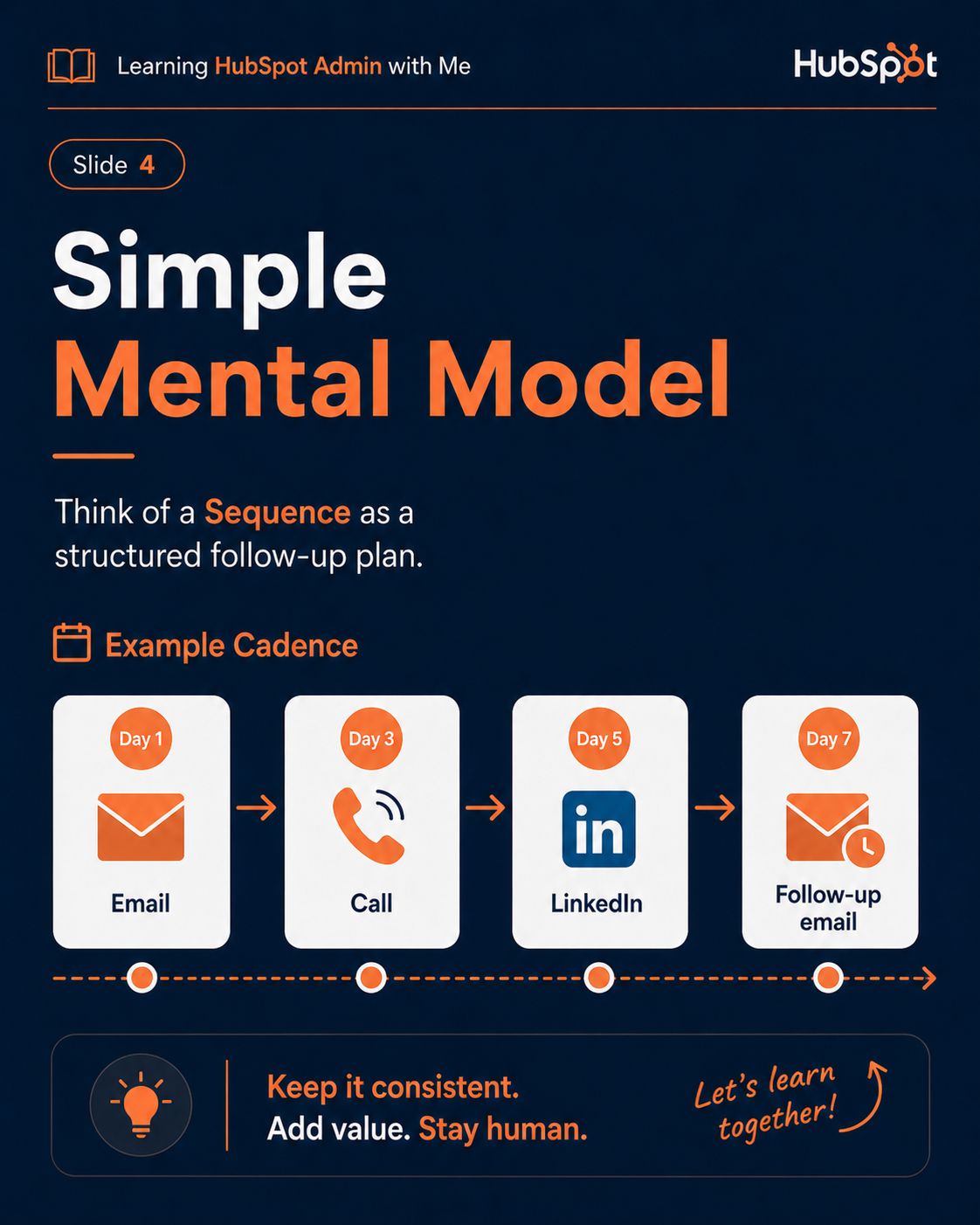
Slide Description Text
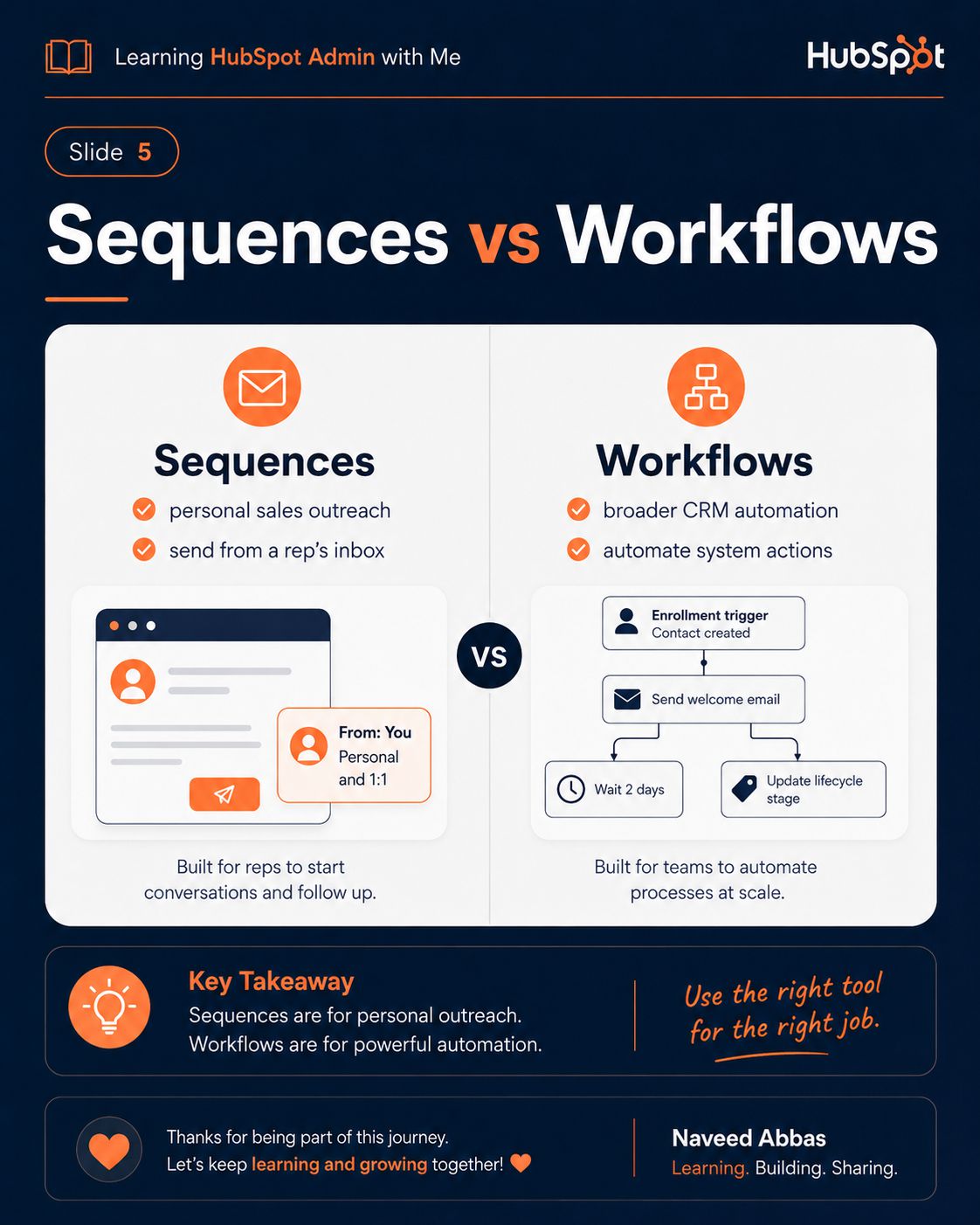
Slide Description Text
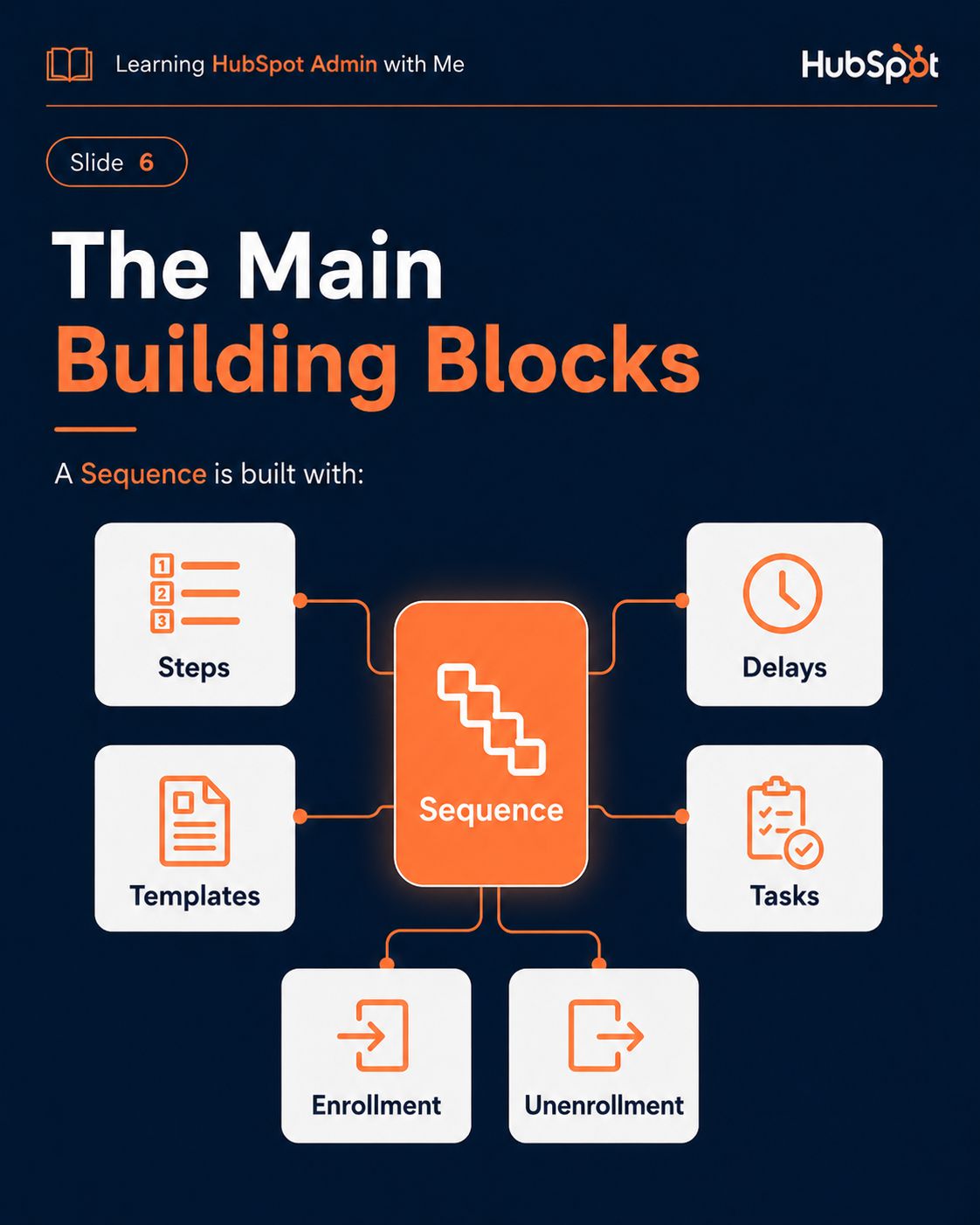
Slide Description Text
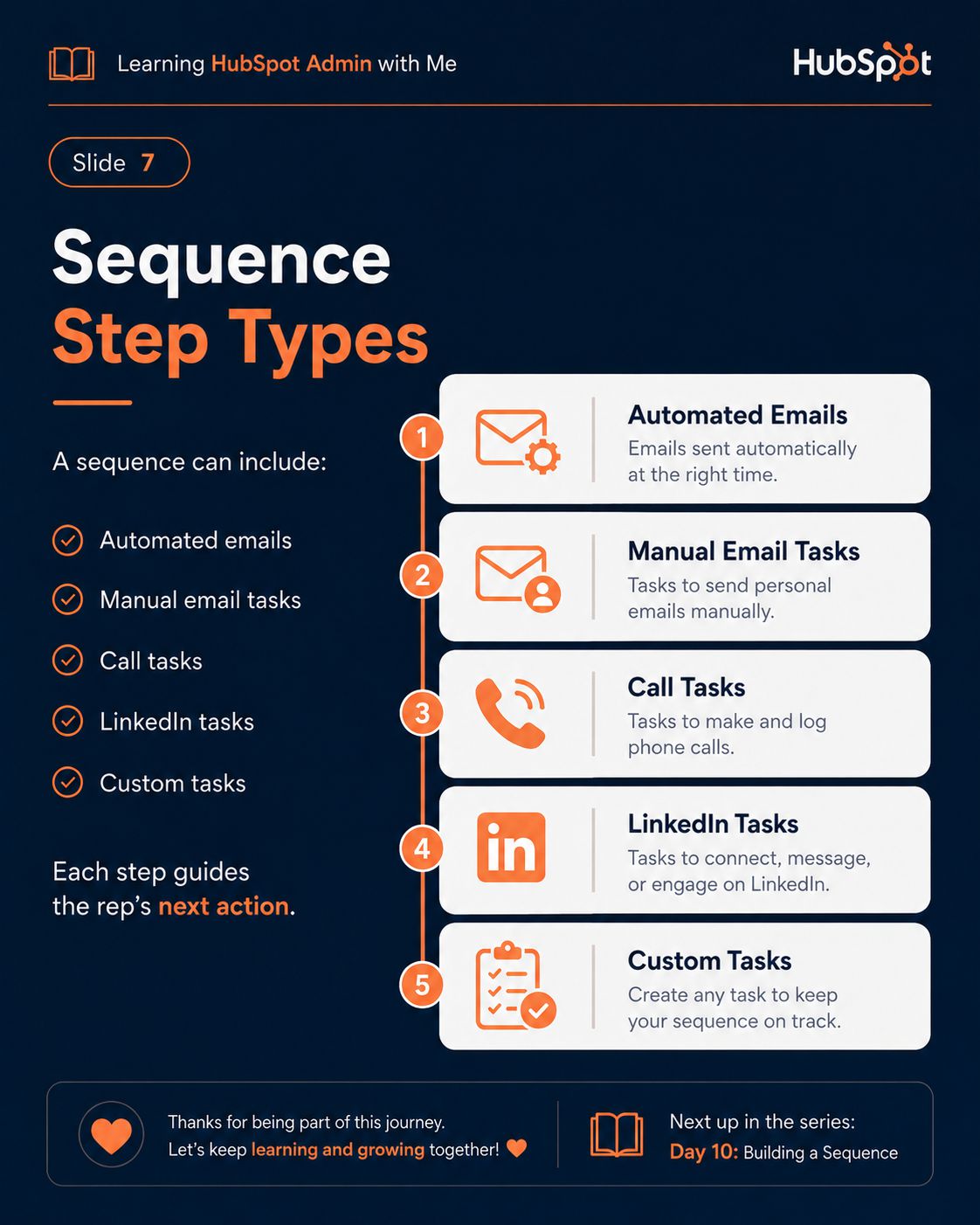
Slide Description Text
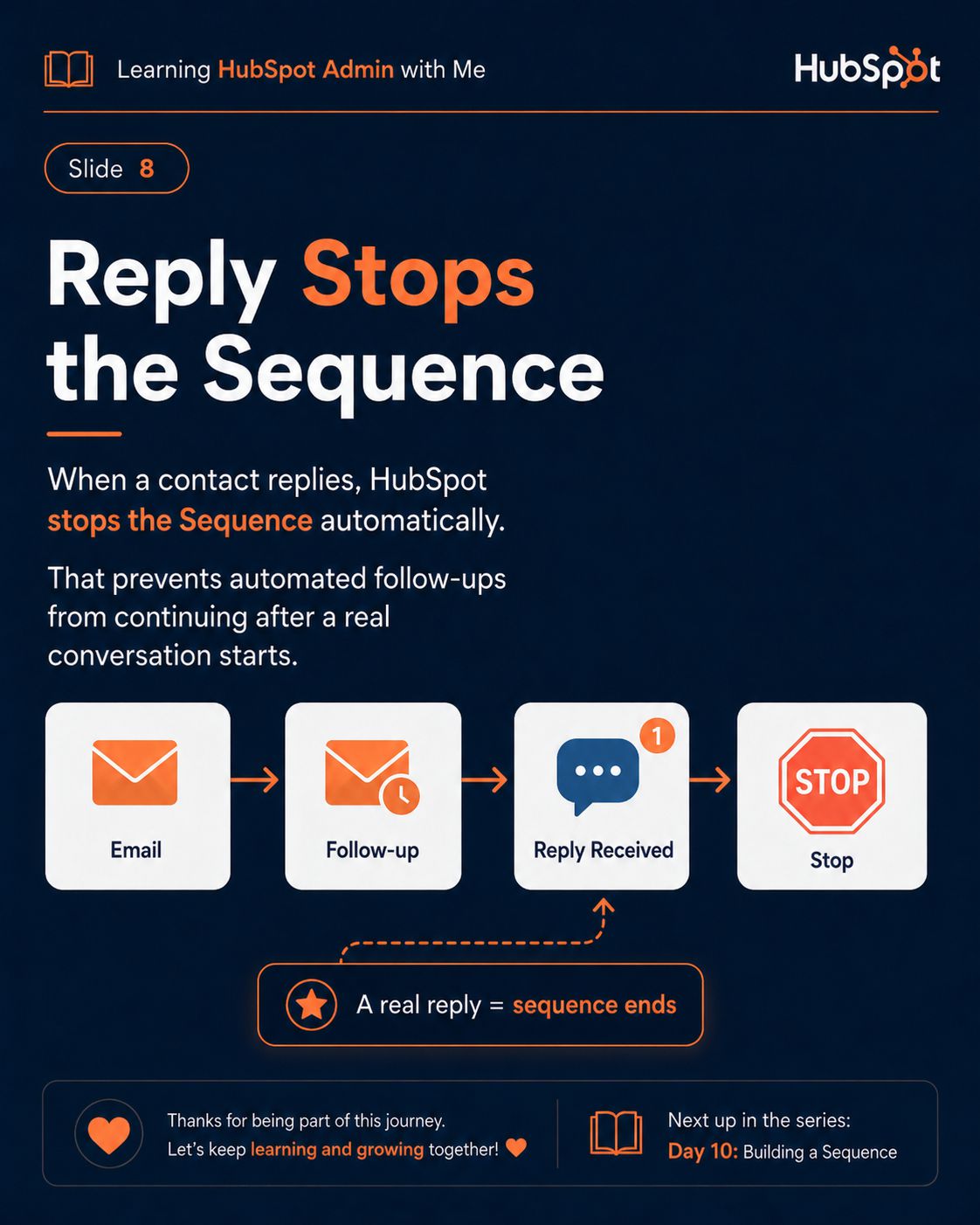
Slide Description Text
Slide Description Text
Slide Description Text
Slide Description Text
Slide Description Text
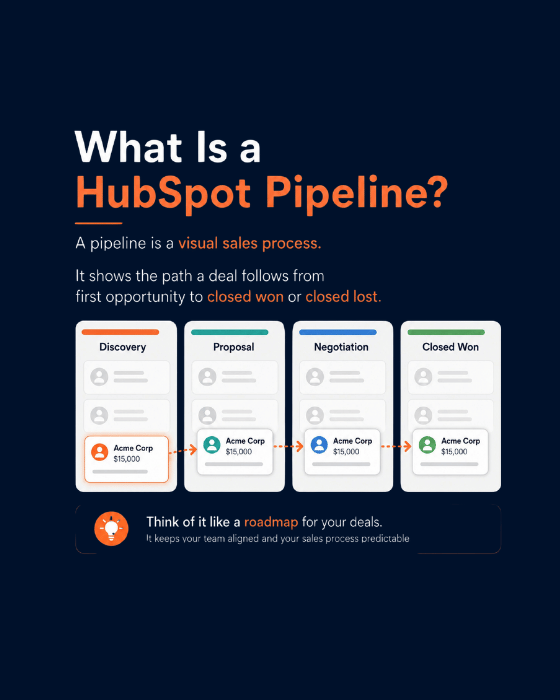
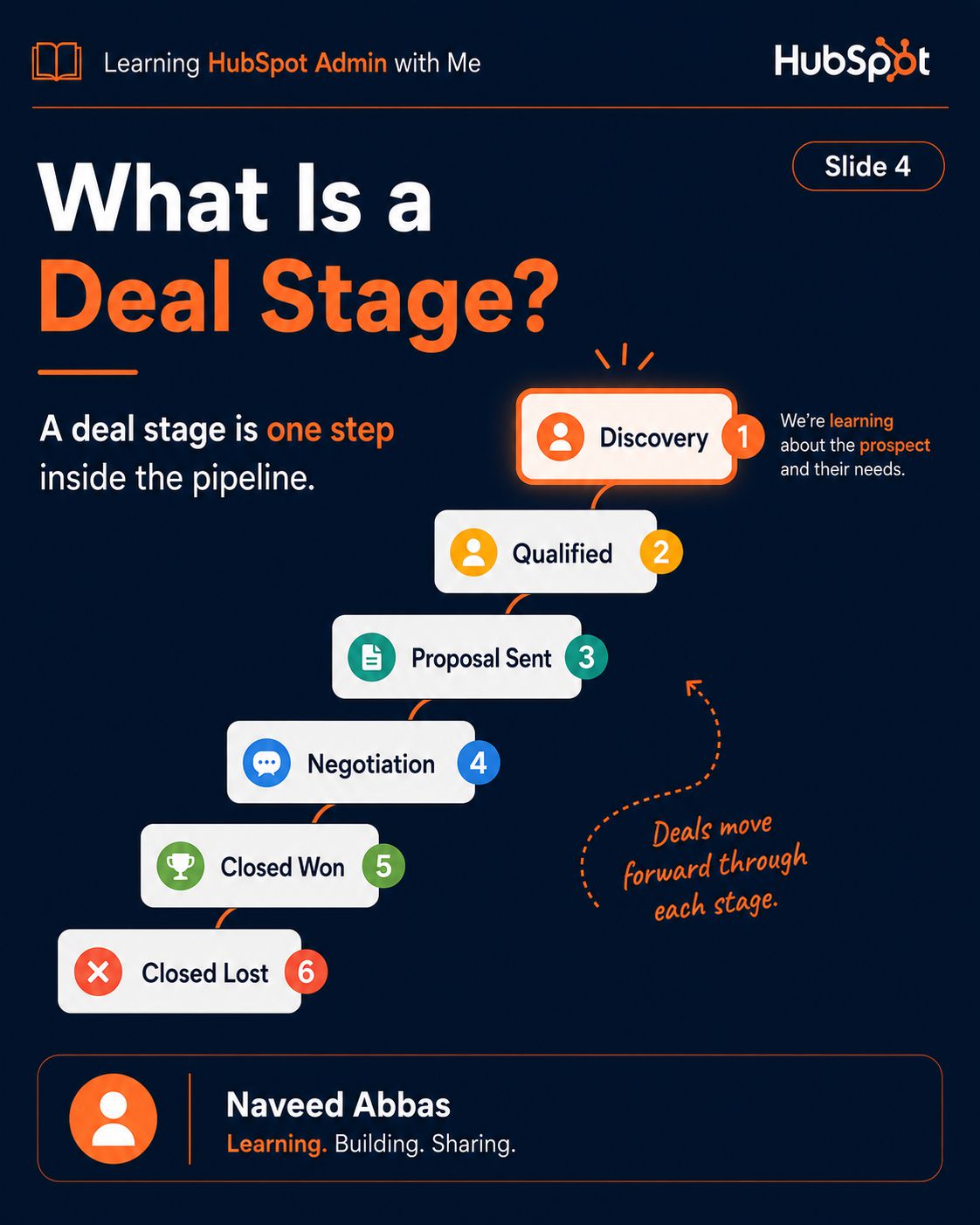
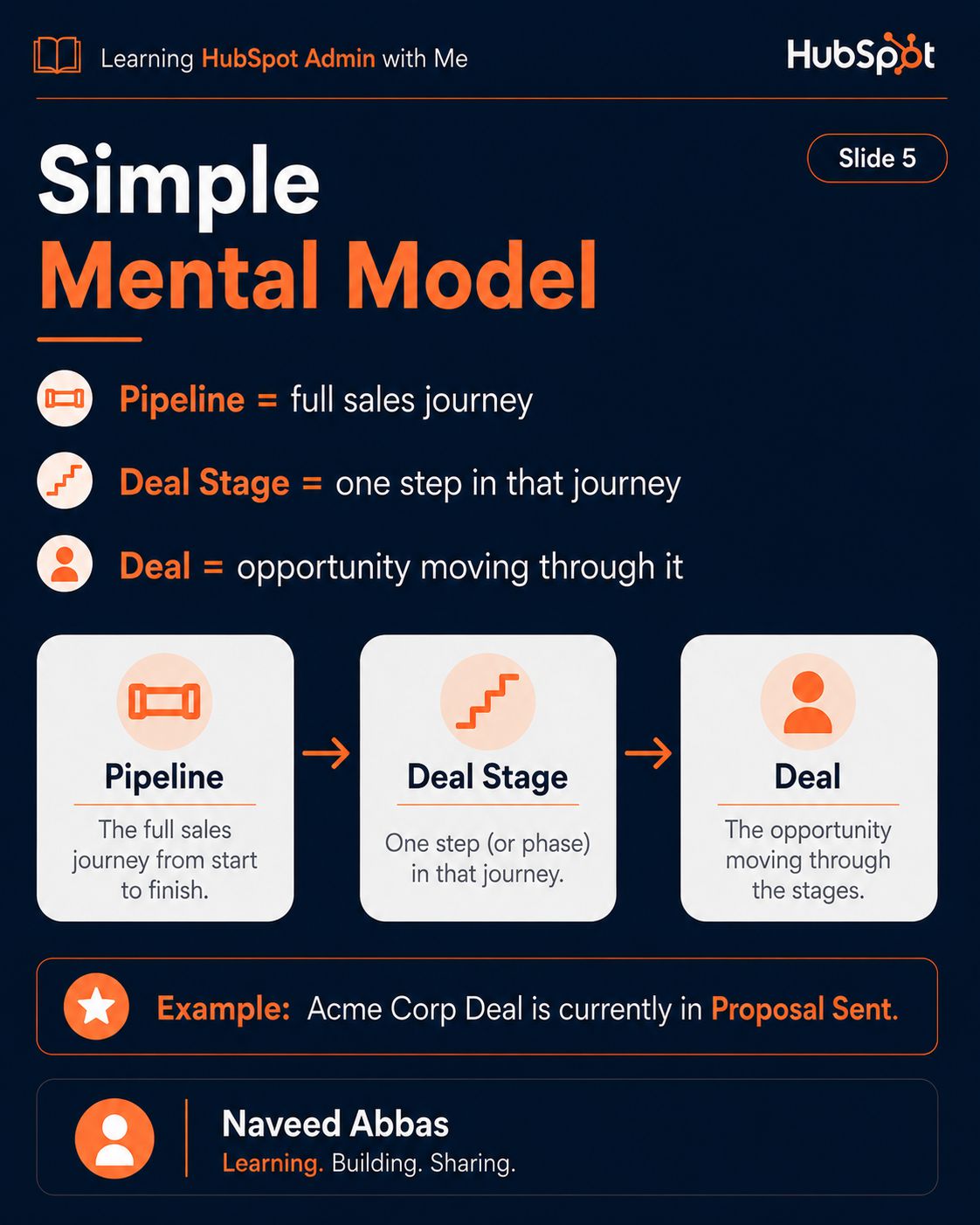
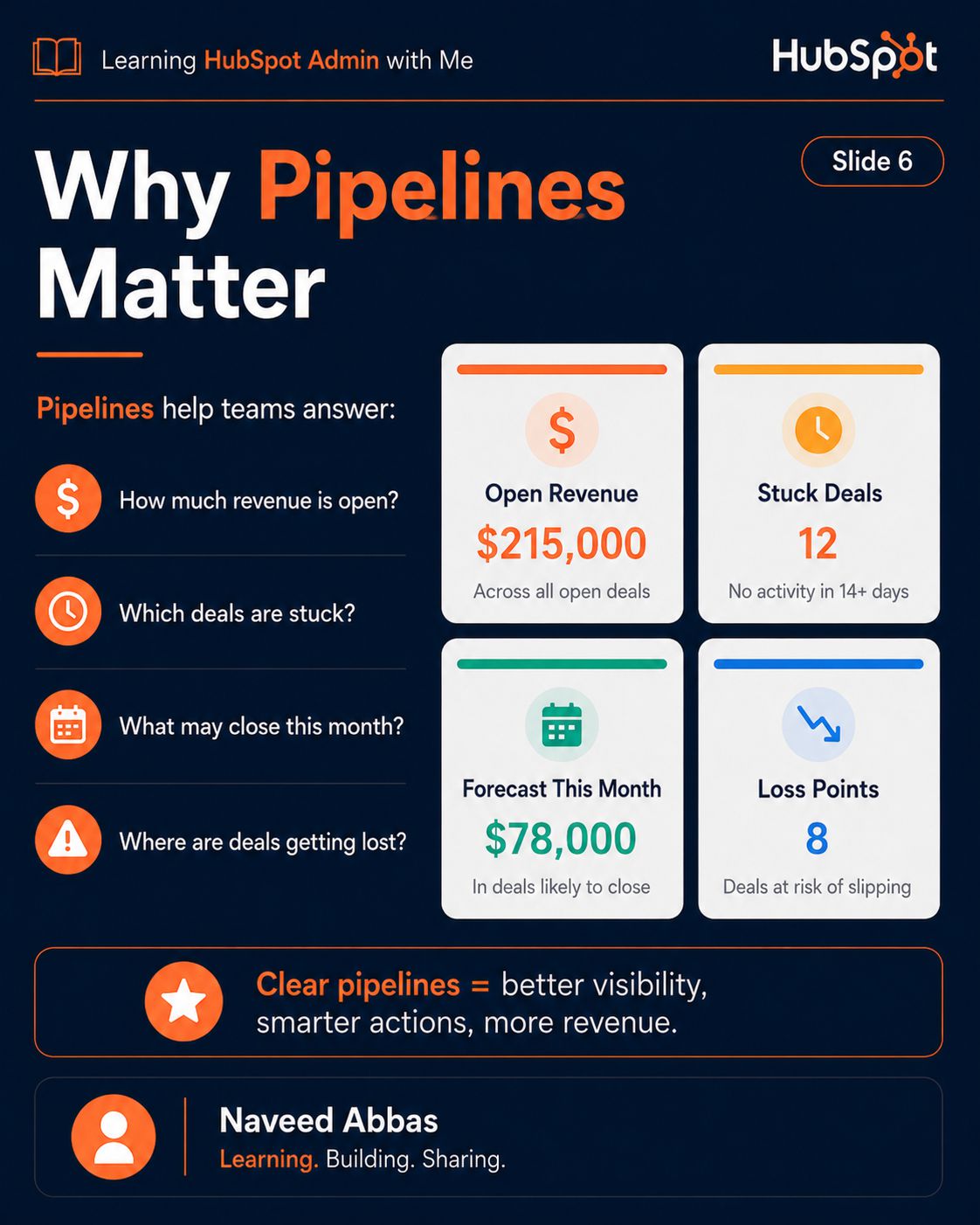
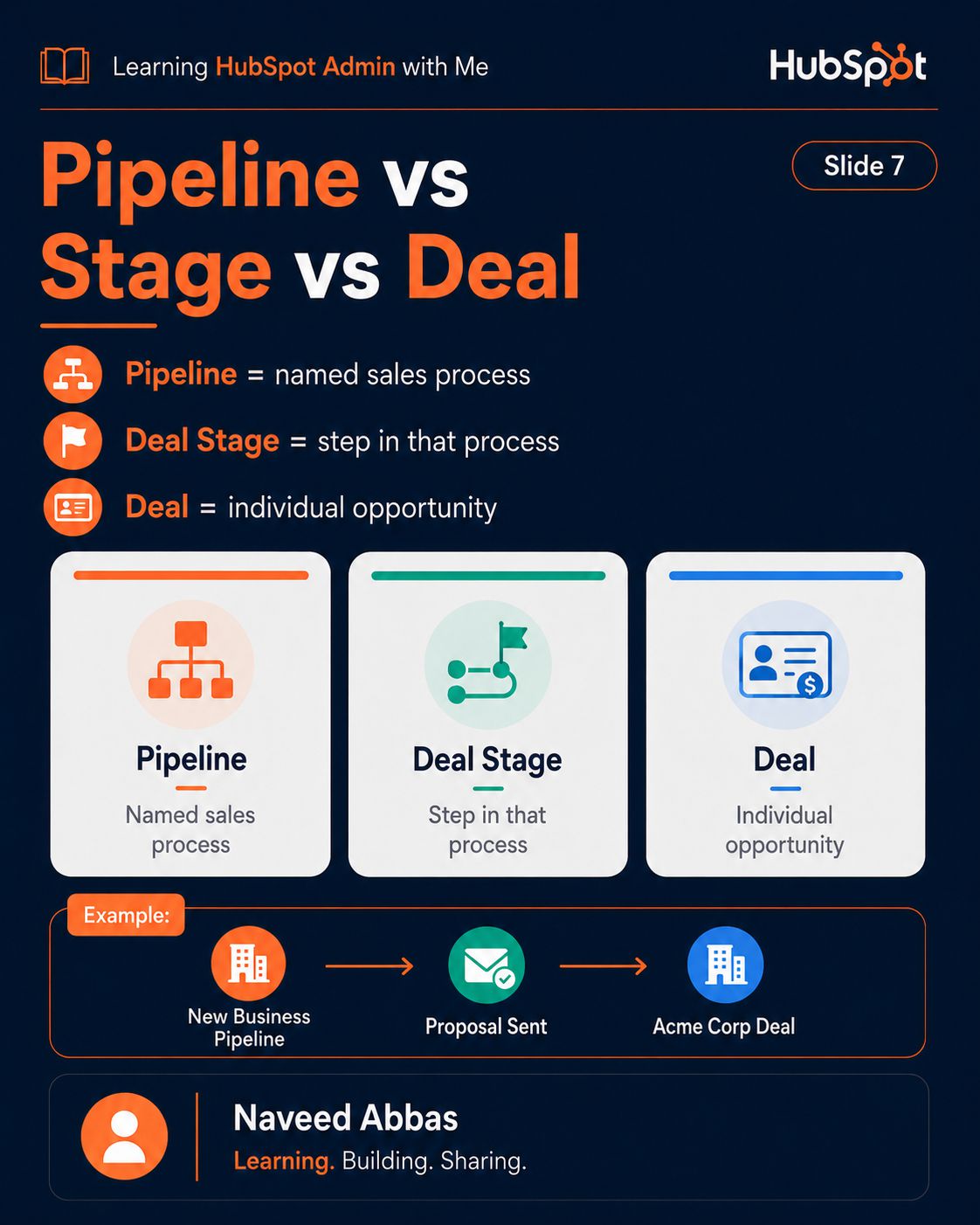
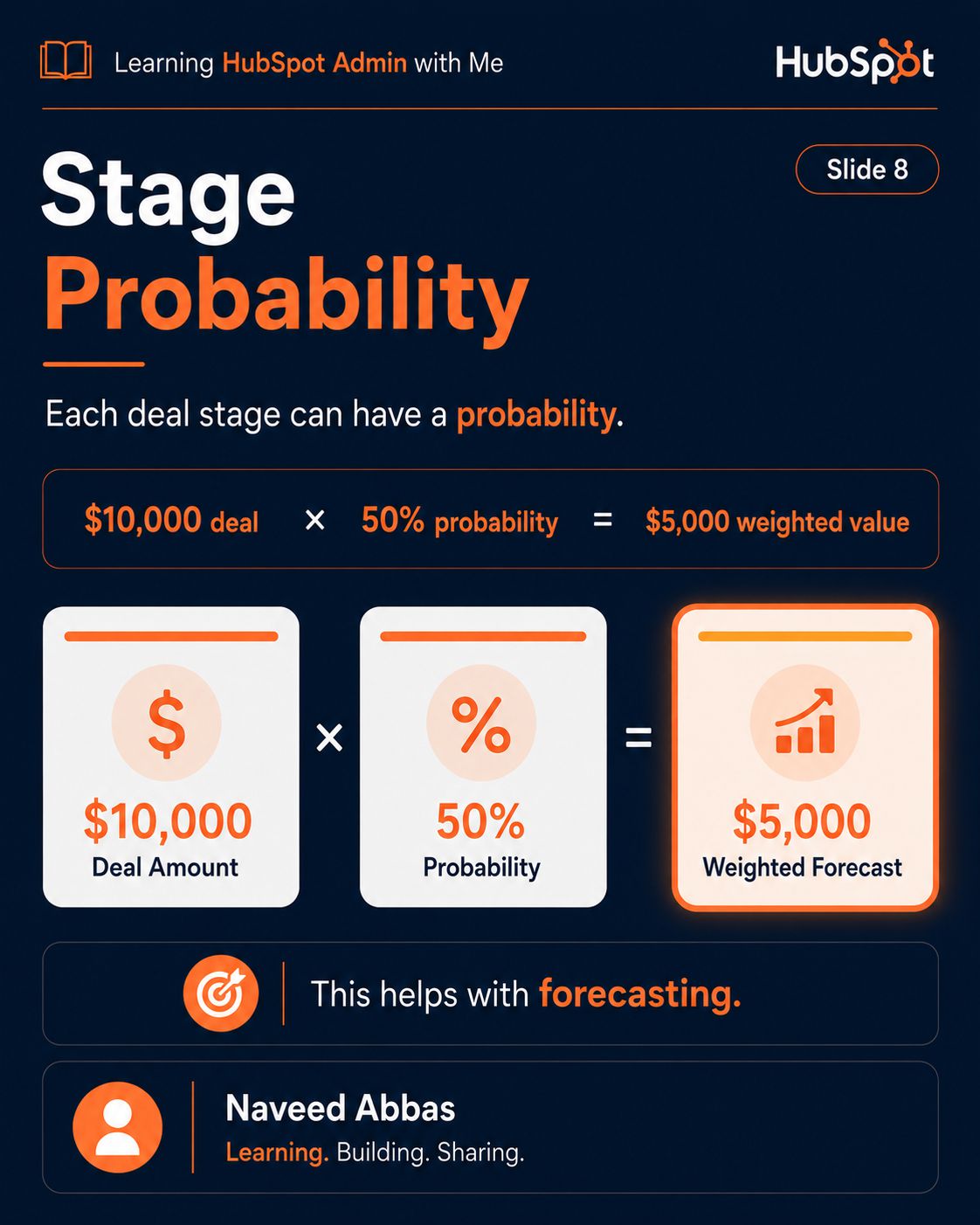
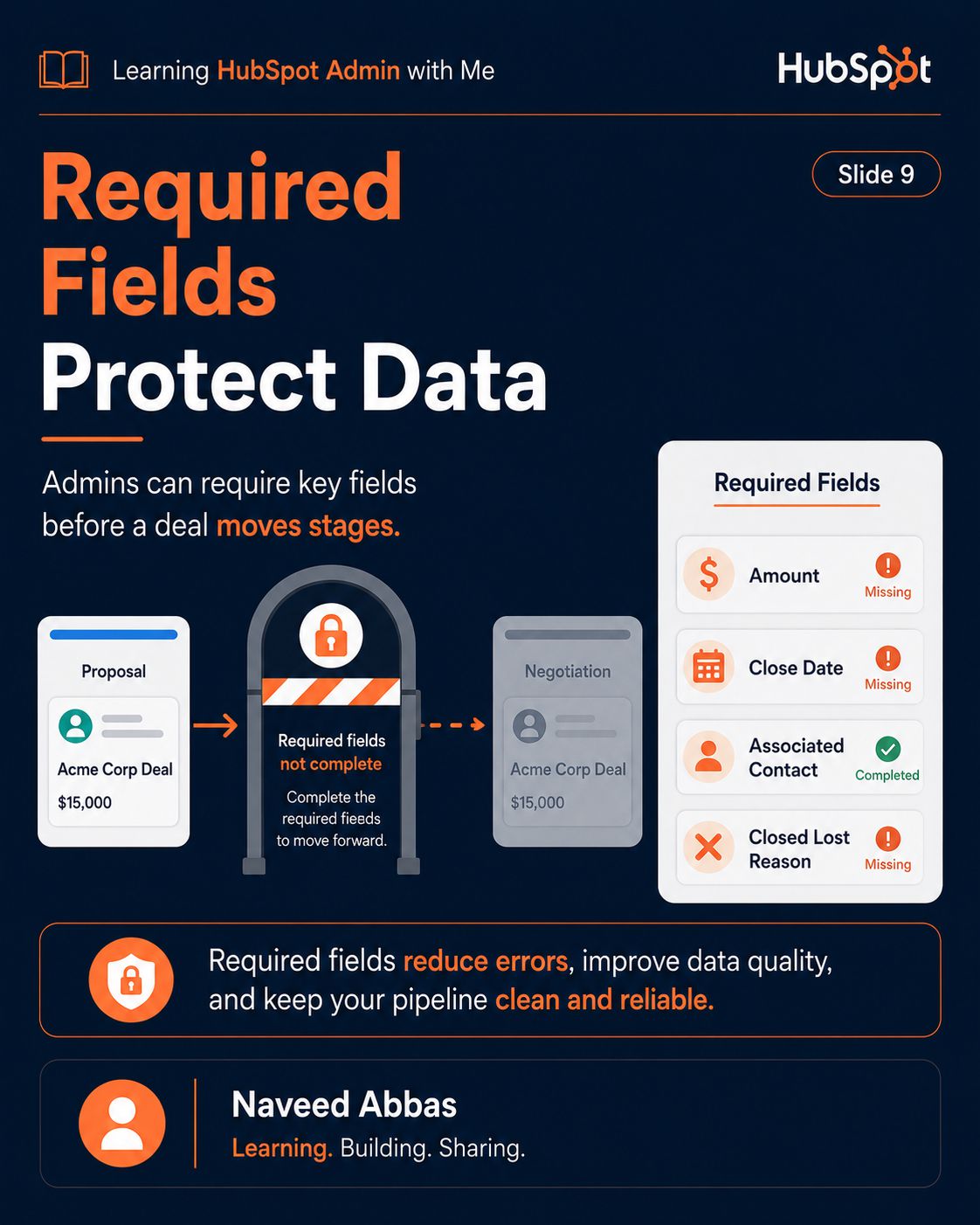
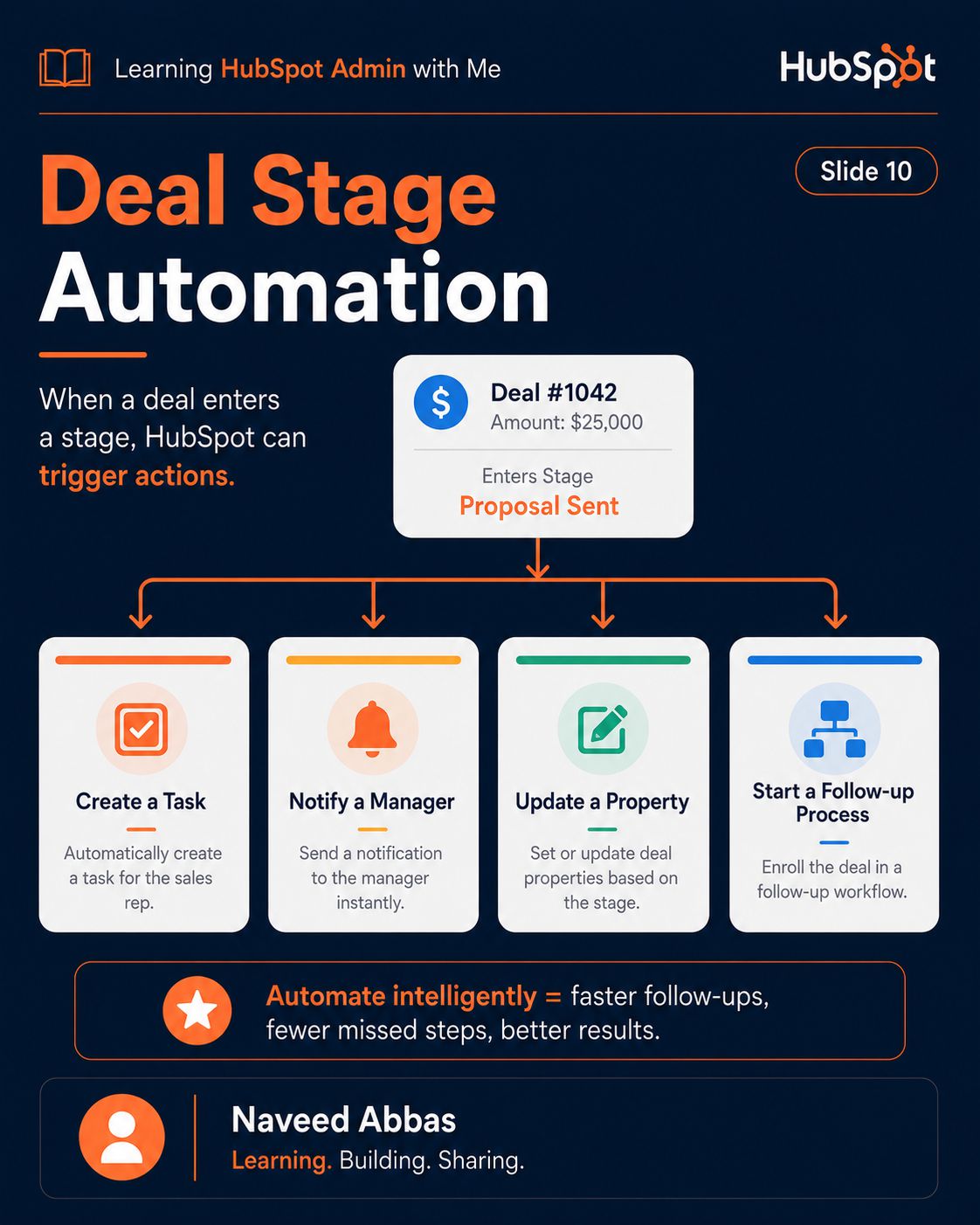
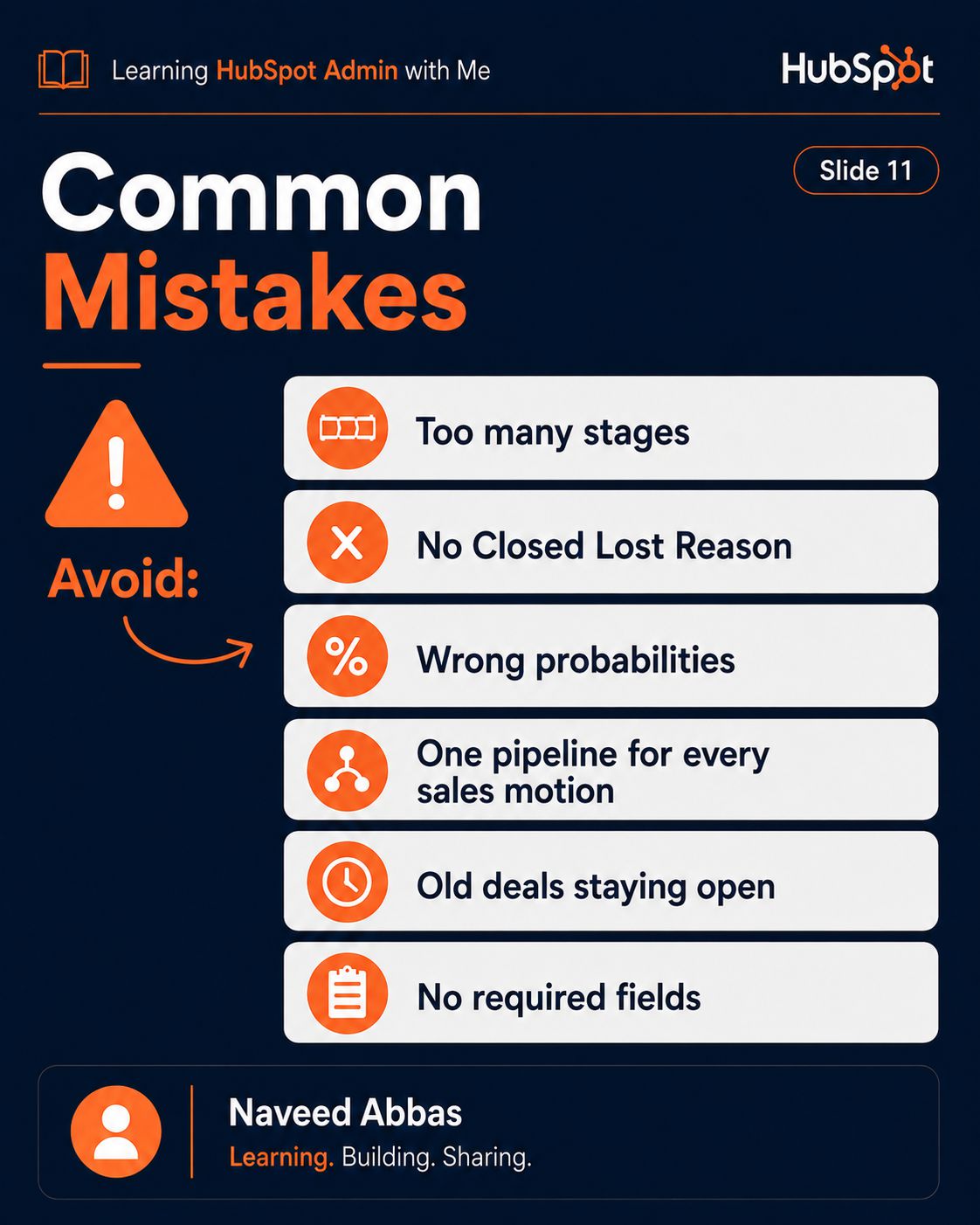
HubSpot Pipelines & Deals
10/12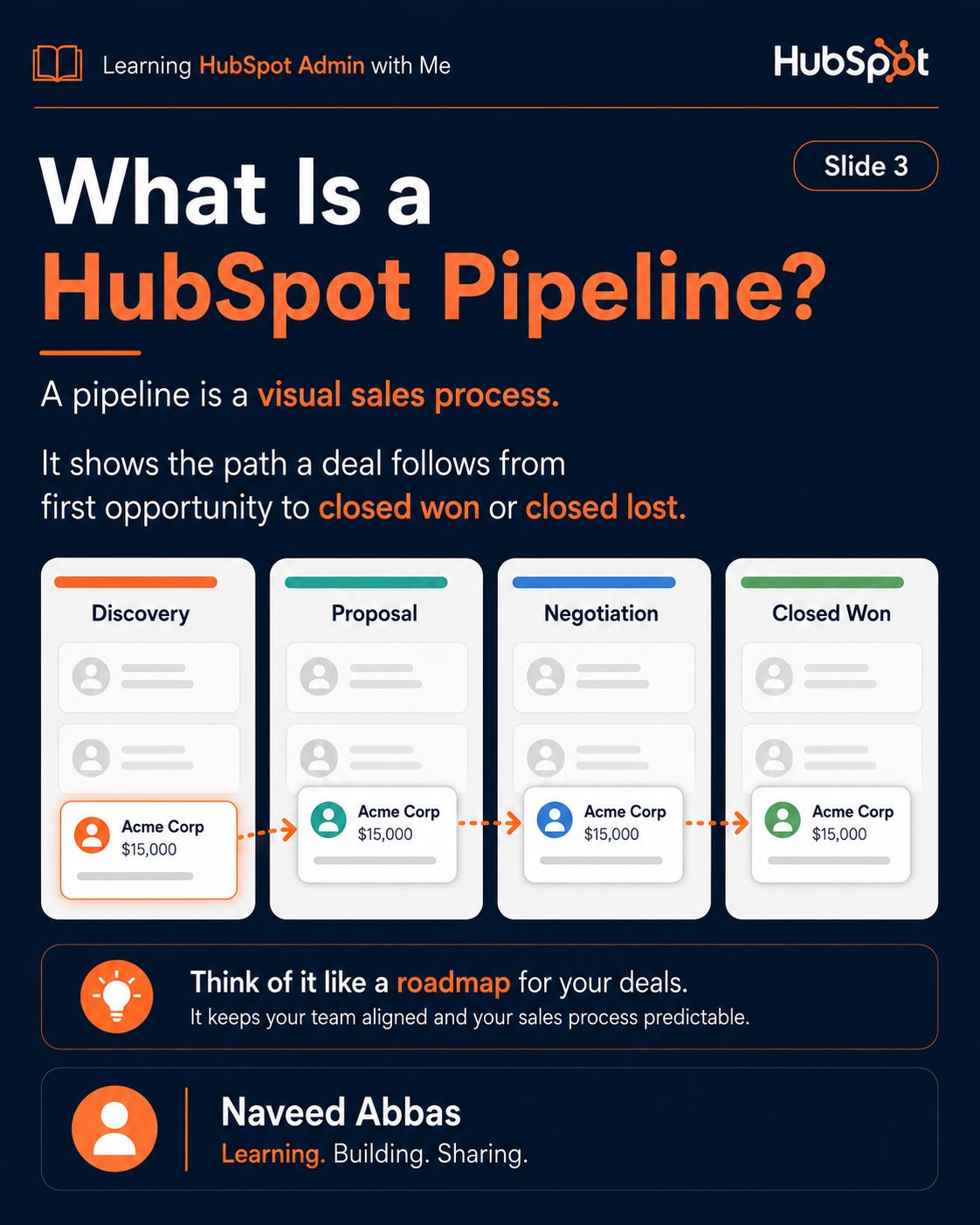

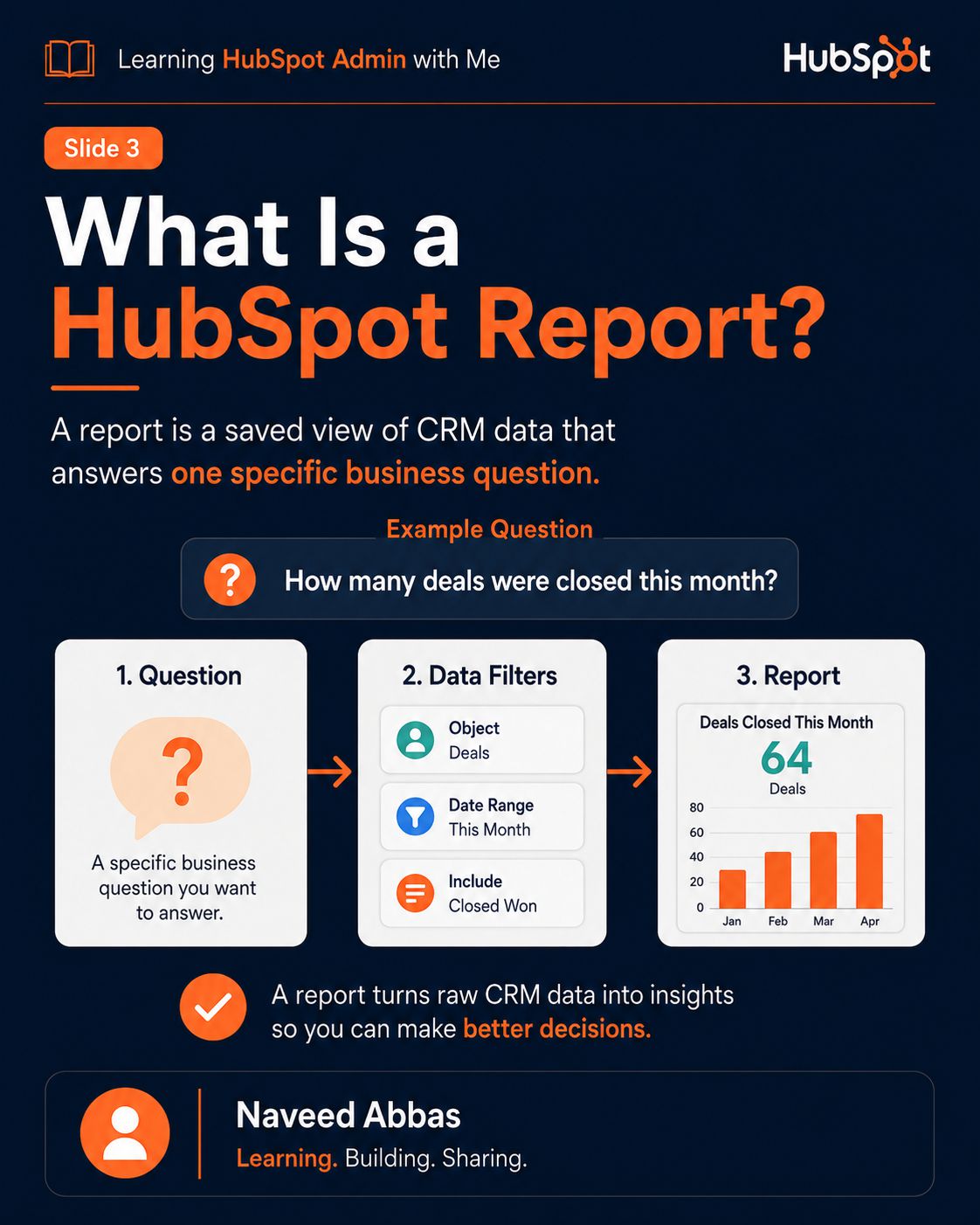
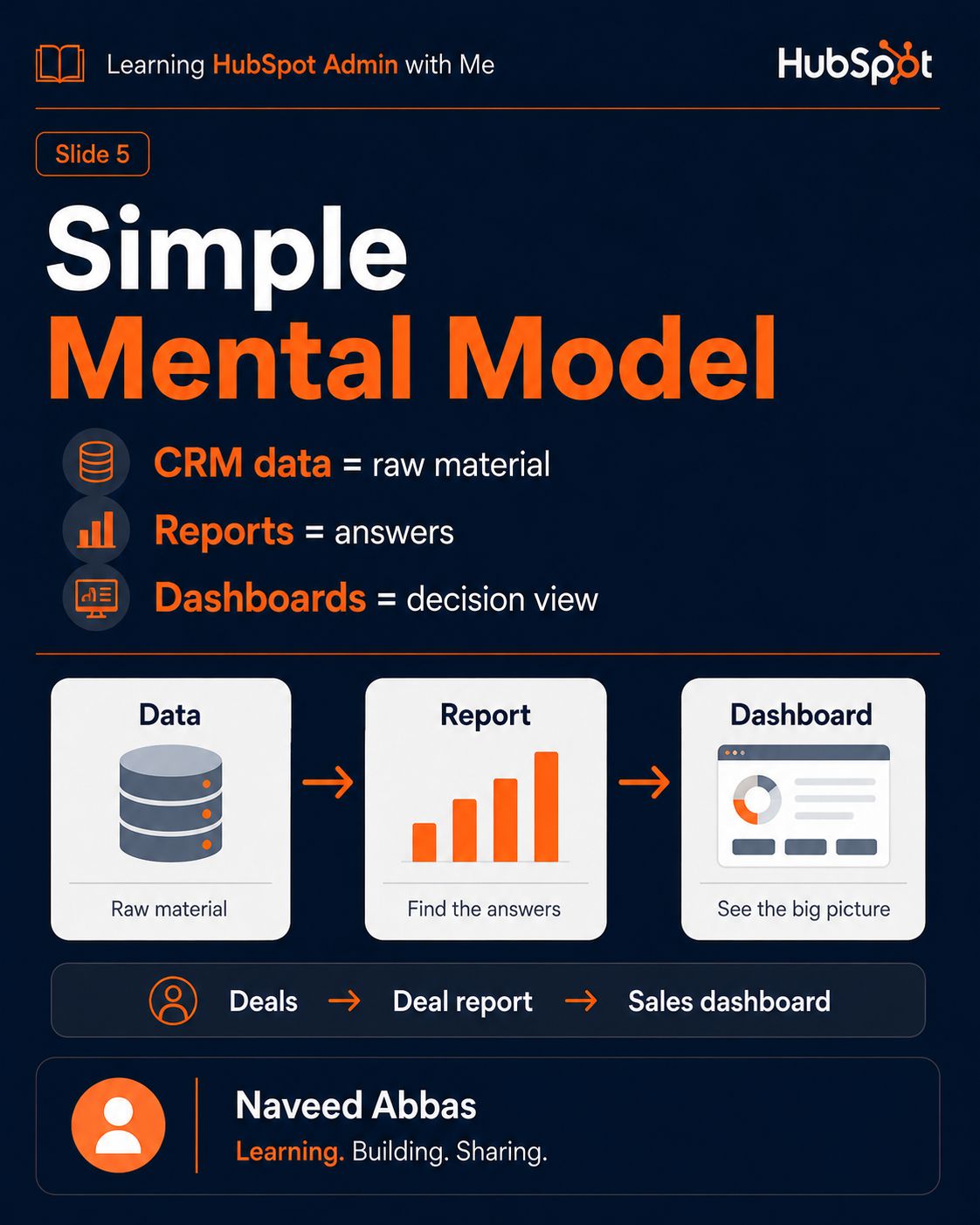
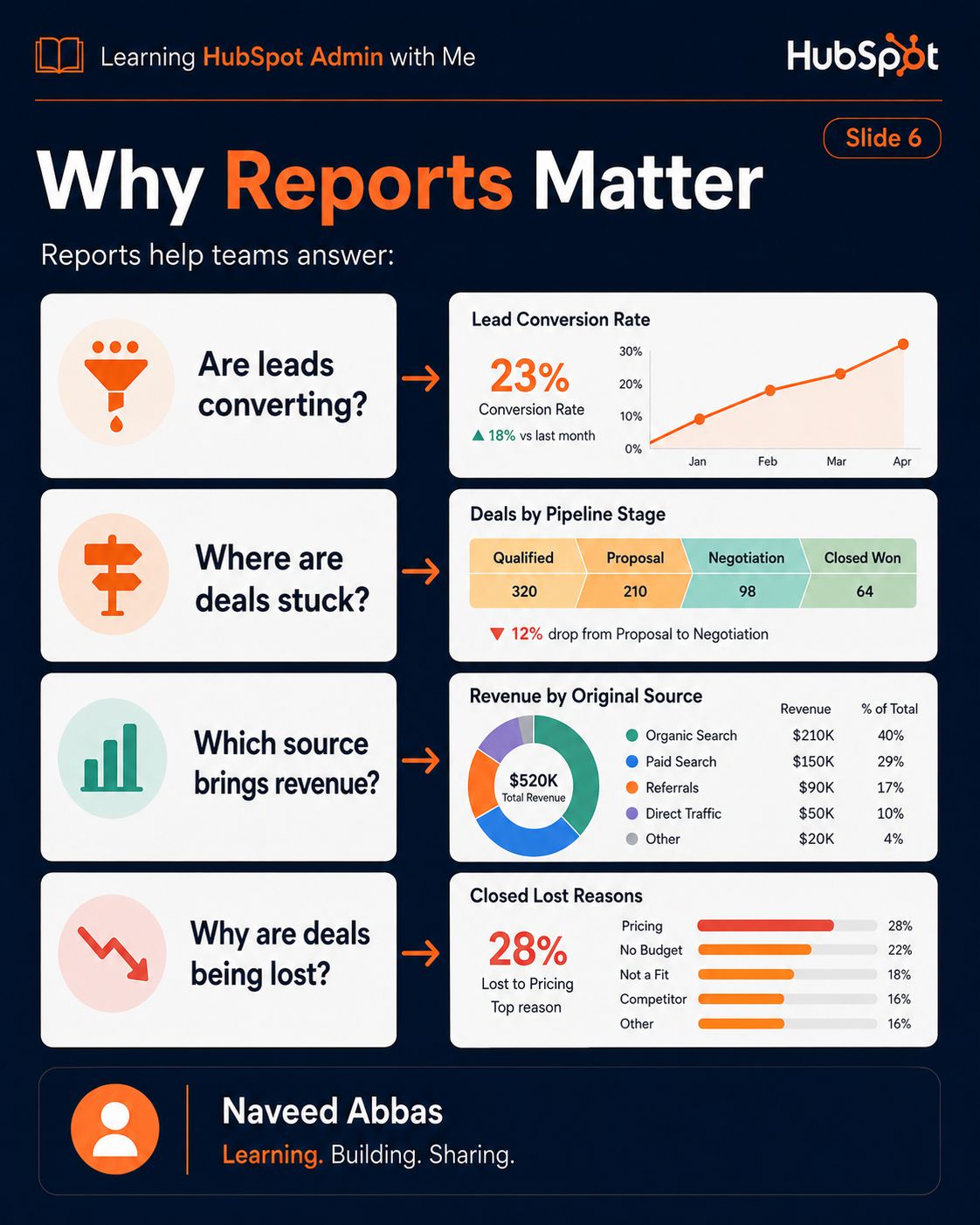
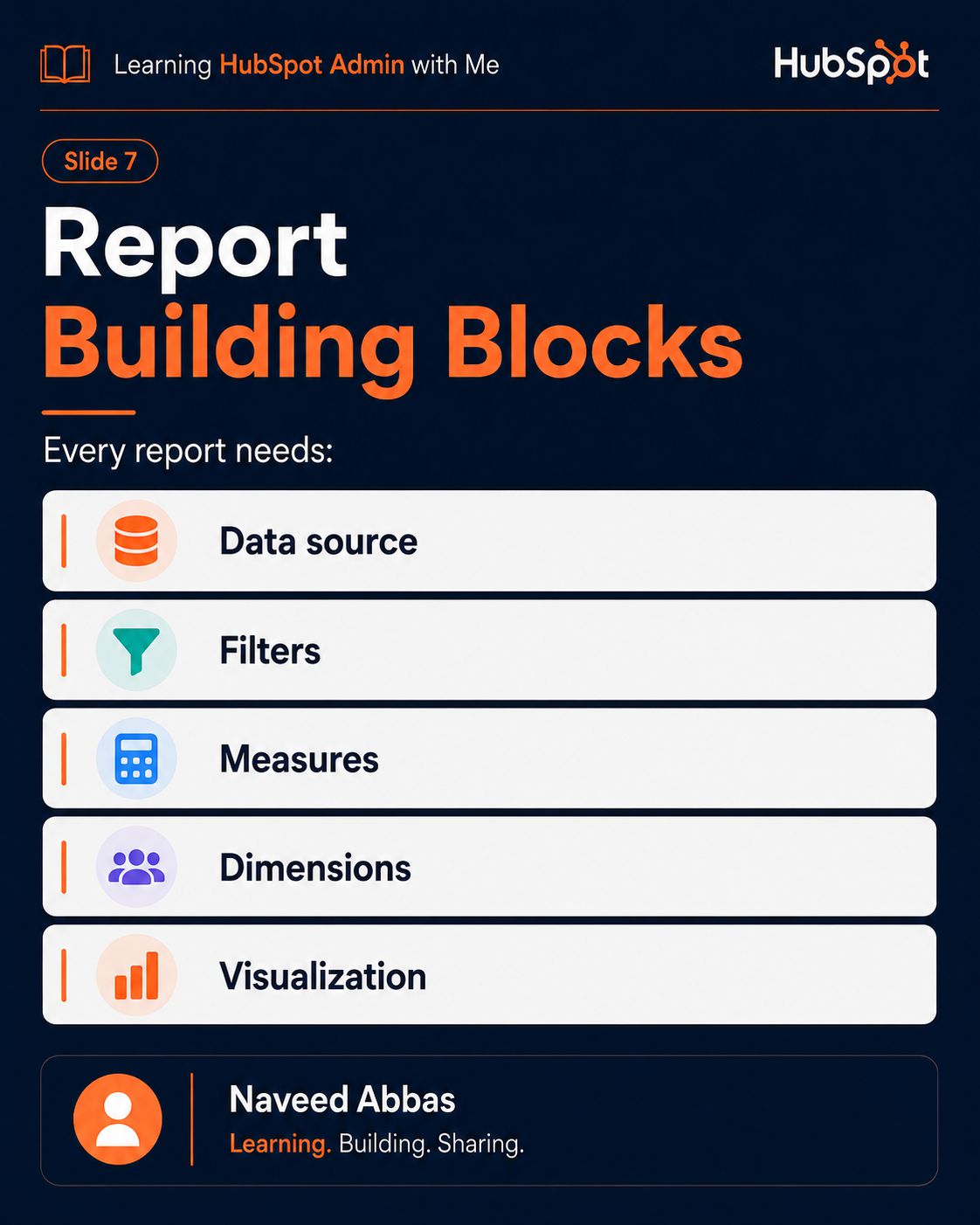
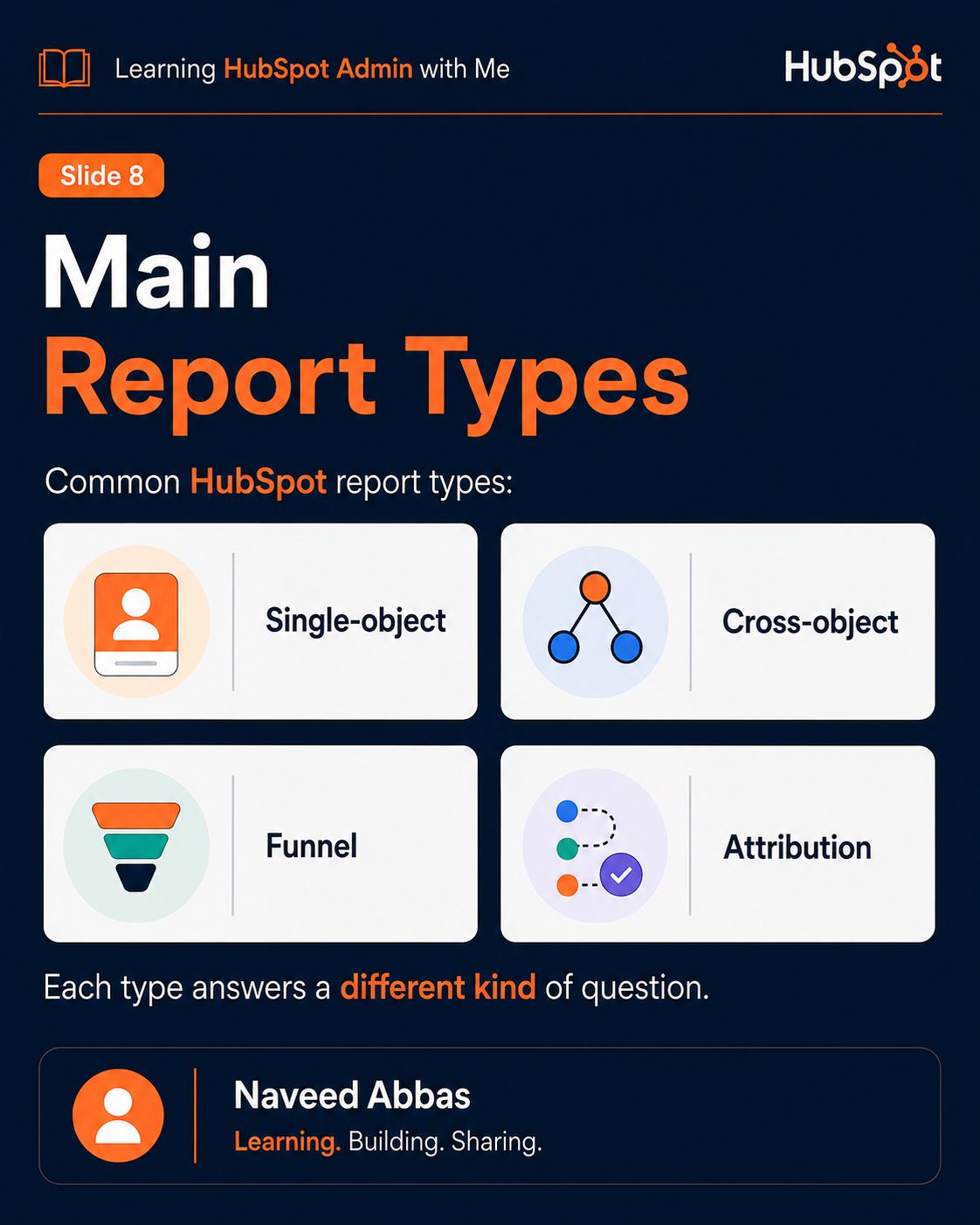
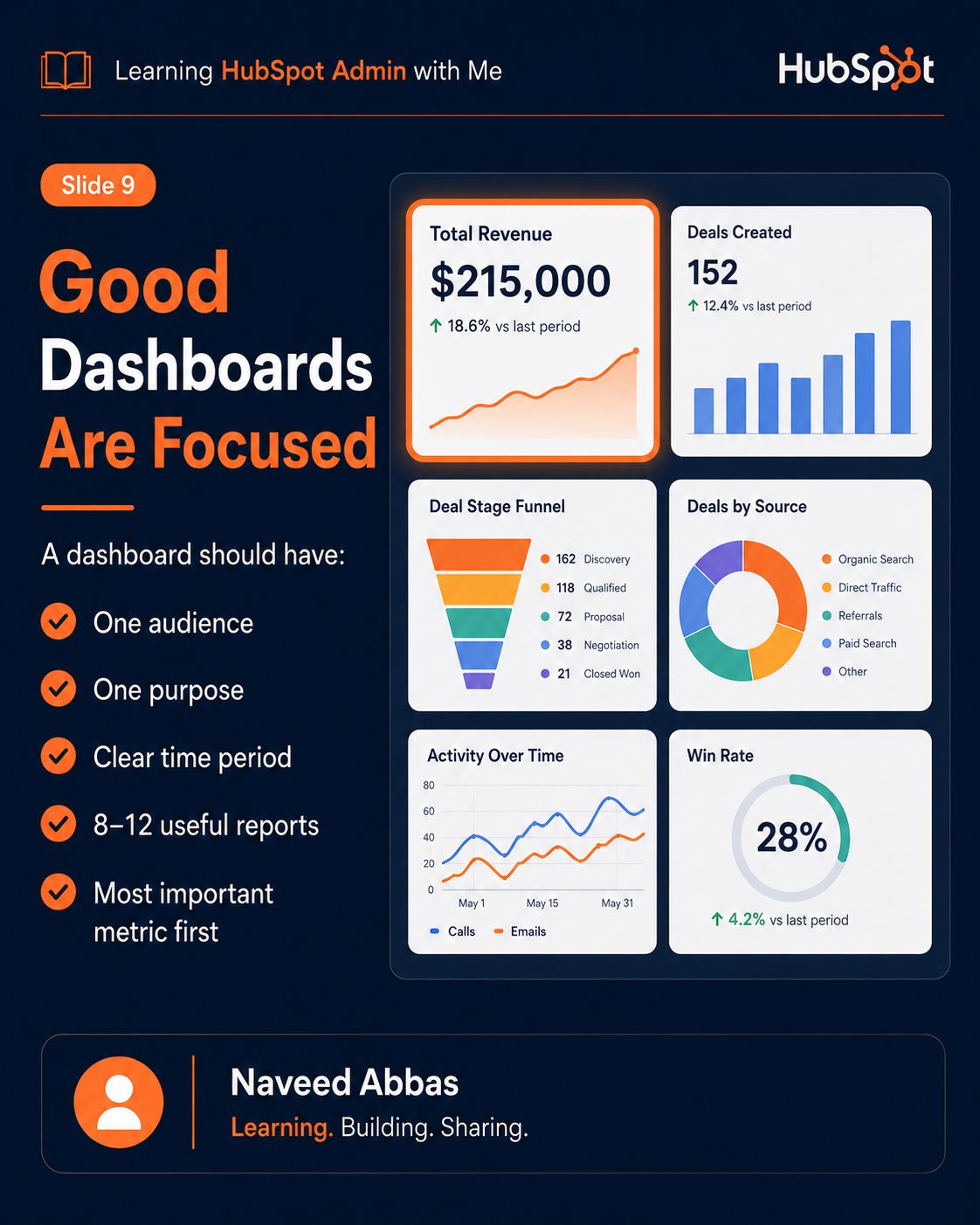
HubSpot Reports & Dashboards
11/12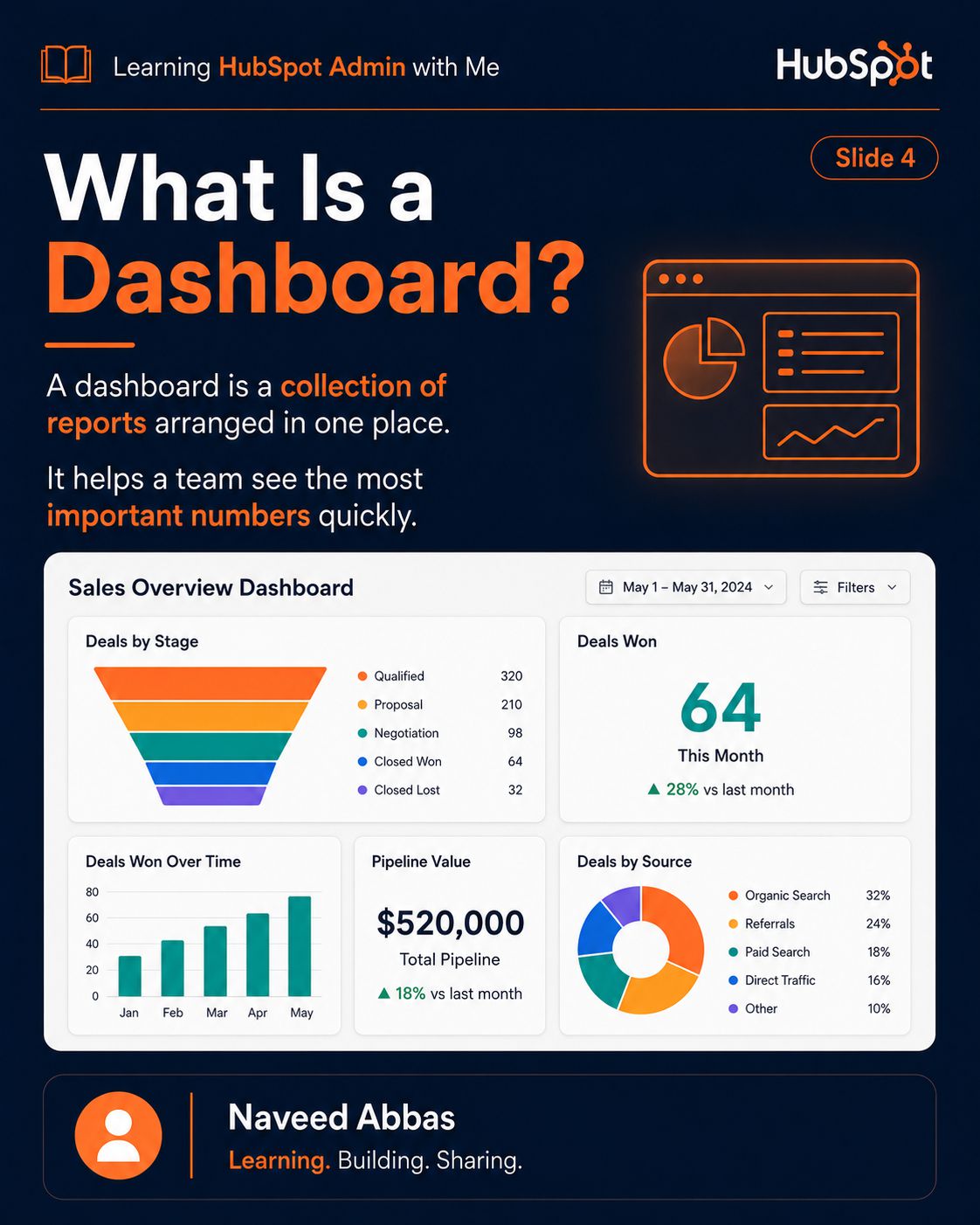
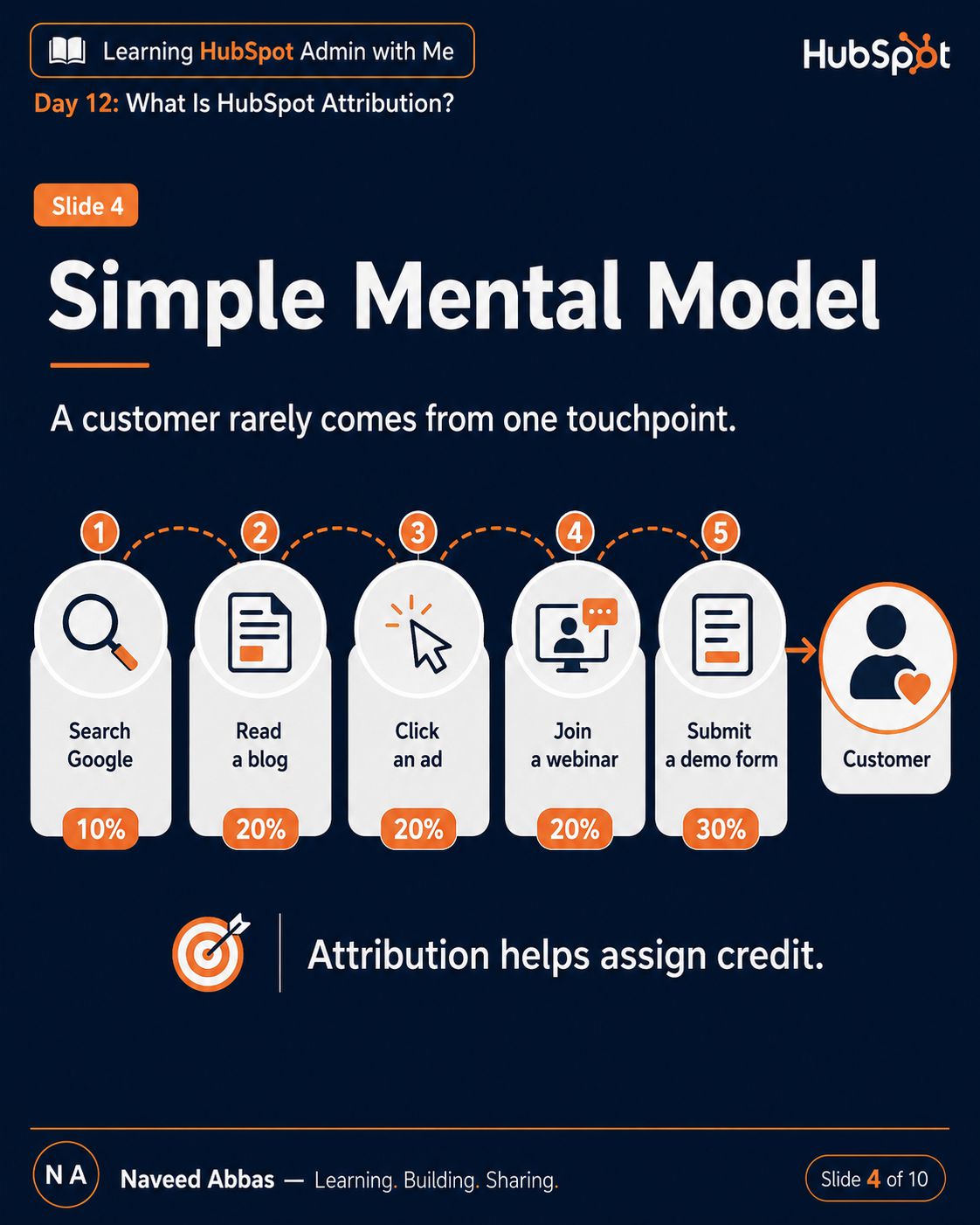
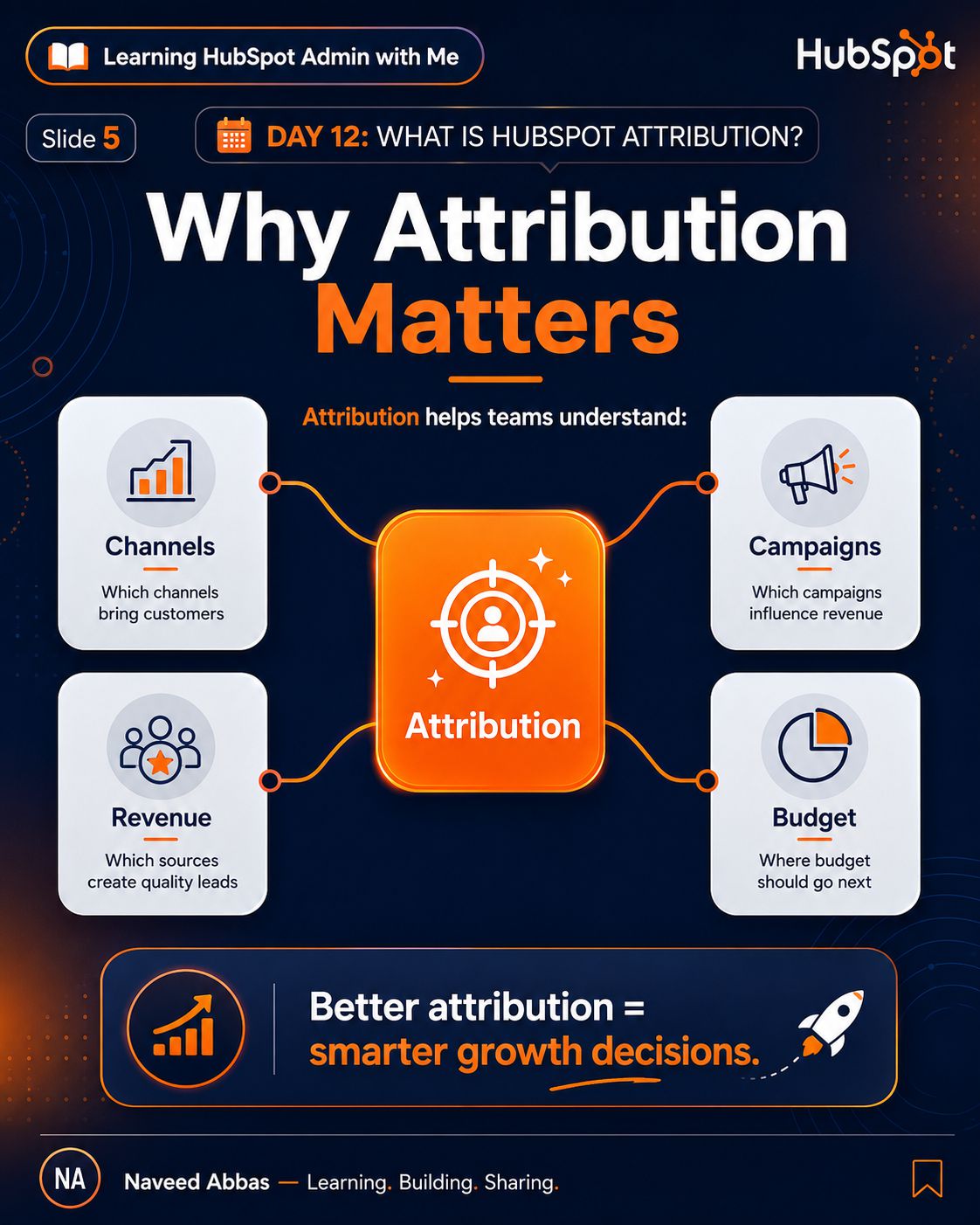
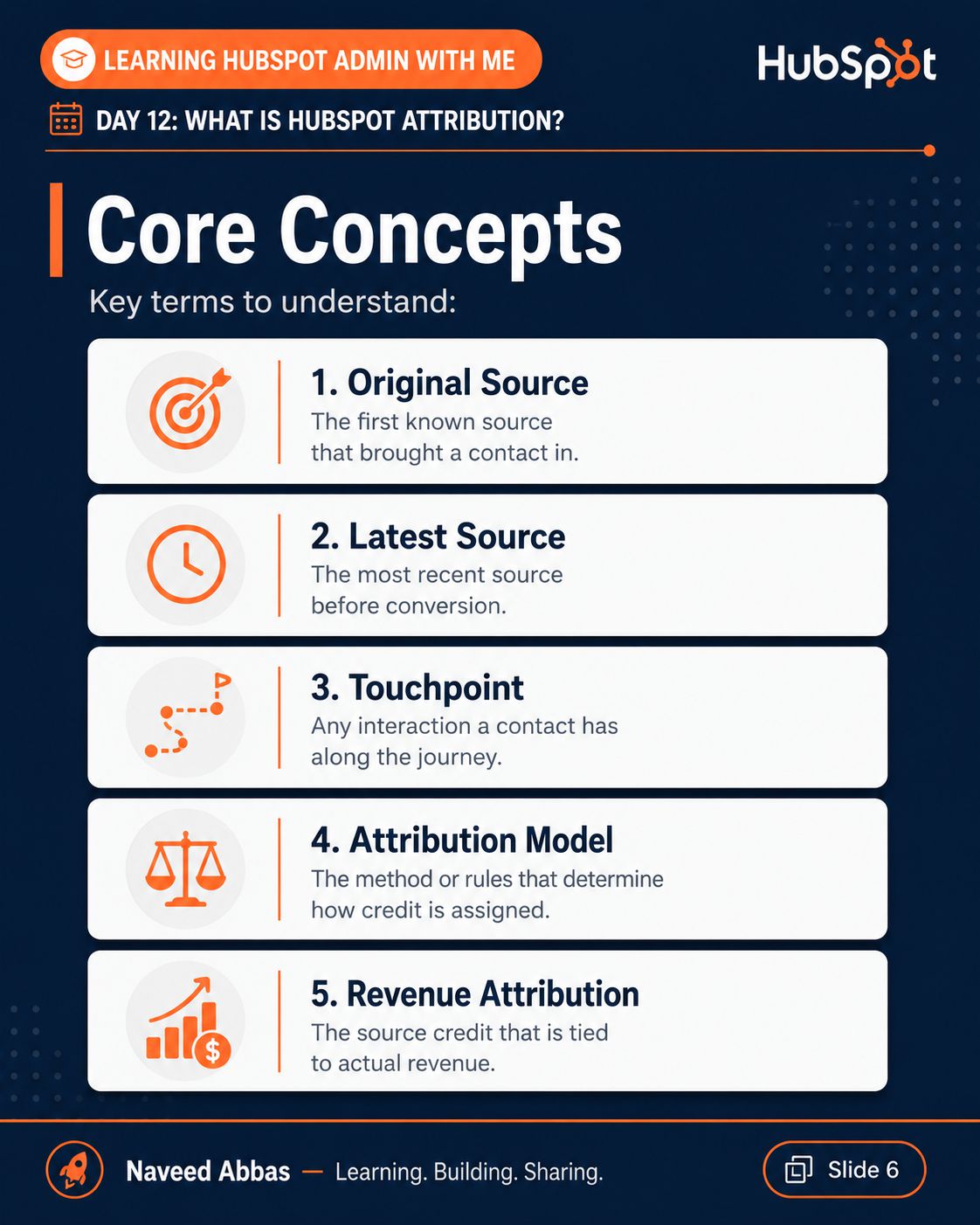
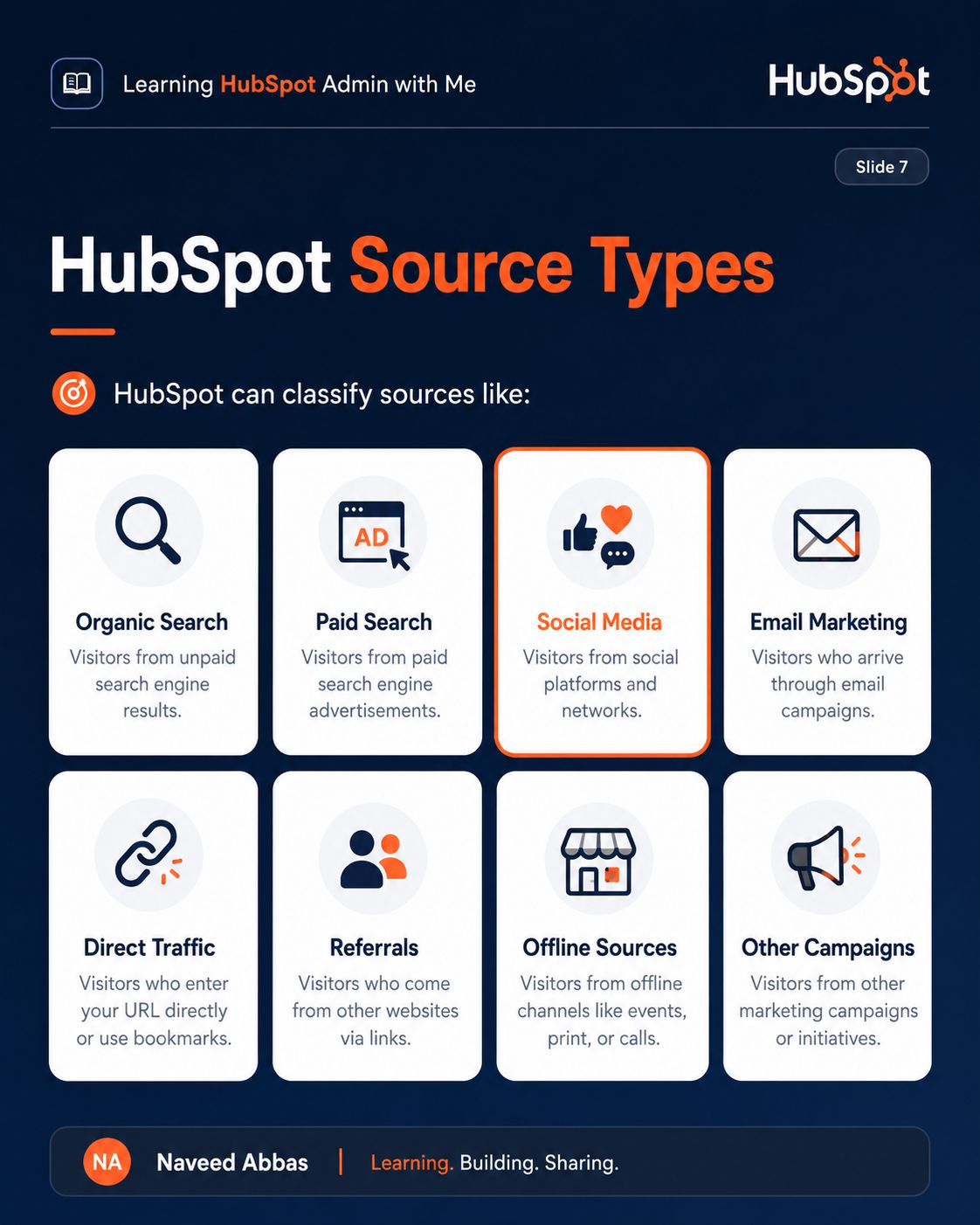
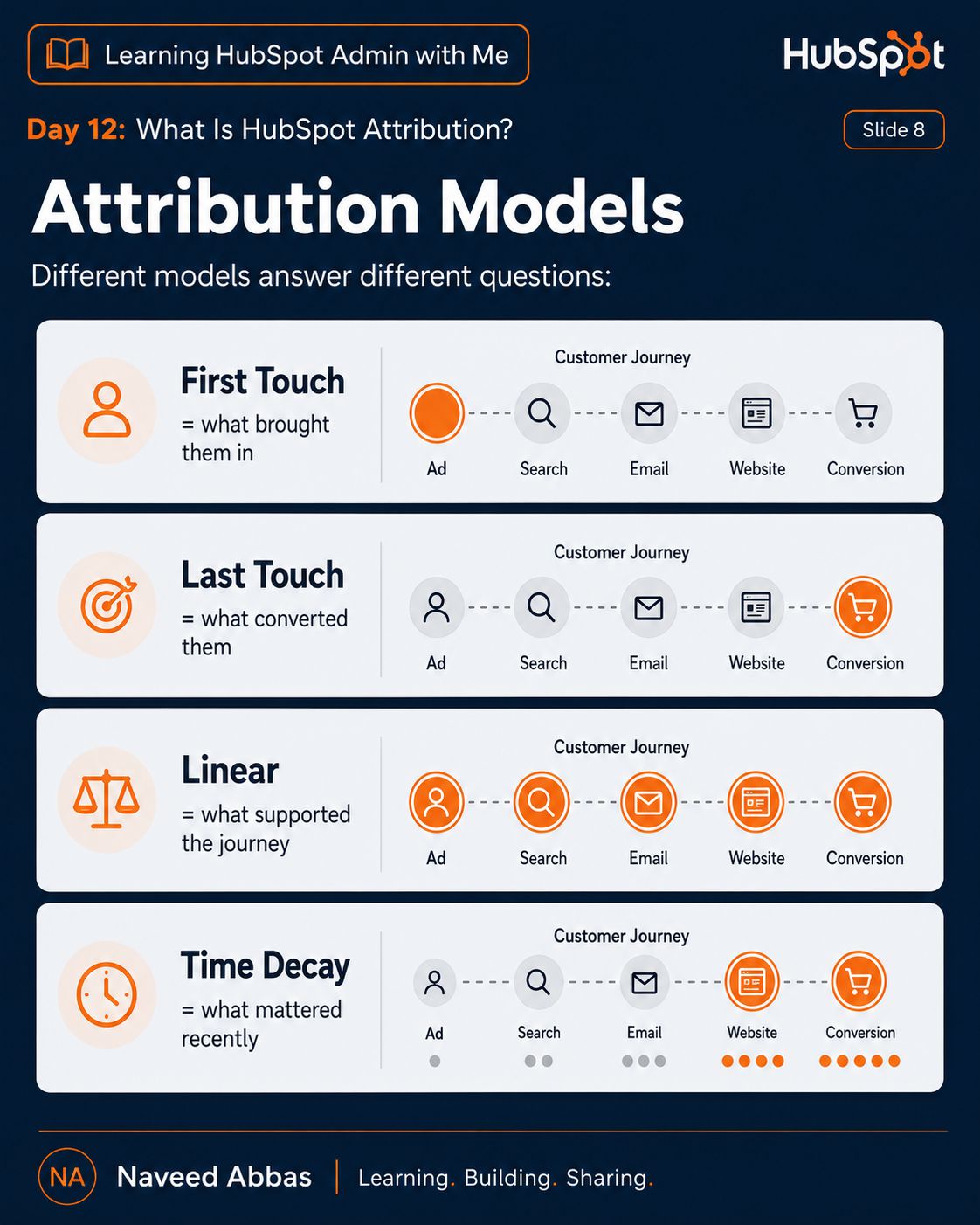
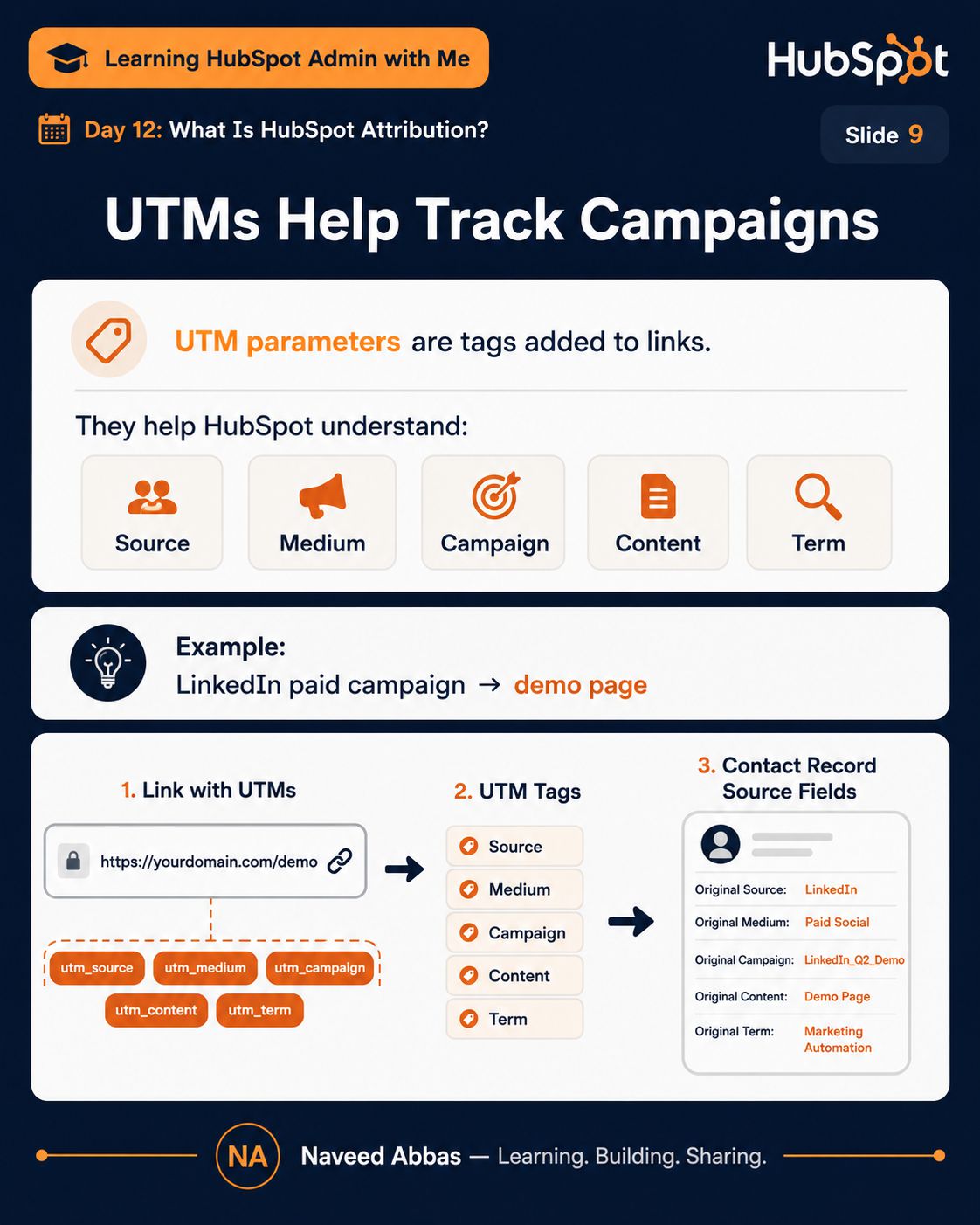
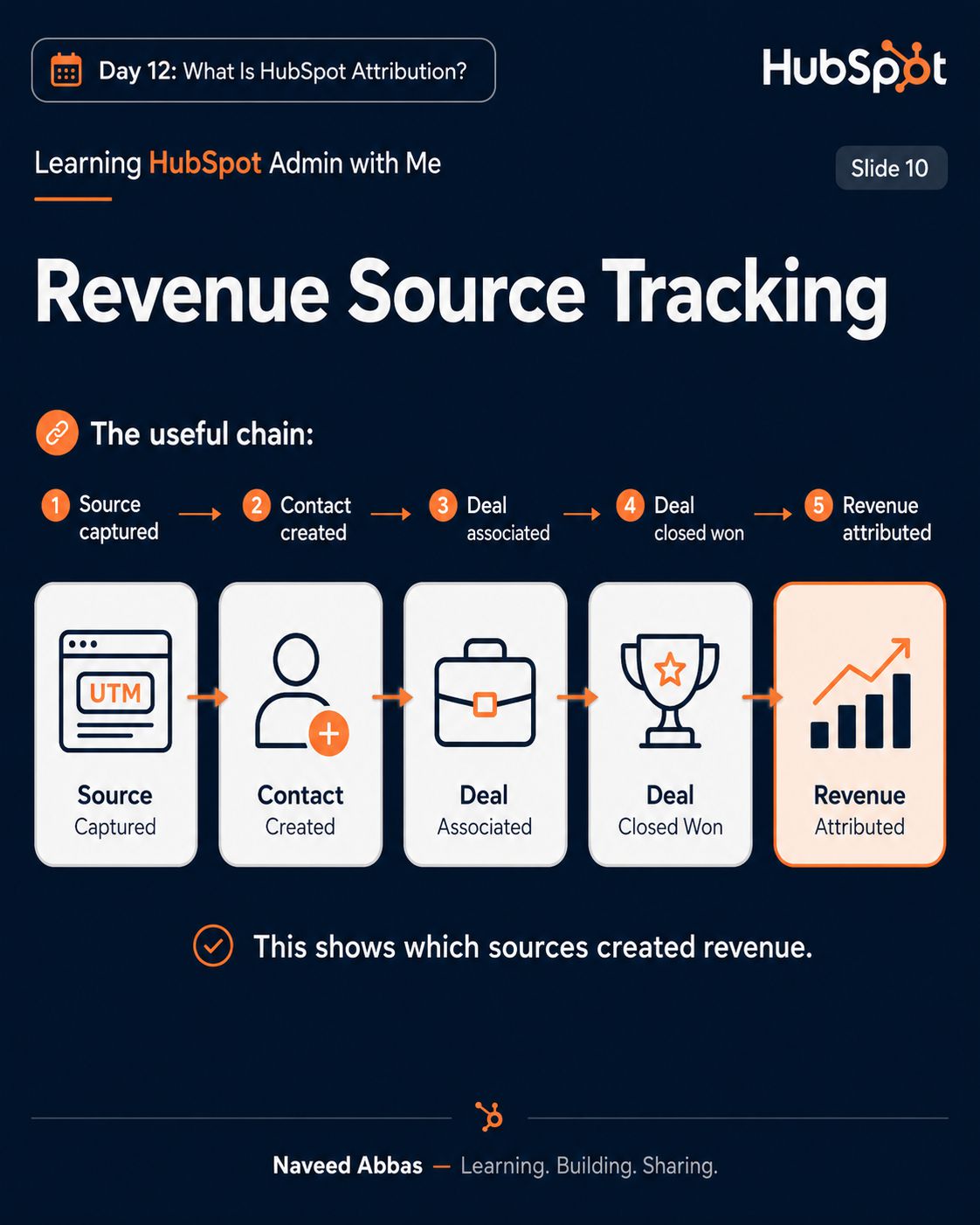
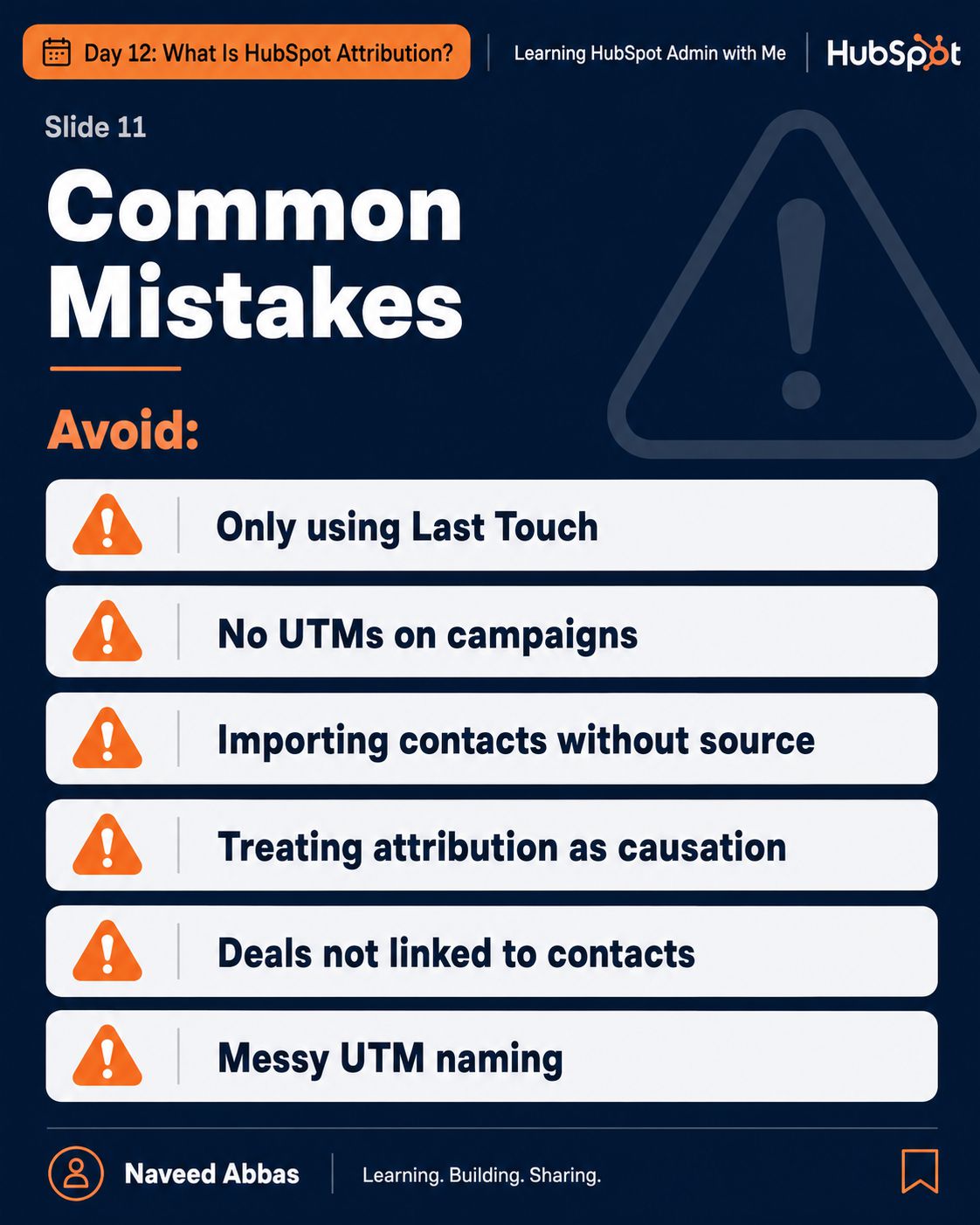
HubSpot Attribution
12/12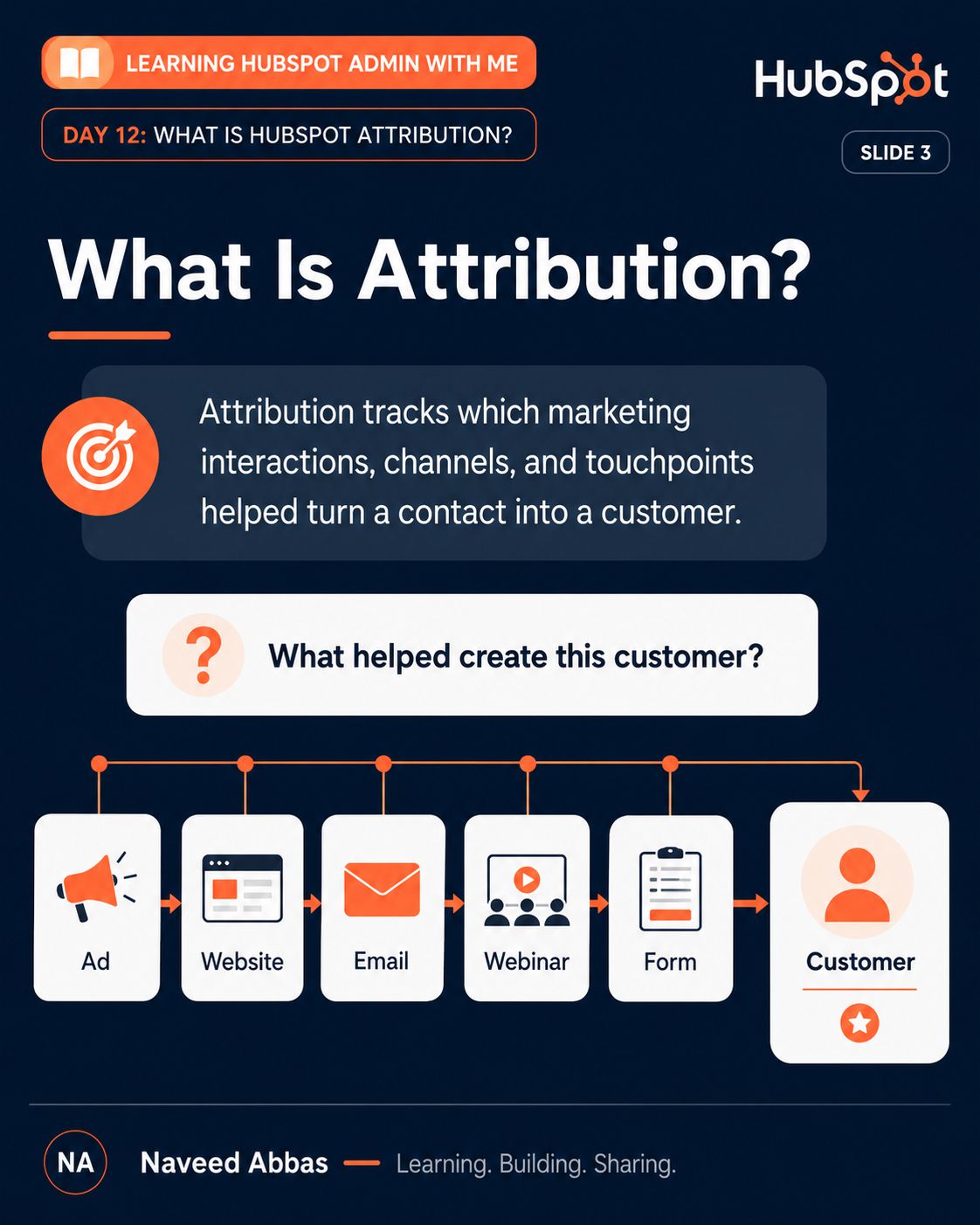

About Naveed
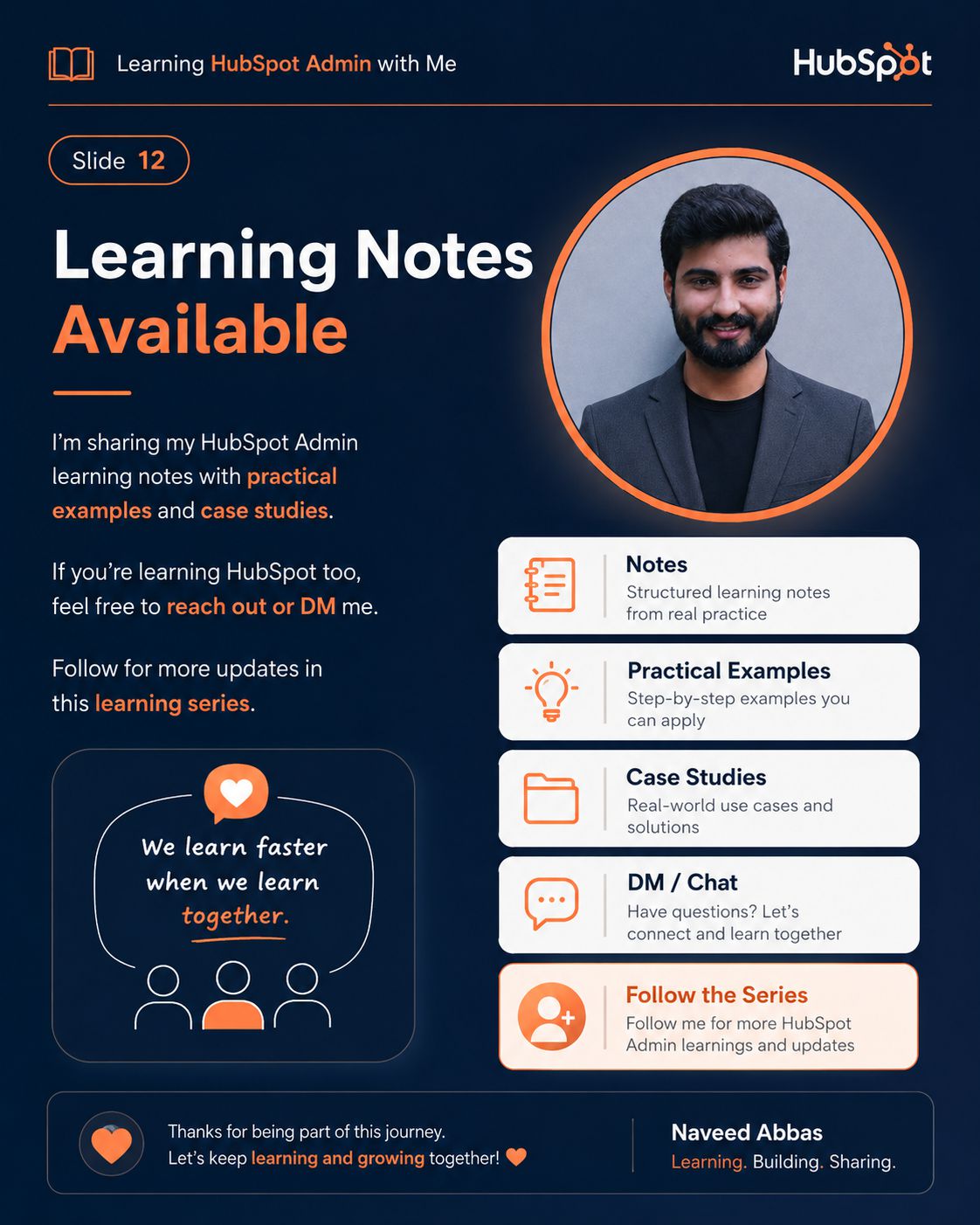
I was born and raised in Pakistan, and I actually started my career right in the sales trenches. I know exactly what it feels like to chase targets, juggle a messy pipeline, and fight with CRM systems that slow you down instead of speeding you up. I lived those daily frustrations firsthand!
In 2024, I discovered HubSpot and everything clicked. I shifted gears from just closing deals to building the clean CRM data engines that make selling effortless.
Today, I’m documenting everything I learn right out in the open. I’m not here to play the “untouchable guru.” I’m just a guy figuring out complex CRM setups, and I’m inviting you to pull up a chair, grab my notes, and learn right alongside me.
What's Coming Next?
MONOVOC is growing. Here is what I am working on.
HubSpot Setup Walkthrough
Avoid the common onboarding traps. This upcoming over-the-shoulder video walkthrough will guide you through a flawless, step-by-step technical setup of a brand-new HubSpot portal from scratch.
HubSpot objects Lesson video
Ready to visualize your data? This video lesson translates theory into practice, showing you exactly how to structure and connect custom objects inside a live HubSpot environment for maximum reporting accuracy.
HubSpot Properties lesson Video
Stop dealing with messy data fields. Learn how to design, organize, and technical-proof your custom properties, dropdowns, and groups so your team always inputs clean, standardized data.
HubSpot Lists & Imports Lesson Video
Master the art of clean data migration. This video will show you how to format Excel files perfectly for error-free imports and how to build dynamic active lists that segment your audience automatically.
Real Answers to Your Biggest HubSpot Questions
Practical answers to the questions I hear most from new CRM admins.
What are the absolute first things I need to set up in HubSpot CRM?
Most people open HubSpot and immediately start building pipelines and workflows. That’s backwards. The correct order is: define your objects first (what types of records does your business track — Contacts, Companies, Deals?), then build your custom properties (what data do you actually need to store on each record?), then establish your lifecycle stage definitions (what does MQL mean to your team specifically?). Only after those three foundations are solid should you touch automation or reporting. If you skip this sequence, you’ll spend the next six months cleaning up data that was miscaptured from the start. The CRM is only as useful as the data quality you enforce at entry.
How do I import contacts into HubSpot without breaking my data?
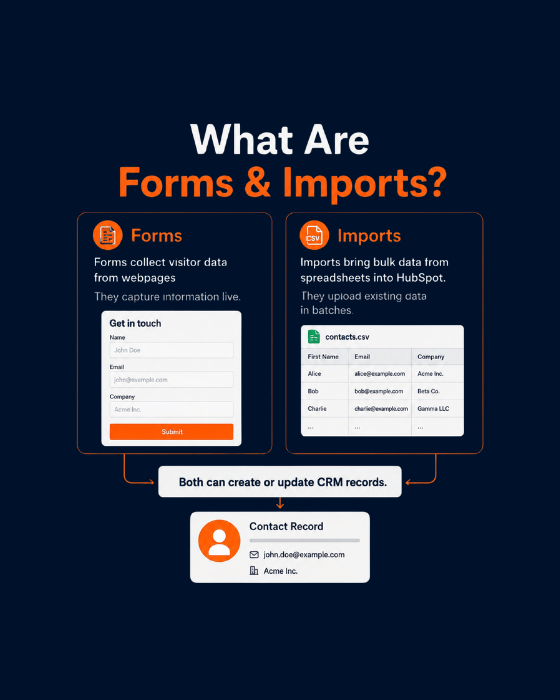
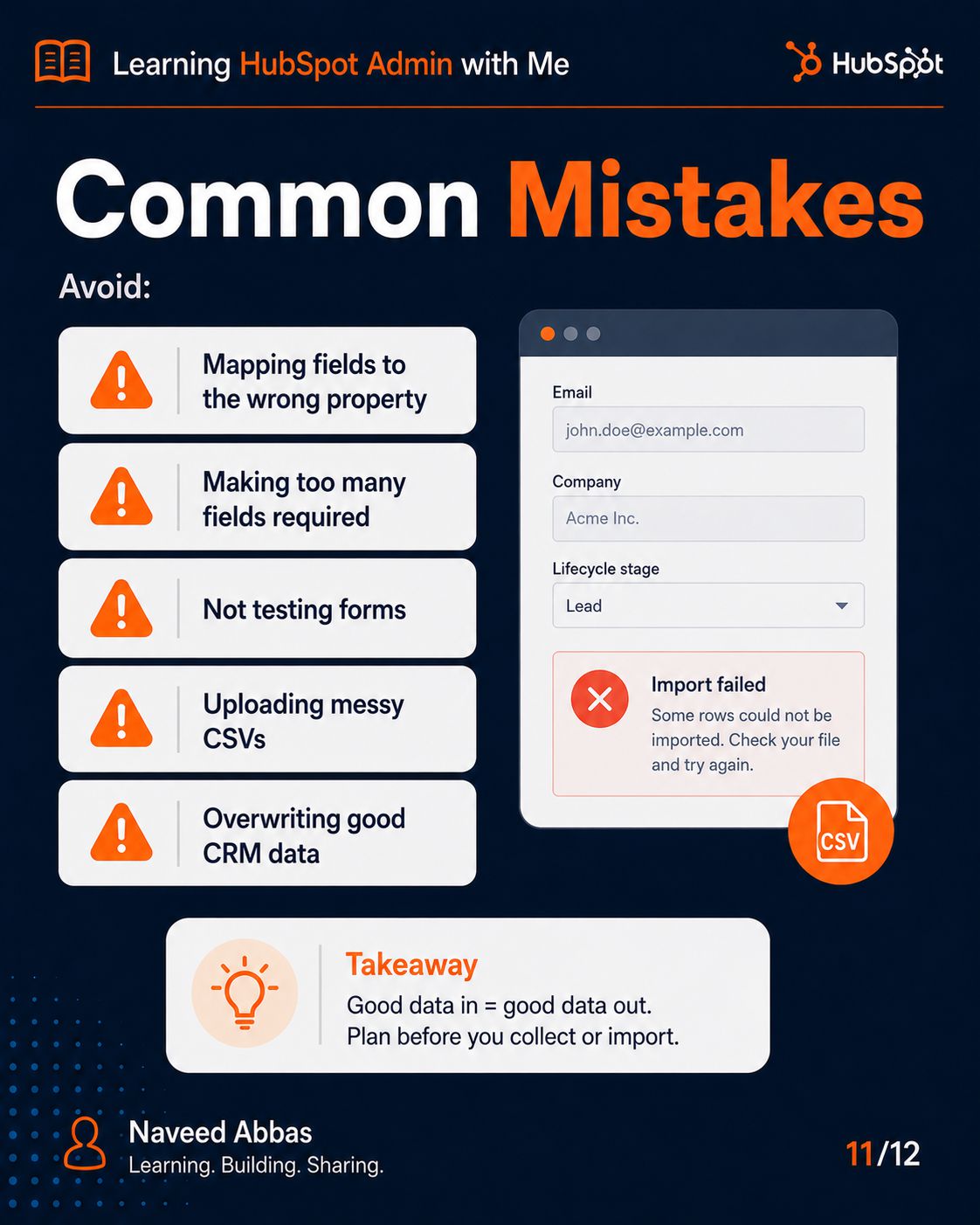
The single most important thing to know about HubSpot imports is that email address is the deduplication key. The same email address in your CSV will update the existing Contact record — it won’t create a duplicate. That’s the system protecting you. But three things will break your data if you don’t handle them: dropdown field values must match your HubSpot property options exactly (case-sensitive, character-for-character — “Software as a Service” and “SaaS” are two different values); checkboxes only accept “true” or “false” — not “yes” or “no”; and every import needs a Lifecycle Stage column or you’ll have thousands of contacts that your workflows and reports are completely blind to. Clean your spreadsheet in Excel before you upload. Always import to a static list so you have a rollback mechanism. And test with 10 records before running the full file.
How do I customize HubSpot to match my specific sales process?
The most important customisation in HubSpot isn’t your pipeline stages — it’s deciding what data must exist before a rep can advance a deal. HubSpot lets you set required fields at every pipeline stage transition. That means you can enforce: a deal can’t move to “Qualified” without an Amount and a Close Date. It can’t move to “Closed Lost” without a Closed Lost Reason. This sounds simple, but it’s the difference between a CRM that produces trustworthy forecasts and one where the pipeline report means nothing. Start by mapping your sales process on paper — what actually has to be true for a deal to genuinely be at each stage? Then translate those criteria into stage names, probability percentages (set these from real historical close rates, not defaults), and required properties. Everything else — automations, reports, sequences — builds on top of that foundation.
How do I automate tasks and follow-ups to save time?
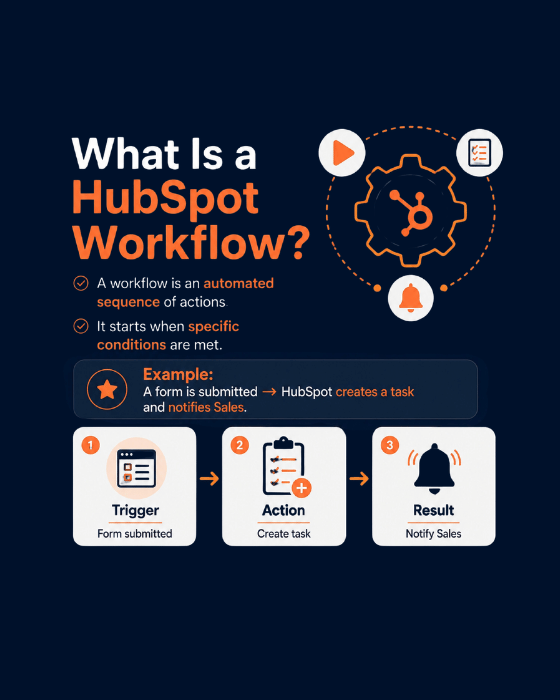
HubSpot has two completely separate automation tools and mixing them up is the most common mistake I see. Sequences are for personal, 1-to-1 sales outreach — they send from your rep’s own Gmail or Outlook, they stop automatically the moment the contact replies, and they’re intentionally limited in scale because they’re meant to feel human. Workflows are for everything else — bulk property updates, lifecycle stage transitions, task creation, internal notifications, and anything that needs to run at scale across hundreds or thousands of contacts. The key workflow rule that saves you from the worst automation mistake: every nurture workflow needs an unenrollment condition for “Lifecycle Stage = Customer.” Without that, a paying client who buys from you on Monday will receive a “discover why you should try us” email on Tuesday. Build that unenrollment condition before you activate anything. Automation scales both good and bad decisions — so be deliberate about which one you’re scaling.
How do I avoid the most common CRM implementation mistakes?
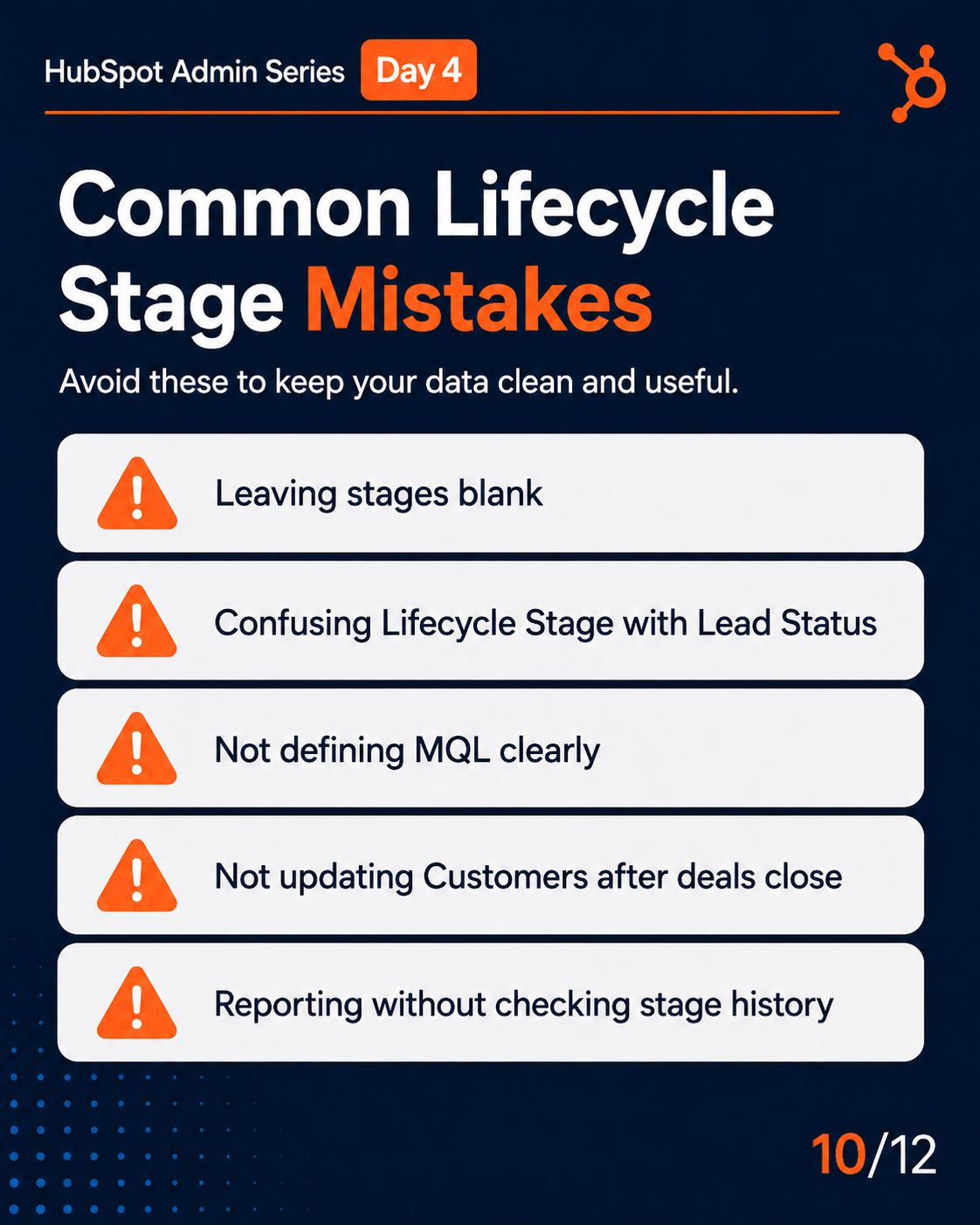
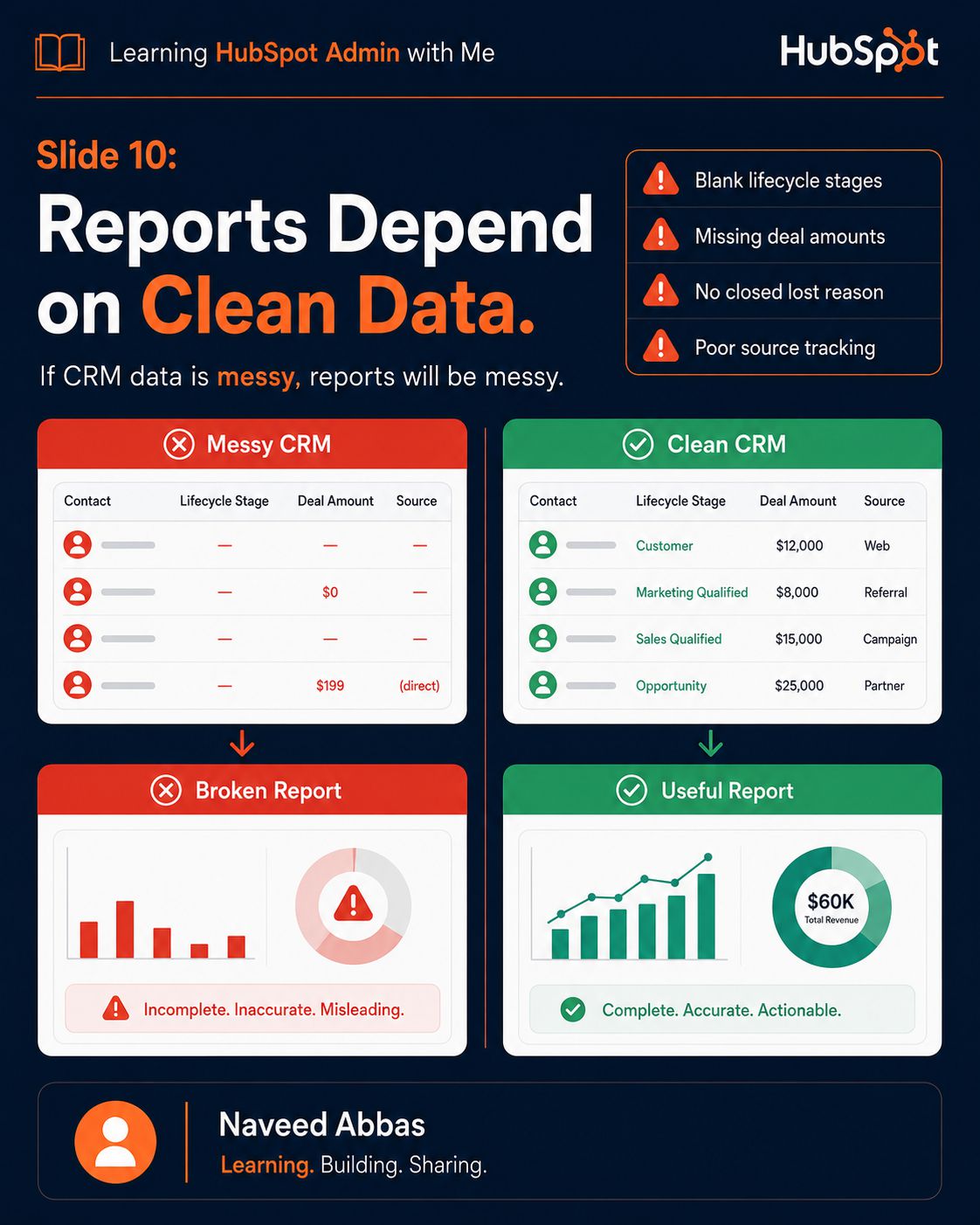
The most common HubSpot implementation mistakes all have the same root cause: building automation before establishing data quality. Here’s what that looks like in practice: someone builds a 12-step lead nurture workflow before ensuring that Lifecycle Stage is being set consistently. The workflow fires — and half the contacts it should enrol aren’t in it because their Lifecycle Stage is blank. Or they build a pipeline forecast dashboard before requiring Amount as a field on deals — and the weighted forecast shows $0 because nobody filled in deal values. The correct sequence is unglamorous but critical: define your objects and properties first, enforce data quality at entry through required fields and form field mapping, build your core workflows (start with just 3: MQL promotion, Closed Won → Customer, and a blank lifecycle stage catchall), and only then build your reports. If your reports show the wrong numbers, that’s almost never a reporting problem — it’s a data capture problem that needs to be fixed upstream. Reports surface what’s in the CRM. Getting what’s in the CRM right is the whole job.
What is the exact difference between Contacts, Companies, Deals, and Tickets?
These four objects are the core building blocks of HubSpot, and the relationship between them is what makes the CRM powerful. A Contact is the individual human you talk to. A Company is the organisation they work for — one Company can have many Contacts associated to it. A Deal is a revenue opportunity — it connects to both a Contact and a Company and tracks the potential value and stage of a sale. A Ticket is a support issue — it tracks a problem a customer needs solved, separate from the revenue pipeline. The critical thing to understand is that these objects are linked, not siloed. When a deal closes, that should update the Contact’s lifecycle stage. When a ticket is created, it should associate to the Contact and the Company. Everything is connected. That connectivity is what turns HubSpot from a contact database into an actual revenue intelligence system — but only if you associate records correctly from the start.
How do I track leads and know where they are in the buying journey?
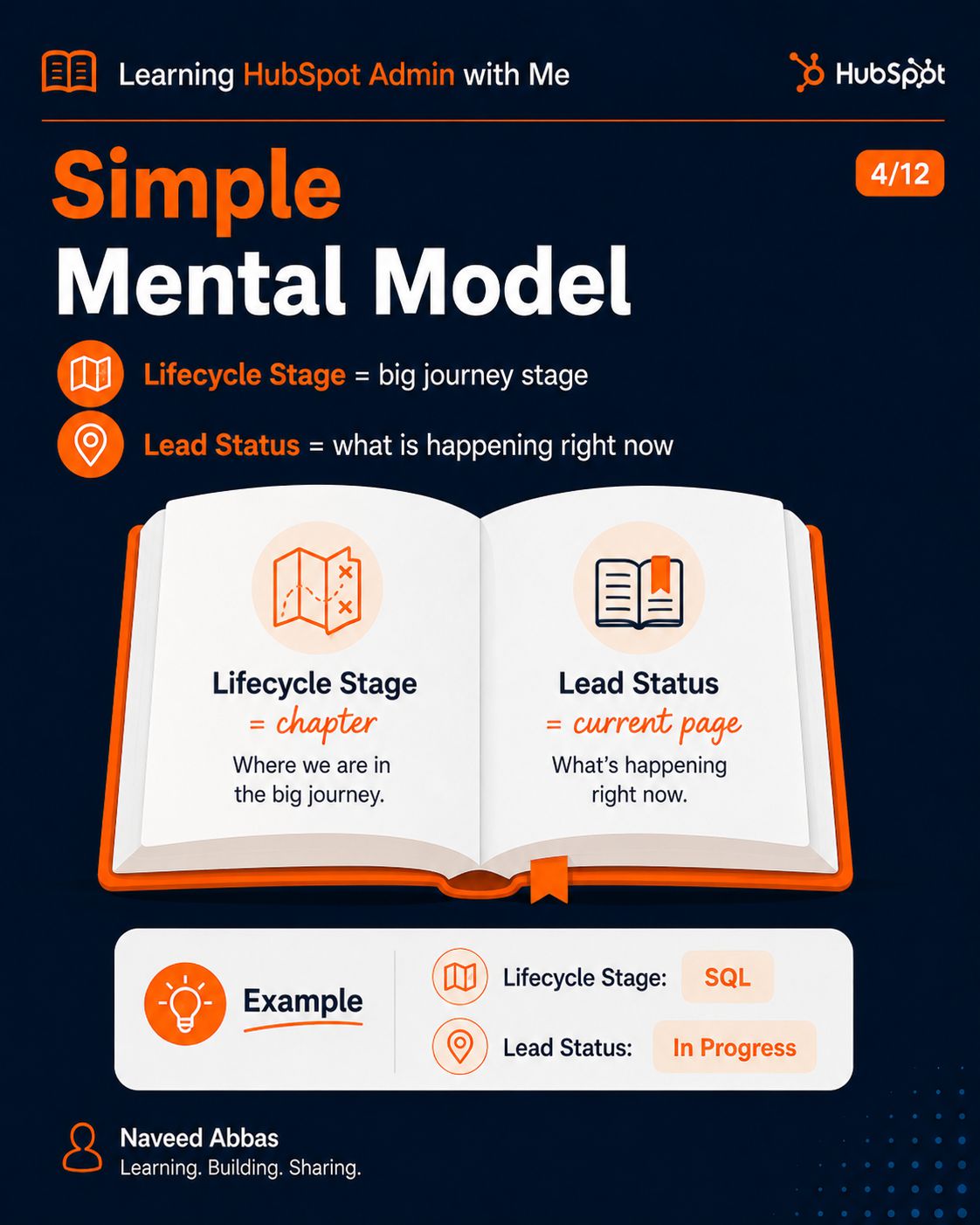
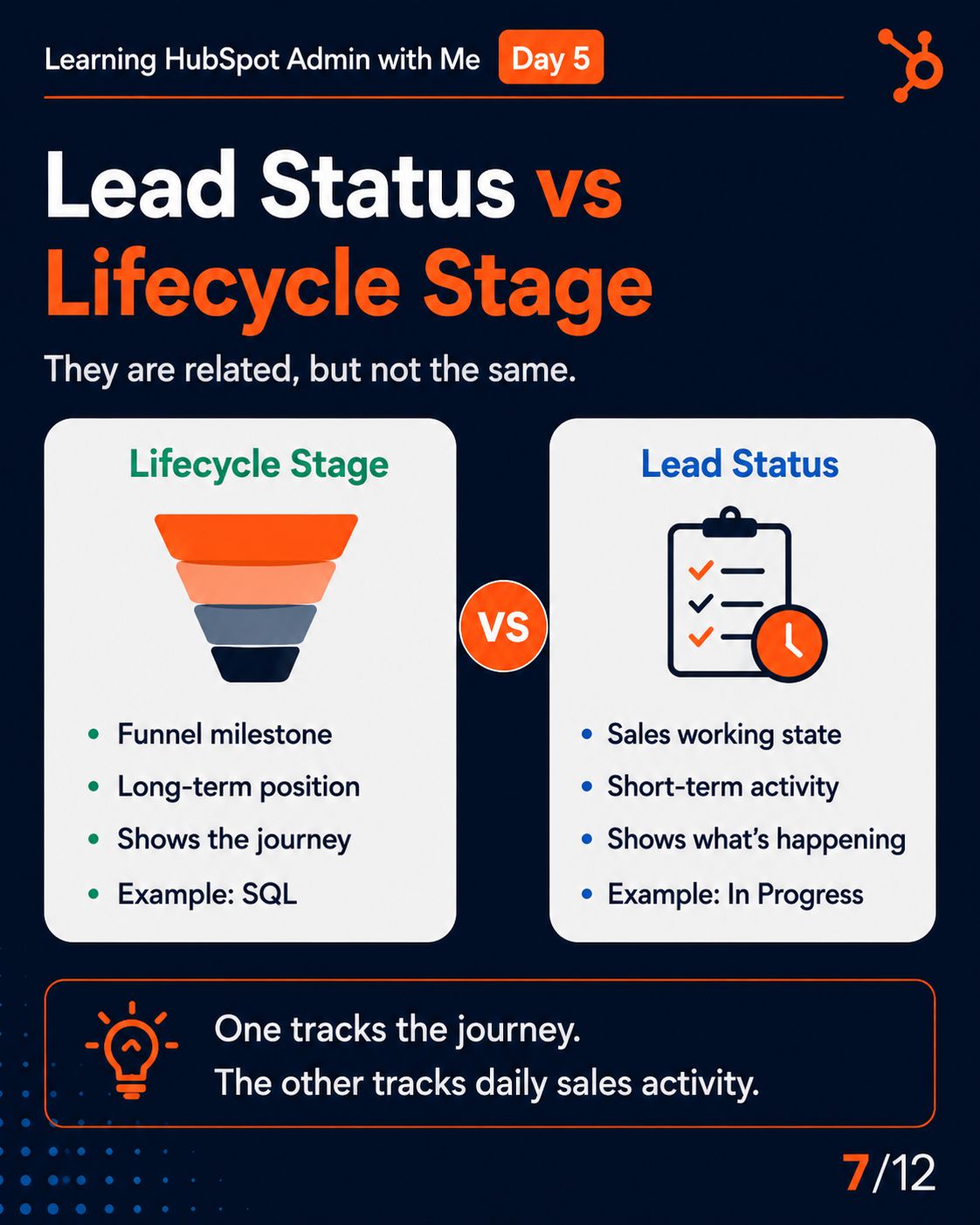
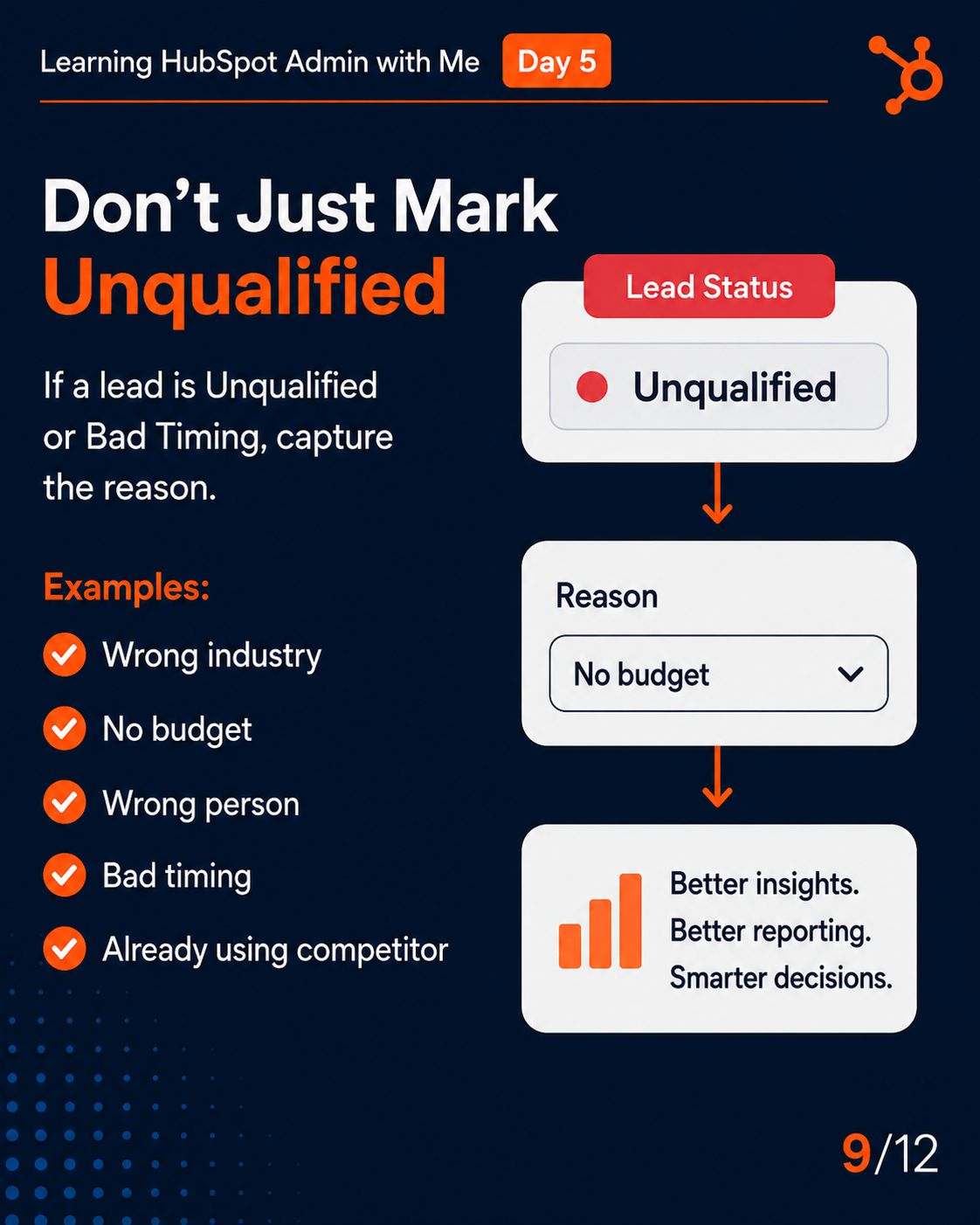
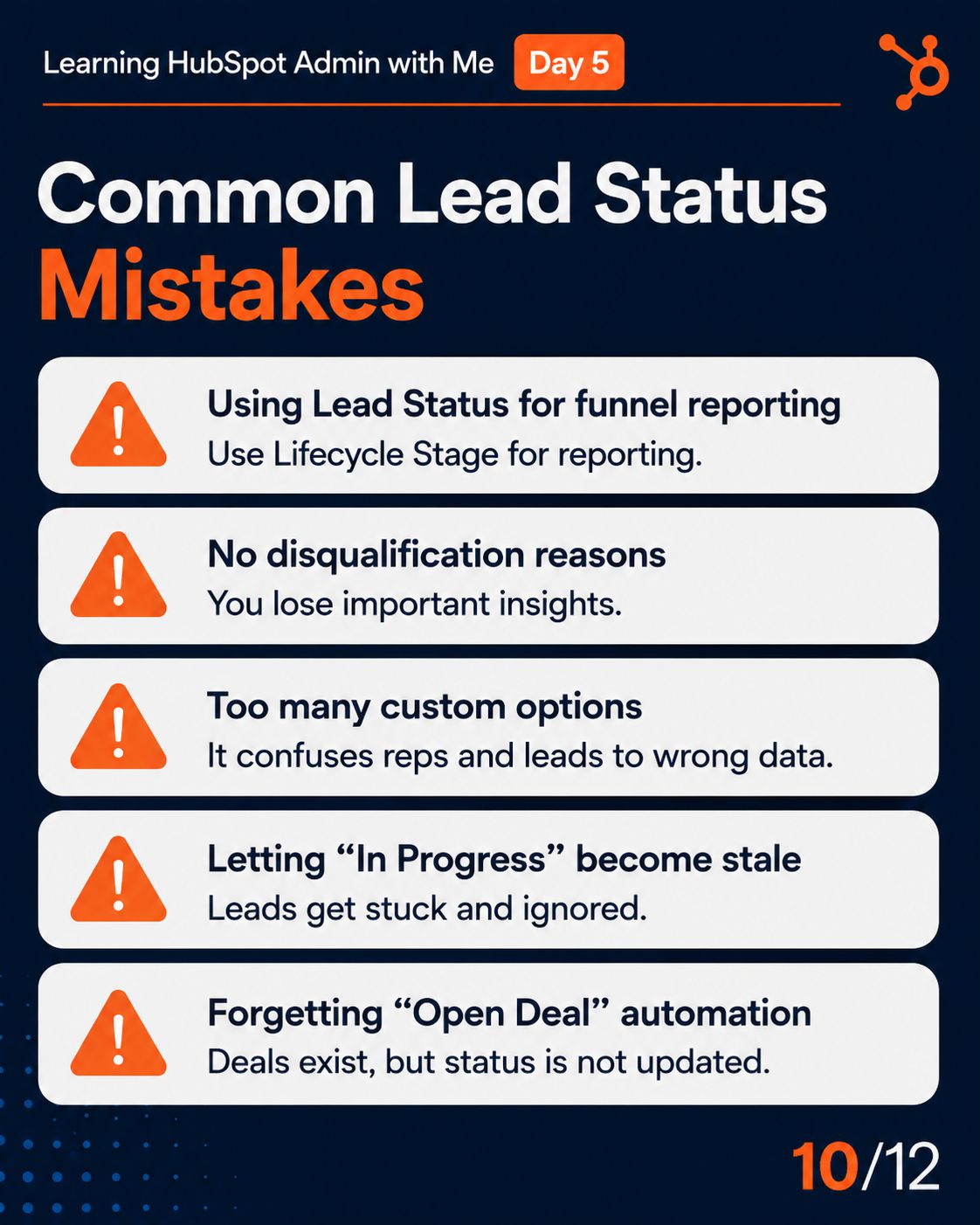
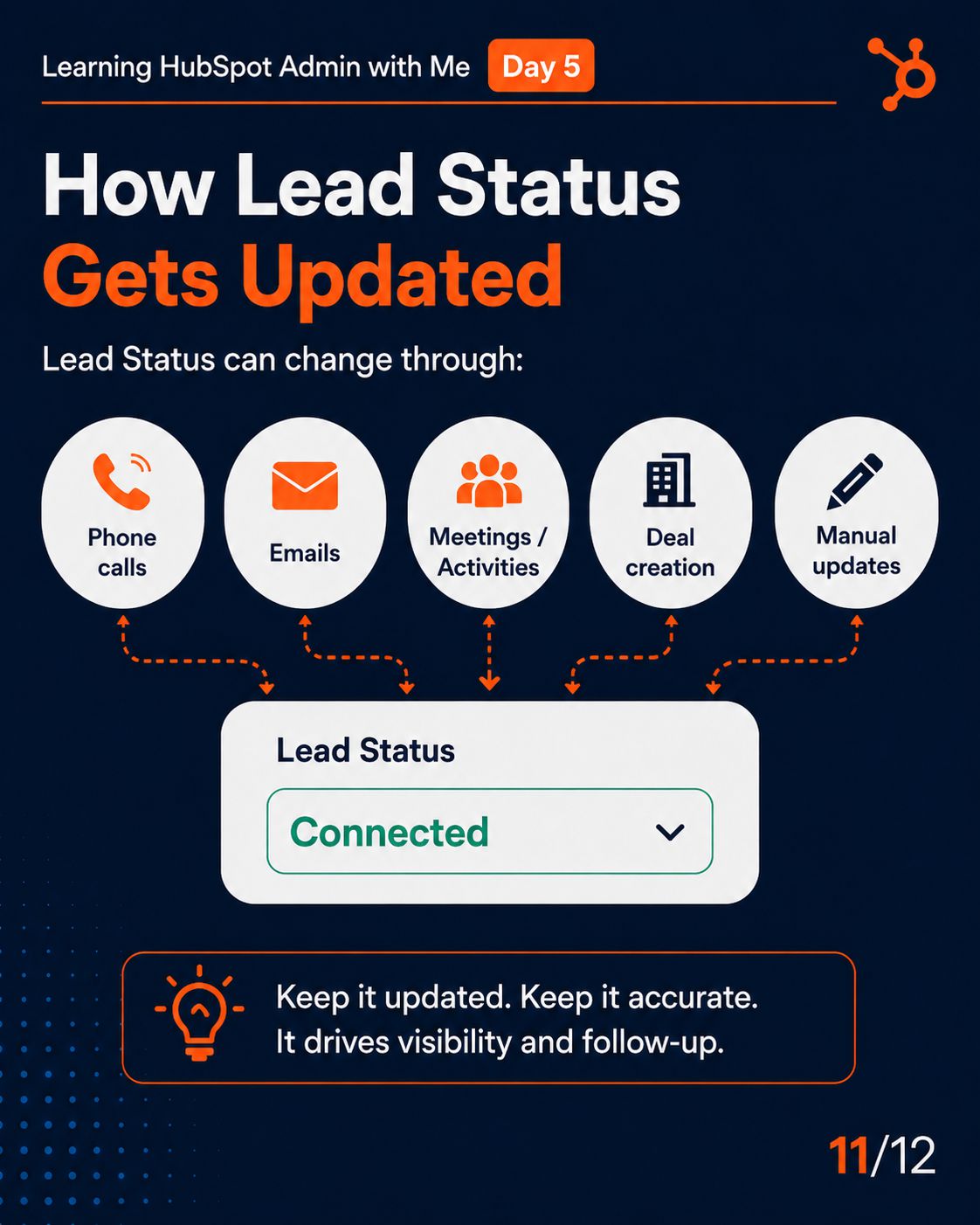
HubSpot uses two completely different systems to track a contact’s journey, and confusing them is one of the most common CRM setup mistakes. Lifecycle Stage tracks the big-picture funnel milestone — where someone sits in their overall relationship with your company, from Subscriber through to Customer. It’s shared across Marketing, Sales, and CS, and it drives cross-team reporting. Lead Status tracks the sales team’s day-to-day working state — what a rep is currently doing with a contact: calling them, waiting for a response, or flagging them as bad timing. The analogy that makes this permanent: Lifecycle Stage is the chapter of the book. Lead Status is what’s happening on the current page. You set up Lifecycle Stages with automated workflows that fire when specific criteria are met — a lead score threshold, a form submission, a deal stage change. The moment those automations are running, you have a real-time funnel view without relying on reps to manually update fields.
How do I connect my team's emails and manage live chat?
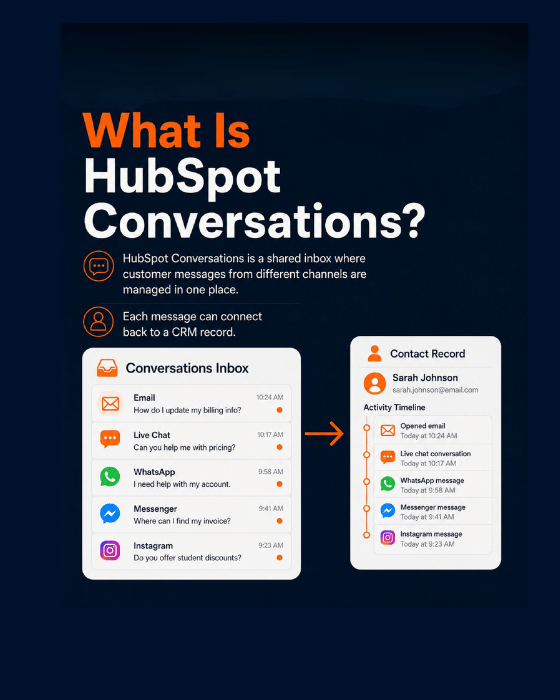
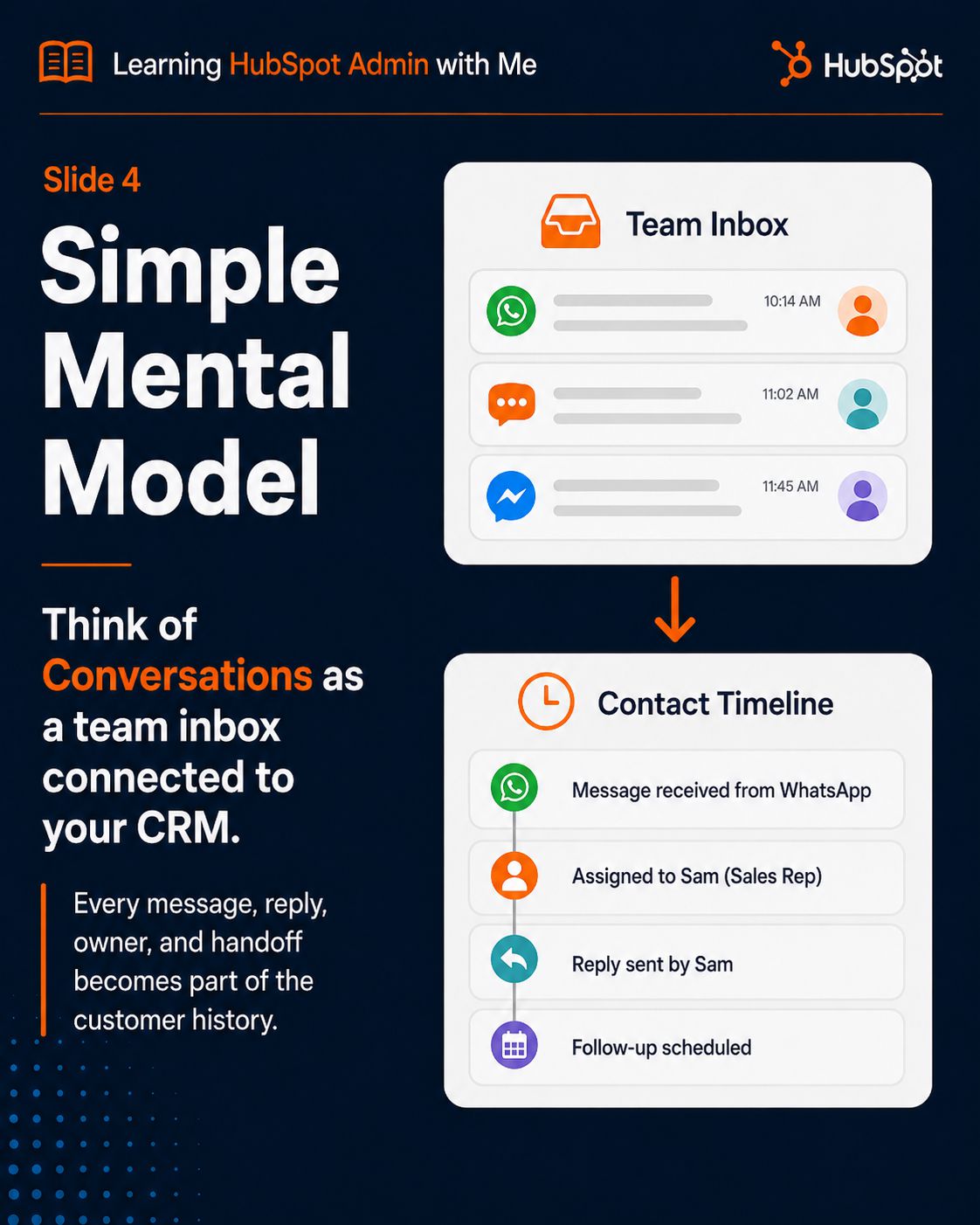
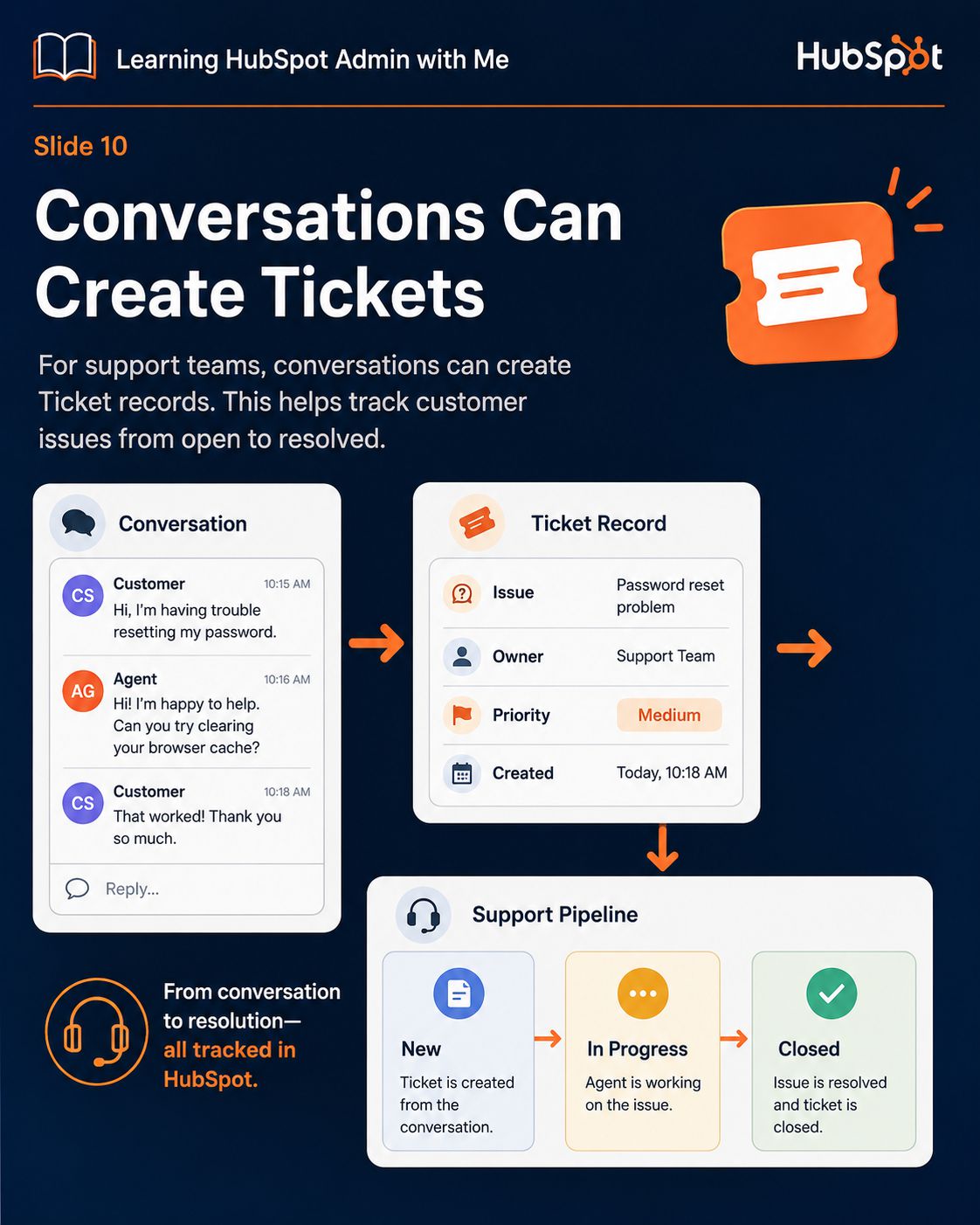
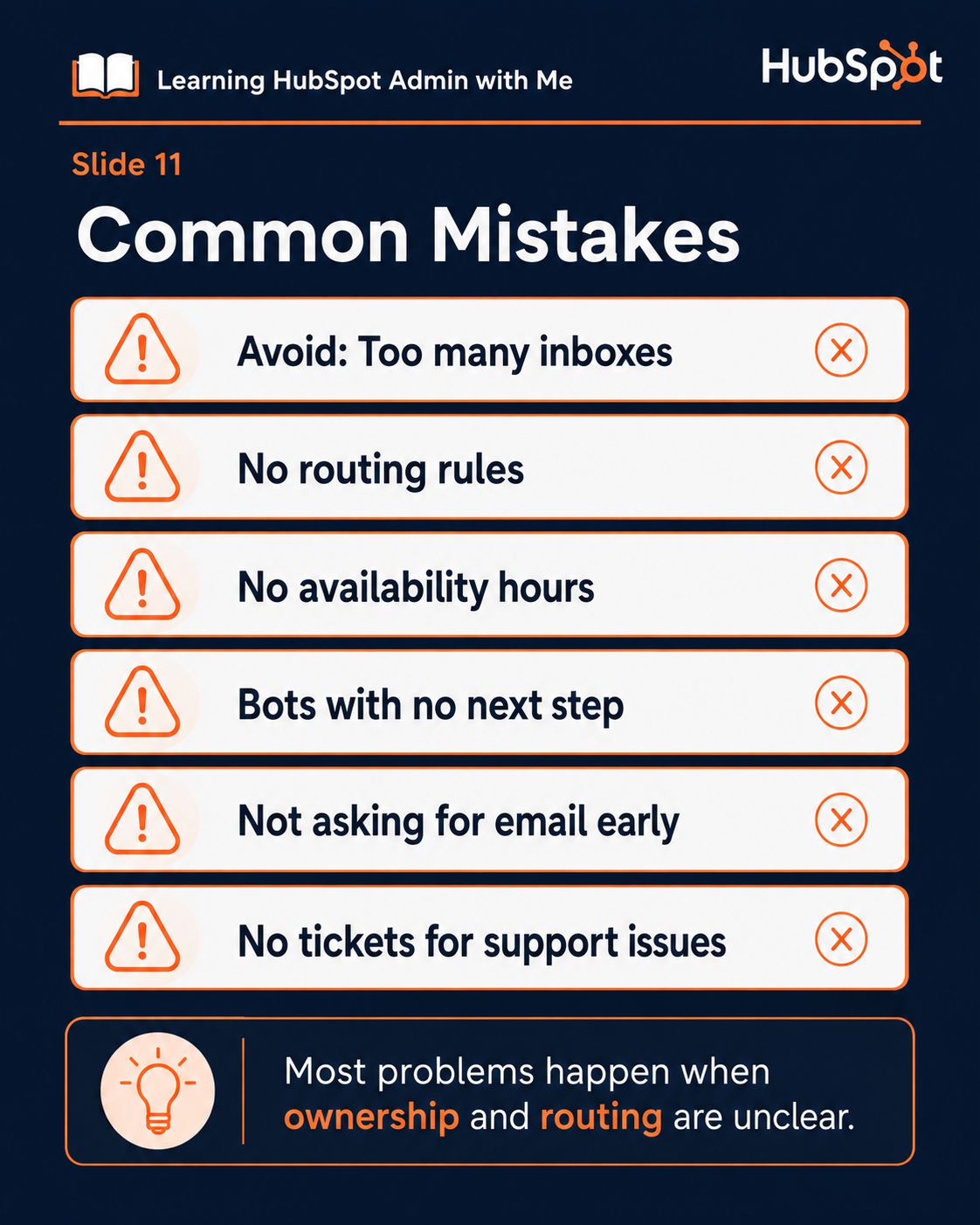
HubSpot Conversations is a unified inbox that pulls every inbound channel — team email, website live chat, WhatsApp, and Facebook Messenger — into one shared space connected to your CRM. Every message automatically links to the sender’s Contact record, so your team sees the full history before they reply. But the configuration decisions that actually determine whether this works well are the ones most people skip. First: routing rules. Who gets assigned an incoming conversation? Round-robin across the team, the contact’s existing owner, or an unassigned queue? If you don’t configure routing, conversations land unassigned, nobody feels responsible, and leads go cold. Second: availability hours. If live chat has no hours set and no bot configured, visitors chat at 2am and get silence — they leave and don’t come back. Third: for support inboxes, enable auto-ticket creation. Every support conversation should create a Ticket record so you have pipeline-style tracking with resolution times and SLA monitoring. Get those three decisions right and the inbox actually works. Skip them and you have a shared mailbox that’s slightly worse than Gmail.
How do I create reports and dashboards to prove the CRM is working?
Before you build a single report, ask one question: what data does this report depend on, and is that data being captured correctly? A pipeline forecast report means nothing if Deal Amounts aren’t required at the right pipeline stage. A lifecycle funnel report means nothing if lifecycle stages are being set inconsistently or not at all. Reports surface what’s already in your CRM — they don’t fix what’s missing. Once your data is clean, the reports that actually prove the system is working fall into three categories. Funnel health: your lifecycle stage conversion rates show whether leads are progressing properly. Pipeline health: weighted pipeline forecast (Deal Amount × stage probability) shows expected revenue with the speculative deals removed. Activity health: calls, emails, and meetings logged per rep this week shows whether the team is actually using the system. If all three look reasonable, your CRM is working. If any of them look broken, that’s your diagnostic starting point — and the fix is almost always upstream in the data, not in the report itself.
Is HubSpot CRM too complicated for a small business or solo user?
HubSpot is genuinely one of the best CRM options for small businesses — the core CRM is free, the interface is intuitive, and the learning curve scales with your ambitions rather than being forced on you from day one. But “complicated” is the wrong frame. The better question is: what do you actually need right now? If you’re a solo user or a small team, you need three things to start: a clean contact database (import your existing contacts with lifecycle stages set), a connected email (so conversations log automatically), and a simple pipeline with 5-7 stages that reflects how you actually sell. That takes a day to set up properly. Everything else — workflows, sequences, attribution, chatbots — layers on top when you’re ready. The mistake isn’t using HubSpot as a small business. The mistake is trying to implement the entire platform in week one. Complexity in HubSpot is optional and progressive. Data quality is not optional and must be right from the start. Get the foundation clean and everything else adds value. Skip the foundation and every advanced feature you build sits on broken ground.